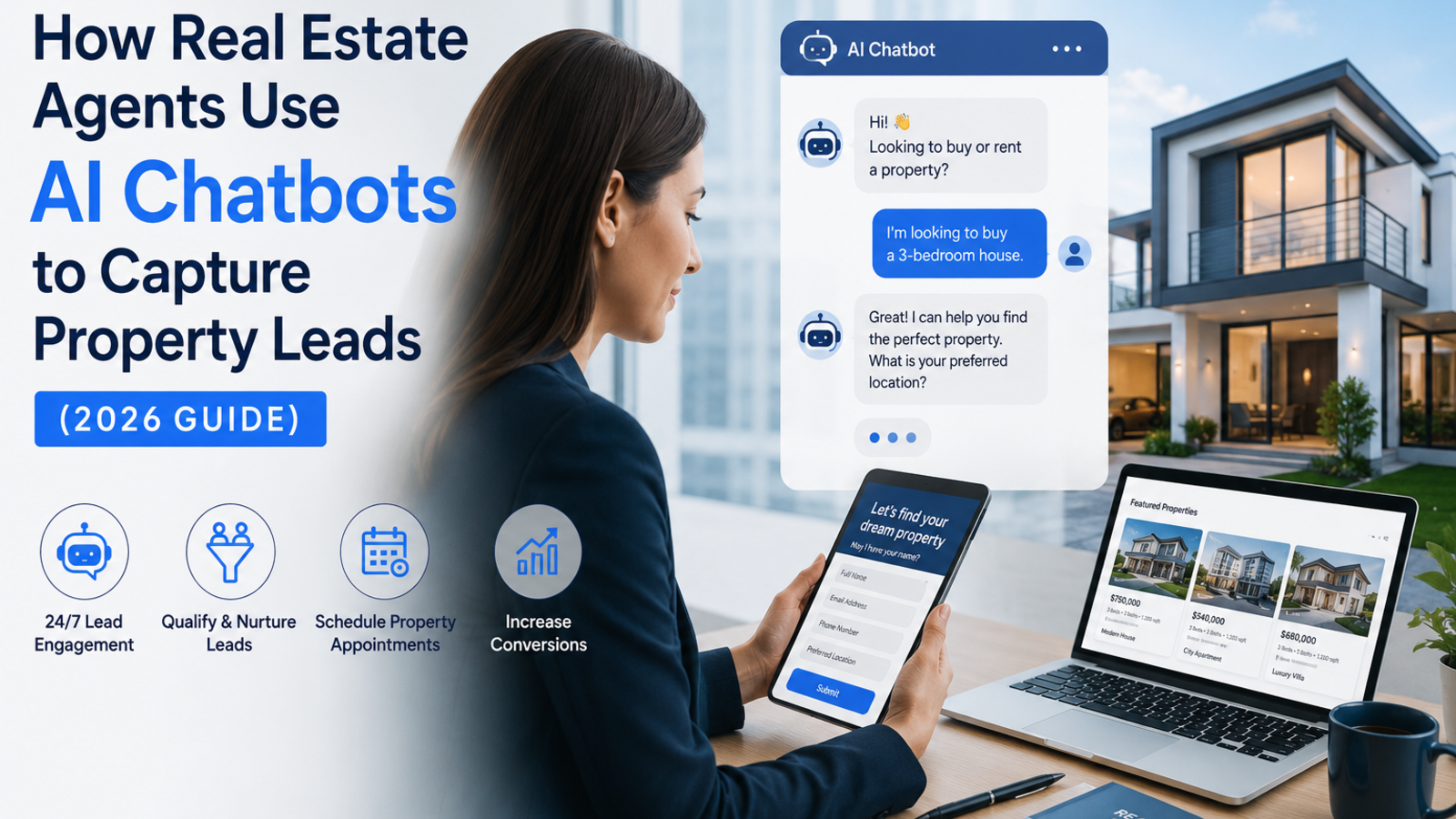
How Real Estate Agents Use AI Chatbots to Capture Property Leads (2026 Guide)
Discover how real estate agents use AI chatbots to capture property leads 24/7, answer buyer queries, and book site visits automatically — without extra staff. Free to start with Glanceia.
Introduction
A potential homebuyer visits your real estate website at 9 PM. They are browsing listings, have questions about a 3BHK in a specific locality, want to know the price range, and are ready to book a site visit — but your office is closed. There is no one to answer. They move on to the next agent's website.
This happens dozens of times a day across every real estate website that relies only on contact forms and business-hours availability. And in real estate, where a single lead can be worth lakhs in commission, losing even one of these after-hours inquiries is a significant cost.
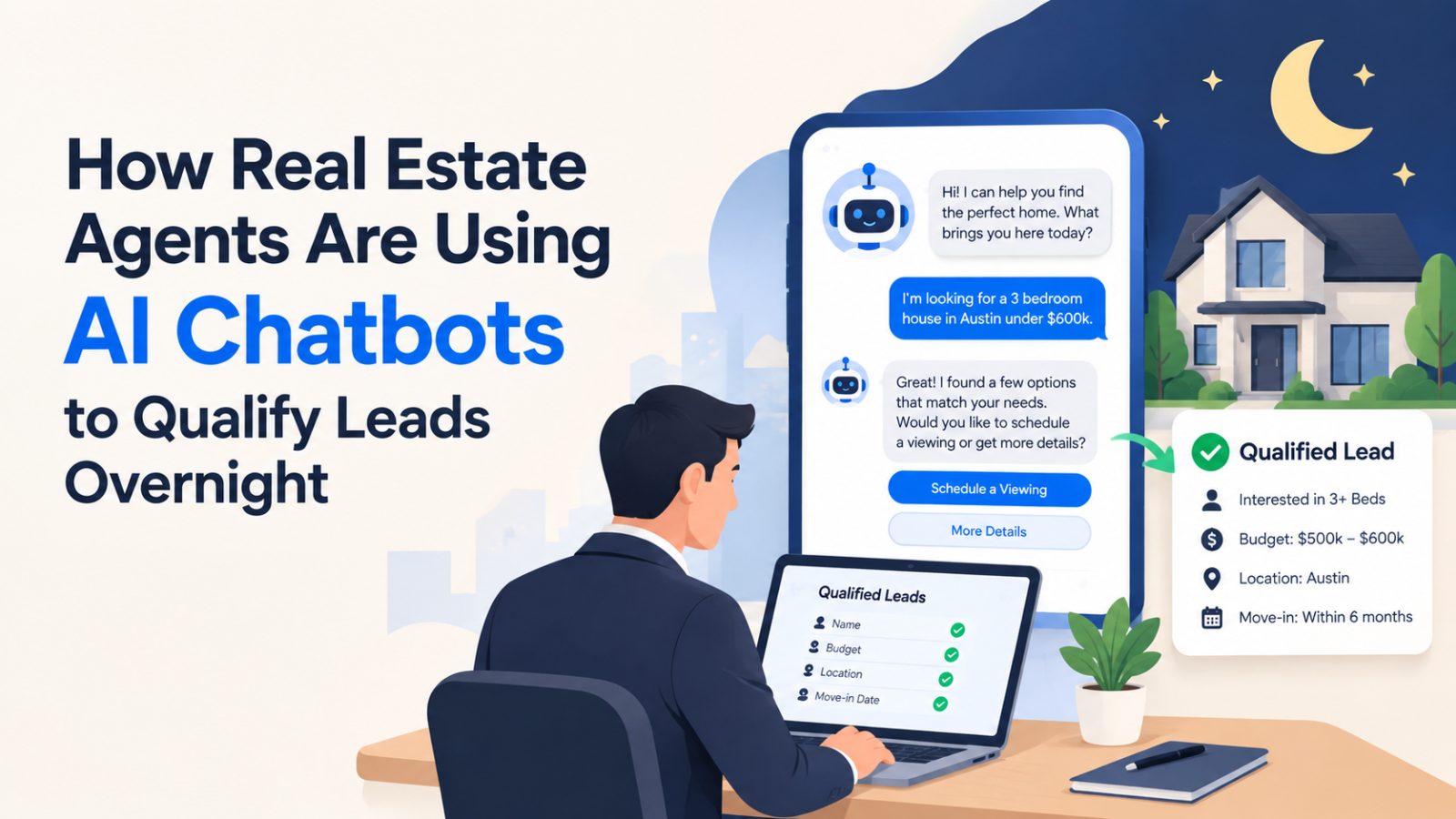
AI chatbots change this equation completely. They sit on your website around the clock, answer property questions instantly, qualify buyers and sellers based on budget and requirements, and book site visits automatically — without your team needing to be online.
Here is exactly how real estate agents and agencies are using AI chatbots to capture more property leads, and how to set one up for your own website using Glanceia.
Why Real Estate Is One of the Best Use Cases for a Chatbot
Real estate has a few characteristics that make it especially well-suited to chatbot automation:
High inquiry volume, repetitive questions. Every agent fields the same questions repeatedly — price per square foot, possession date, floor plan availability, loan eligibility, RERA registration. These are perfect for a chatbot to handle at scale.
Long decision cycles with multiple touchpoints. Buyers research for weeks or months before making a decision. A chatbot can stay engaged with them across every visit to your website, not just the first one.
After-hours interest is extremely common. Property research happens evenings and weekends when buyers are relaxed and browsing — exactly when most real estate offices are closed.
Lead quality varies widely. Not every inquiry is from a serious buyer. A chatbot can qualify leads upfront — asking about budget, timeline, and requirements — so your agents spend time on serious prospects instead of cold inquiries.
Competition is fierce and response speed matters. In most markets, the agent who responds first to an inquiry is significantly more likely to win the client. A chatbot gives you an instant response advantage over competitors who rely on manual callbacks.
What a Real Estate Chatbot Can Handle
Property Queries Price range, configuration (1BHK, 2BHK, 3BHK, villa, plot), location, possession date, floor plan availability, amenities, nearby schools and hospitals — all answered instantly from your uploaded property data.
Lead Qualification The chatbot asks a few key questions upfront — budget, preferred configuration, timeline to buy, whether they need a home loan — and uses those answers to determine how serious and ready the lead is before passing them to your team.
Site Visit Booking Instead of asking buyers to call during business hours to book a site visit, the chatbot can collect their preferred date and time and pass the request directly to your team as a scheduled lead — dramatically reducing the back-and-forth that causes leads to go cold.
Seller and Landlord Inquiries For agents who handle listings, a chatbot can capture property details from potential sellers — location, configuration, expected price, reason for selling — and qualify them as listing leads before a human agent gets involved.
Home Loan and EMI Queries Many buyers have financing questions before they commit to visiting a property. A chatbot trained on basic loan eligibility criteria and EMI ranges can answer these instantly, removing one of the biggest objections in the early buyer journey.
RERA and Legal Questions Buyers and investors increasingly want to know RERA registration status, legal clearances, and documentation requirements. A chatbot trained on your project-specific legal information can answer these confidently, building trust before the agent even makes contact.
Rental Inquiries For agents handling rentals, the chatbot can answer questions about rent, deposit, maintenance charges, lease terms, and availability — and capture the tenant's requirements and contact details automatically.
Step-by-Step: Setting Up a Real Estate Chatbot With Glanceia
Step 1: Sign Up for Free
Go to Glanceia and create a free account. No developer or technical knowledge is required.
Step 2: Upload Your Property Data
This is the step that makes your chatbot genuinely useful rather than generic. Upload content specific to your listings and services:
Property brochures and PDFs — floor plans, specifications, amenity lists, pricing sheets
Project details — location, possession date, RERA number, builder background
FAQ document — compile the 20-30 most common questions your team receives and answer them in detail
Pricing and payment plan — base price, all-in cost, construction-linked or down-payment plan options
Agent contact details — who to reach for specific property types or locations
Area information — nearby schools, hospitals, metro stations, malls — anything that justifies the location
Step 3: Set Up Lead Qualification Questions
Configure the chatbot to ask qualifying questions early in the conversation:
"What is your budget range?"
"Are you looking to buy, rent, or invest?"
"What configuration are you looking for — 1BHK, 2BHK, 3BHK?"
"When are you planning to make a decision?"
"Would you need home loan assistance?"
These answers help your team prioritize follow-ups and have more informed conversations when they do make contact.
Step 4: Configure Lead Capture
Set the chatbot to collect name, phone number, and email from every visitor who engages with it — even those who ask questions but don't immediately request a callback or site visit. These become warm leads your team can follow up with, rather than anonymous bounces.
Step 5: Set a Real Estate-Appropriate Welcome Message
Your chatbot's opening message should immediately signal that it can help with property queries. Good examples:
"Hi! Looking for a property or have questions about our listings? I can help you right now."
"Welcome! Tell me what you are looking for — budget, location, configuration — and I will find the right option for you."
"Hello! Want to book a site visit or know more about our projects? Ask me anything."
Step 6: Embed on Your Website and Go Live
Glanceia gives you a single embed script that goes into your website's footer — works on WordPress, Wix, Webflow, Squarespace, or any custom-built real estate website. Paste it in, publish, and the chatbot goes live on every page instantly.
Test it from an incognito window using real buyer questions before you consider it fully live.
Real Example: What This Looks Like for a Real Estate Agent
The situation: A mid-sized real estate agency in a metro city gets around 200 website visitors a month. Of these, roughly 15 fill out the contact form during business hours — a 7.5% inquiry rate. Many of the other 185 visitors arrive in the evenings or on weekends, browse listings, and leave without making any contact.
With a chatbot in place: The same 200 visitors now all have an instant way to ask questions at any hour. After-hours visitors who previously left silently now engage with the chatbot, get answers about the projects they are looking at, and leave their contact details. The inquiry rate climbs to 18-22% — not because more people visited, but because more of the people who were already interested had their questions answered in the moment rather than waiting until the next business day.
The downstream effect: Agents start the morning with pre-qualified leads — name, phone number, budget, preferred configuration, and timeline — instead of generic contact form submissions that require three follow-up calls just to understand what the buyer actually wants.
Why Speed of Response Wins in Real Estate
Studies on lead response in real estate consistently show that a buyer who submits an inquiry is far more likely to convert if contacted within the first few minutes. After an hour, that likelihood drops sharply. After a day, most serious buyers have already spoken to another agent.
A chatbot does not replace the human relationship that closes a real estate deal. But it does ensure that your agency is the first to respond, the first to answer the buyer's questions, and the first to schedule a site visit — which puts you ahead of every competitor who is still relying on next-morning email replies.
Common Mistakes Real Estate Agents Make With Chatbots
Uploading only generic content. A chatbot that cannot answer specific questions about your actual listings — price, floor plan, possession date — is not useful. Your uploaded content needs to be detailed and project-specific.
Not updating when inventory changes. New launches, price revisions, and sold-out configurations need to be reflected in your chatbot's training data. Stale information erodes trust fast in real estate.
Skipping lead qualification. Collecting a name and number is good. Collecting a name, number, budget, configuration preference, and timeline is far better — and the chatbot can do this automatically in every conversation.
No clear next step. Every chatbot conversation should end with a clear call to action — book a site visit, speak to an agent, or download the brochure. Without this, qualified leads fall through the gap between interest and action.
Not following up fast enough. The chatbot captures the lead instantly — but if your team takes 24 hours to follow up on it, you have lost the advantage. Aim to follow up on chatbot leads within 2 hours during business hours.
FAQ
Can the chatbot show actual property listings or floor plans? The chatbot can describe properties and their specifications in detail from your uploaded brochures and documents. For visual floor plans and image galleries, it can link the buyer directly to the relevant listing page on your website.
Does this work for individual agents as well as large agencies? Yes — in fact, individual agents benefit the most, since they typically cannot afford a dedicated support team to handle inquiries. A chatbot gives a solo agent the same instant-response capability as a large agency.
Can the chatbot book site visits directly? It can collect the buyer's preferred date, time, and contact details and pass those to your team as a site visit request. Full calendar integration for automatic confirmation is available as a more advanced setup depending on your existing booking tools.
How do I handle multiple projects with different pricing and specifications? Upload a separate document or section for each project. Glanceia's training system can handle multiple properties and route answers to the right project based on what the buyer is asking about.
Will buyers trust a chatbot for a high-value purchase like real estate? Buyers use the chatbot the same way they use a search bar — to get information quickly. The chatbot earns trust by giving accurate, specific answers based on your actual project data. The human relationship that closes the deal still happens between your agent and the buyer — the chatbot just makes sure that relationship starts faster.
Final Thoughts
In real estate, the agent who answers first almost always gets the meeting. And the agent who gets the meeting most often closes the deal. An AI chatbot gives your agency instant response capability at every hour — capturing the after-hours leads your competitors are missing, qualifying buyers before your agents spend time on them, and making sure no inquiry goes unanswered simply because your office was closed.
It does not replace the human side of real estate. It makes the human side more productive by ensuring every lead that reaches your team is already informed, pre-qualified, and ready to move forward.
Ready to capture more property leads automatically? Try Glanceia free →
Published by Laxman- Team Glanceia