How Courier and Delivery Companies Use Chatbots to Cut Support Calls
“Where is my parcel?” fills courier phone lines. Here’s how delivery companies use chatbots to answer routine calls, collect complaint details, and free up their team.
Ask anyone who runs a courier counter, a delivery franchise or a regional logistics desk what the phone sounds like at 11 a.m. They’ll tell you the same thing: it’s the same five calls, over and over.
“Where’s my parcel?” “When will it reach?” “Can you deliver tomorrow instead?” “What do you charge for 2 kilos to Pune?” “Your boy said he came, but nobody rang the bell.”
Each call takes a few minutes. None of them is difficult. And together they decide whether your team spends the day fixing real problems or reading out the same answers in a loop.
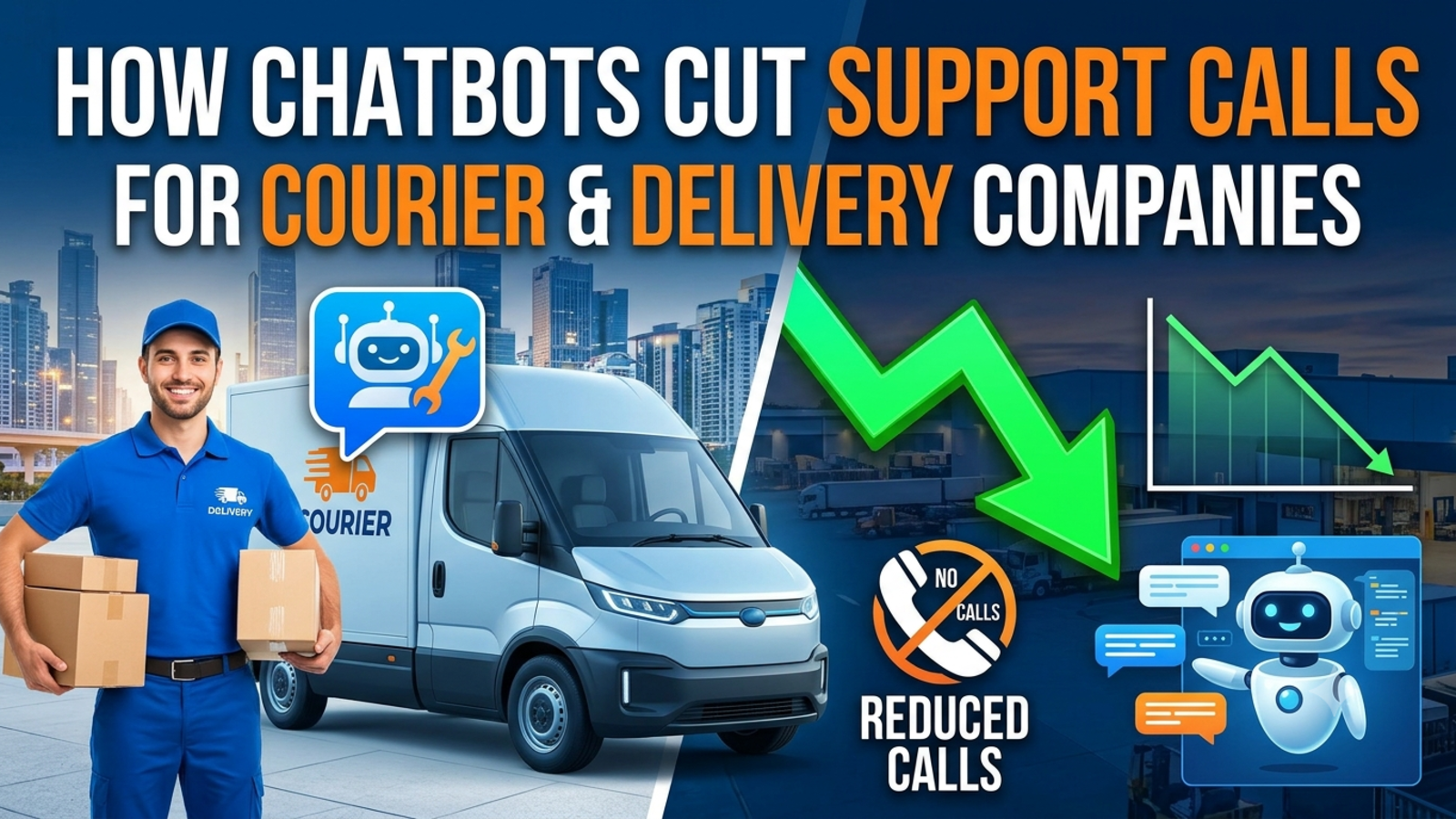
This is where chatbots earn their place in delivery businesses. Not by replacing your people, but by taking the repeated questions off the phone line so that the calls that do reach you are the ones that need you. Here’s how courier and delivery companies are using them, what they can honestly achieve, and how to set one up.
What the calls are actually about
Support teams in logistics even have shorthand for the biggest category: WISMO, short for “where is my order.” It covers anything asking about an order’s status, location or delivery date. In the words of one support-software glossary, silence is what triggers many of these contacts: when customers get no update, they ask for one.
How big a share of your calls is that? Be careful with any number you read. You’ll see claims that WISMO makes up anywhere from 10% to more than half of support volume, but tracking firm Ship24 points out that these figures usually lack a primary source or a clear definition of what counts as a contact. The sensible approach is to measure your own.
A quick way to do it: pull the last 100 calls or messages and sort them into piles. A typical courier or delivery desk will see some mix of:
Status questions (“Where is it? Why hasn’t tracking moved?”)
Pre-booking questions (rates, delivery time, serviceability, prohibited items)
Pickup requests and changes
Failed or missed delivery (“I was home, nobody came”)
Address or timing changes
Damage, loss and claims
Business enquiries (shippers, franchise, bulk contracts)
Your split will differ, and that’s the point. The bigger the first few piles, the more a chatbot can do for you.
Why phone calls cost more than they seem
Every call has a price that doesn’t show up on any invoice: the agent’s time, the lines, the callbacks, the queue that builds when five people phone at once.
Gartner’s benchmark puts the median cost per contact at about $13.50 for assisted channels such as phone, chat and email, versus about $1.84 for self-service. That’s a US-led benchmark, and wages in India are lower, so your absolute numbers will be different. But the gap between a human conversation and a self-service answer is large everywhere, and it grows every time volume spikes around festivals and sales.
Don’t copy anyone’s cost figures. Work out your own: monthly support spend divided by contacts handled. Then you’ll know what each avoided call is worth to you.
Seven ways courier and delivery companies use chatbots
1. Explaining how to track (and where)
Many “where is it?” calls come from customers who don’t know where to look, or who don’t understand what a tracking status means. A chatbot can explain how to find a tracking page, what each status means (“out for delivery,” “attempted,” “held at hub”), and what usually happens next.
Honest limit: unless your chatbot is connected to your tracking system, it can’t tell a customer where their parcel is right now. It can guide them to the right page and explain what they’ll see. If live lookup matters to you, check what your platform supports before you promise it.
2. Answering pre-booking questions
Rates, delivery timelines, pincode serviceability, size and weight limits, restricted items, packaging rules, cash-on-delivery policy. These are factual, they rarely change, and they make up a big share of enquiries from people who haven’t even booked yet, which means they’re also potential customers.
3. Handling pickup and reschedule information
Pickup timing, cut-off times, what to have ready, how to reschedule, what happens if you’re not available. A bot can lay all this out clearly and collect a name, phone number and preferred time for your team to action.
4. Taking the sting out of failed deliveries
A missed delivery is the highest-friction moment in the whole journey, and the one that most often turns into an angry call. A chatbot can explain what happens after a failed attempt, how many attempts are made, how to request redelivery, and how to share a better time or landmark. Blue Dart, for instance, worked with a conversational-AI company on a WhatsApp chatbot aimed at cutting the number of times customers weren’t present when the delivery partner arrived. The vendor’s case study reports a 2.5x return on investment, though that’s a vendor-published figure and the details of how it was measured aren’t something we’ve verified.
5. Starting damage, loss and claim reports properly
Nobody enjoys making a claim call. A chatbot can explain the claims process, list the details you’ll need (consignment number, photos, packaging condition), and collect the basics so your claims team starts with a complete file instead of a vague phone call. It should hand over quickly and say clearly what happens next.
6. Catching business leads
Delivery companies don’t only get customer complaints. They get enquiries from shopkeepers, small online sellers and businesses asking about rates, pickup contracts, franchise options and bulk shipping. A chatbot on your website can answer the first round of those questions at any hour and capture the lead’s name and phone number for your sales team.
7. Speaking the customer’s language
Parcels move across states, and so do customers. Many people are more comfortable asking in their own language. India had around 270 million online shoppers and a US$60 billion e-retail market in 2024, according to Bain & Company’s 2025 report as cited by one logistics-automation firm, and every additional order can bring tracking enquiries, address corrections and failed-delivery calls. Glanceia works in over 95 languages, so a customer can ask in the language they prefer.
What real companies have done
A few examples, all published by technology vendors, so read them as indicative, not independent proof:
Aramex moved part of its delivery support to WhatsApp self-service, handling about 500,000 messages a month and reporting 2.7 times the support productivity of a phone call, according to a customer story from its messaging vendor. The company had set a goal of cutting calls by up to 80%, but the story reports productivity, not the final reduction.
Blue Dart used a WhatsApp chatbot to reduce delivery attempts where customers weren’t available, per the Haptik case study mentioned above.
What they share isn’t a magic number. It’s the approach: put routine answers in front of customers first, and keep humans for the cases that need them.
What a chatbot should not try to do
Delivery is full of moments where a wrong answer costs more than no answer. A few rules:
Don’t let it guess about a specific parcel. If it can’t see the shipment, it should say so, point to your tracking page, and offer to take details for your team.
Don’t automate away the genuinely lost parcel. One support-software write-up notes that aggressive automation of status answers can strand the small share of customers whose parcel really is lost, and those are precisely the contacts where a wrong answer damages the relationship. Make it easy to reach a person.
Don’t promise delivery dates it doesn’t control. Keep to policy: usual timelines, not guarantees.
Don’t handle angry or distressed customers alone. A bot can acknowledge and collect details. A person should take the call.
Don’t pretend to be human. Be upfront that it’s an AI assistant.
How to set it up, step by step
1. Sort your last 100 contacts
Count how many fall into each pile above. This tells you what the bot should handle first.
2. Write down the answers
For your top 20 questions, write short, specific answers: the direct answer first, then the key detail, any limit, and the next step.
Vague:
Delivery time depends on the destination.
Useful:
Metro-to-metro deliveries usually take 2 to 3 working days. Other cities take 4 to 6, and remote areas can take up to 8. You can check if we deliver to your pincode on our website. If you tell me the pincode, I can share what to expect.
Include your rate card, serviceability notes, pickup cut-off times, prohibited items, packaging guidelines, redelivery policy, claim steps and branch contact details.
3. Train the chatbot on your content
With Glanceia, you upload your own material (PDFs, Word documents, CSVs, plain text and FAQs), and the bot answers from it, so replies stay specific to your service rather than generic information. Setup is three steps: connect your data, customise the look and tone, and add one line of code to your website. It works with platforms like WordPress, Shopify, Wix and Squarespace.
4. Write first messages that fit the page
On a tracking page: “Not sure what a status means? Ask me.” On a rates page: “Want to know the delivery time to your city?” On a pickup booking page: “Questions before you book a pickup?” Glanceia lets you set a custom first message for each key page, so write your own for the busiest ones.
5. Collect details for the handoff
When a conversation needs a person (a missed delivery, a damaged parcel, a custom quote), the bot should collect a name and phone number, tell the customer what happens next (“Our claims team will call you within four hours”), and pass it on. Glanceia can capture names, emails and phone numbers during chat and route lead data and important conversations to your inbox. If you need other details, such as a consignment number, check how to collect them in your setup.
6. Name an owner for the inbox
A handoff nobody checks is worse than no bot. Pick one person or a rota, set a response promise you can keep, and write it where customers can see it.
7. Use alerts at high-intent moments
For pickup bookings and payments, Glanceia can send real-time alerts when users reach key pages such as booking or payment, so your team can step in while someone is still deciding.
8. Review every week
Spend 20 minutes on what the bot couldn’t answer, which questions came up most and where visitors dropped off. Glanceia’s analytics show top questions and drop-off points. Every gap you close is a call you won’t get tomorrow.
What to measure
You don’t need a complicated dashboard. Track:
Contacts per 100 shipments, your overall pressure gauge
WISMO share, status questions as a percentage of contacts (and keep your definition consistent)
Questions the bot couldn’t answer, which tell you what to add
Calls received per week, before and after
Time to first human reply on handoffs
Claims and failed-delivery contacts, which show whether you’re fixing causes
One trap worth knowing: if other types of contacts grow faster, your WISMO percentage can fall even as the number of status calls rises. Watch both the share and the count.
Fix the cause, not just the question
A chatbot answers repeated questions well, but the best result is making the question unnecessary. Use your chat history as a to-do list:
If many customers ask what “attempted” means, your tracking page needs clearer wording.
If many ask about redelivery, your missed-delivery message isn’t telling them what to do.
If many ask about the same pincode, your serviceability page is hard to find.
Proactive updates matter too. Customers who hear nothing tend to call, so clear status messages sent by SMS or WhatsApp at key milestones reduce calls before they happen. That’s a separate system from a website chatbot, so think of the two as working together.
Where Glanceia fits (and where it doesn’t)
We make Glanceia, so here’s the plain version.
What it’s good for: answering questions on your website from your own content, around the clock and in many languages; capturing leads and complaint details; showing you what customers ask; and routing important conversations to your inbox. For a courier business, that fits rates, serviceability, pickup and claim questions, plus business enquiries.
What its site doesn’t describe: live shipment-status lookup by consignment number, or a WhatsApp channel. If you need the bot to fetch live tracking status or reply on WhatsApp, ask the team about integration options through the contact page before you commit. And like any chatbot, it’s only as accurate as the information you give it.
Cost: the site lists a Free plan (one bot, limited tokens, one day of chat history) and a Pro plan marked “Coming Soon.” Check the pricing page for current details. No credit card is required to start.
A 30-day plan
Week 1: Sort 100 contacts, write down what you learn, and note your current calls per week.
Week 2: Write your top 20 answers, your rate and serviceability notes, and your handoff rules.
Week 3: Upload your content, set first messages, test as a stranger (typos, angry messages, tricky pincodes) and go live.
Week 4: Do your first review, add missing answers, and compare your numbers.
Mistakes to avoid
Launching with thin content. A bot with no real information gives weak answers faster.
Letting it guess about a parcel. Honest “I can’t see your shipment” beats a confident wrong answer.
Hiding the human option. This is the biggest source of frustration.
Outdated rates or policies. Update the bot whenever prices, cut-offs or rules change.
Ignoring peak season. Update content before festival and sale periods.
No owner for handoffs. Someone must check them.
Measuring only deflection. If customers leave unhappy, it isn’t a saving.
FAQ
Can a chatbot reduce support calls for a courier company?
It can take over the repeated, factual questions: rates, delivery times, pickup policy, how to track and how to claim. How much it reduces calls depends on your mix of contacts and the quality of the content behind it.
Can a chatbot tell customers where their parcel is?
Only if it’s connected to your tracking system. Otherwise it can explain how to track and what statuses mean, and then pass the customer on. Glanceia’s site doesn’t describe live tracking lookup, so ask the team if you need it.
What questions should a courier chatbot answer?
Rates, delivery timelines, serviceability, pickup and cut-off times, packaging and prohibited items, redelivery policy, claim steps and branch details.
What should it never do?
Guess about a specific shipment, promise delivery dates, or handle complaints from distressed customers alone.
Can it capture business leads?
Yes. Glanceia can collect names, emails and phone numbers in chat and send lead data to your inbox.
Does it work in Indian languages?
Glanceia supports over 95 languages. Test it in the languages your customers use.
Do I need a developer?
No. You upload your content, customise the look and first message, and add one line of code to your website.
How much does it cost?
Glanceia has a free plan with no credit card required. See the pricing page for current details.
How do I know it’s working?
Compare calls per week and contacts per 100 shipments before and after, and read the chat history. Glanceia’s analytics show top questions and drop-off points.
Let the routine calls go
Your team shouldn’t spend the day reading out rate cards. Start with your top 20 questions, put them in front of customers before they pick up the phone, and keep your people for the calls that matter.
Glanceia is free to start with no credit card required. See the docs to get set up, or contact the team to talk through your delivery operation.