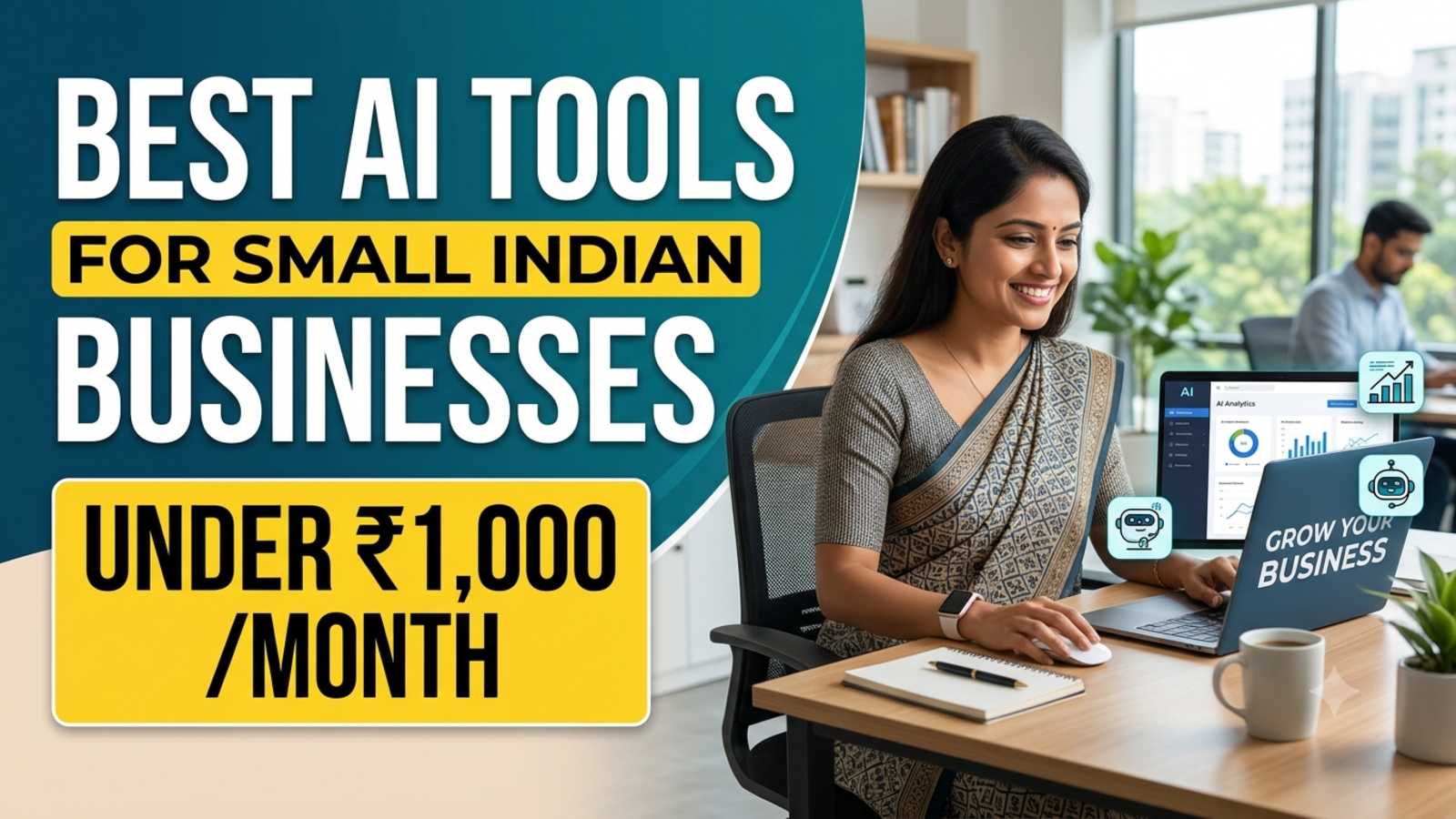
Best AI Tools for Small Indian Businesses Under ₹1,000 a Month
Seven AI tools that cost under ₹1,000 a month or nothing at all, with prices checked in October 2026, honest limits, and three ready-made tool stacks.
Most “best AI tools” lists are written for companies with a software budget. If you run a kirana-to-online store, a tuition centre, a travel desk or a two-person agency, that’s not you. You want to know three things: what does it cost in rupees, what will it actually do for me, and where’s the catch?
So we checked. This list covers AI tools that either cost under ₹1,000 a month or have a genuinely useful free plan, with the limits spelled out. Some tools have a promotion running right now, and a few have changed in the last few weeks, so pay attention to the dates.
One disclosure up front: Glanceia, the company behind this site, makes one of the tools on this list. We’ve tried to treat it the same way as the others, including its limits.
How we chose them
We used four rules. The tool has to work for a small team without a developer. It has to cost under ₹1,000 a month, or be free. It should have rupee billing or UPI where possible, because many Indian business owners don’t have an international card. And we only included prices we could confirm from at least one reliable source, which is why a few popular names are missing.
1. ChatGPT: your all-purpose assistant
Best for: writing product descriptions, emails, social captions, quotations, replies to reviews, and getting unstuck on any task.
Price: OpenAI launched ChatGPT Go in India at ₹399 per month, which is cheaper than the ₹1,999 Plus plan. There’s also a free promotion: OpenAI made Go free for 12 months to people in India who signed up during a promotional window starting 4 November. A July 2026 update reports that the free period runs until 16 December 2026, and that Go is expected to return to ₹399 a month automatically unless you cancel. We couldn’t confirm whether new sign-ups are still open today, so check the upgrade screen in the app.
The catch: if you take the free year, set a reminder before the date. A forgotten renewal is a ₹399 surprise. Also remember that ChatGPT is a general assistant for you, not a front desk for your customers. It’s great at drafting and thinking, but it won’t sit on your website and answer visitors.
Our take: start with the free plan. Move to Go only if you keep hitting limits.
2. Glanceia: a chatbot for your website visitors
Best for: businesses that get the same questions again and again from website visitors, such as prices, availability, timings, packages and delivery.
What it does: it answers visitors on your website, around the clock, from your own documents and FAQs. It can also collect names, emails and phone numbers and send lead details to your inbox. Setup is one line of code, and it works in over 95 languages.
Price: according to Glanceia’s site, the Free plan is $0 a month with one bot, limited tokens, and one day of chat history, while Pro is listed at $9 a month with four bots, four million tokens, extended context and unlimited chat history, marked “Coming Soon”. At recent exchange rates (about ₹90 to the dollar, based on a December 2025 conversion), $9 is roughly ₹800 before any tax, but the rate moves, so treat that as an estimate.
The catch: the free plan has limited history and limits on usage, and Pro isn’t live yet. It also covers your website chat, not WhatsApp conversations (see the next tool for that). And like any chatbot, it’s only as good as the content you give it.
Our take: if your inbox is full of repeated questions, start here. The free plan is enough to test whether visitors actually use it. We cover the setup in our guide on
3. WhatsApp Business app and Business AI: for chats where your customers already are
Best for: shops, home businesses, service providers and anyone who takes orders and enquiries on WhatsApp.
Price: the WhatsApp Business app is free, with no subscription or per-message fees. In May 2026, Meta launched Business AI for the app in India. Meta says it lets eligible businesses respond to customer queries 24/7, capture leads and book appointments, in all native Indian languages, with no coding or third-party tools. You set it up from the Tools tab by choosing “Your Business AI.”
The catch: Meta’s announcement says businesses must meet certain eligibility criteria, and it doesn’t state a price. One October 2026 guide says it couldn’t find a confirmed India price and that reports suggest paid plans are planned. So check inside your app before you rely on it.
Our take: if most of your customers message you on WhatsApp, this is the first thing to try. If they also visit your website, pair it with a website chatbot so both doors are covered.
4. Canva: design without a designer
Best for: festival posters, Instagram posts, reels covers, menus, catalogues, visiting cards.
Price: Canva has a free plan. Canva Pro Lite is a cheaper paid tier that, per Canva’s help page, is currently available in India and Indonesia and includes premium templates, a background remover and Magic Resize, but not conversational design in Canva AI. Third-party trackers put Canva Pro at roughly ₹4,500 a year, about ₹375 a month, and older sources quote around ₹499 on monthly billing. We couldn’t load Canva’s own India page, so confirm the rupee prices there.
A promotion worth checking: Jio and Canva announced a partnership under which eligible Jio users get 12 months of Canva free: Pro on the ₹399 plan, and Pro Lite on the ₹349 plan and 2 GB/day plans above ₹349, with the offer live from 16 September 2026. If you’re already on Jio, claim it before paying anything.
The catch: design tools are easy to over-subscribe to. If you make three posts a month, the free plan is enough.
5. Zoho Bigin: a simple CRM for follow-ups
Best for: anyone who loses track of leads in WhatsApp chats and notebooks.
Price: Bigin’s own page lists India pricing as a forever-free plan, Express at ₹400 per user per month billed annually, Premier at ₹720, and Bigin 360 at ₹1,080. A July 2026 review says AI features such as a writing assistant and record summaries arrive at Premier, while WhatsApp Business integration starts on the cheapest paid tier, though that review used euro pricing, so check the details on Bigin’s page for India.
The catch: “billed annually” means you pay the year up front, so ₹400 a month means about ₹4,800 at once. Also check whether the price shown includes GST. A few third-party sites quote different numbers, which is exactly why the official page matters.
Our take: try the free plan first. Upgrade only when you truly need more records or users.
6. Zoho Invoice: GST invoicing at no cost
Best for: freelancers and small shops that need clean, GST-ready invoices.
Price: Zoho describes it as forever-free invoicing software for creating GST invoices, emailing them and getting paid. Reviewers report usage limits on the free plan, and the limits differ between sources, so check Zoho’s page for your numbers.
The catch: it’s invoicing, not full accounting. When you need books, bank reconciliation and returns in one place, Zoho Books is a separate product with its own paid plans.
7. Fathom: free meeting notes
Best for: founders and consultants who spend their day on Zoom, Google Meet or Teams calls.
Price: Fathom’s free plan offers unlimited recordings and transcription across Zoom, Google Meet and Microsoft Teams, though advanced AI summaries are limited to the first five calls per month. Paid plans are priced in dollars (around $16 to $20 a user per month), which puts them above ₹1,000.
The catch: it works for video calls, not for phone calls or in-person meetings. Always tell people when you’re recording.
8. Google AI Plus: worth a look, with a caveat
Best for: people who already live in Gmail, Docs and Google Drive.
Price: Google AI Plus is ₹399 a month in India, with an introductory ₹199 a month for the first six months for new users; AI Pro is ₹1,950.
The catch: this one changed recently. Reports from early October say that from 9 October 2026, free Gemini users are limited to the Flash-Lite model, and AI Plus subscribers lose access to the Pro model while keeping Flash-Lite and Flash. That report notes it relies on news coverage without official confirmation, so check your account email from Google. For many small businesses, ChatGPT’s free plan and Go are the better first stop.
Three sample stacks
Here’s how these tools add up. Prices are monthly, rounded, and may exclude GST.
Stack 1: The ₹0 starter
ChatGPT free plan + Glanceia Free + WhatsApp Business app + Canva Free + Zoho Invoice + Zoho Bigin Free + Fathom Free
Total: ₹0. It takes an afternoon to set up, and it’s enough for a surprising number of businesses.
Stack 2: The growing business
ChatGPT Go (₹399) + Zoho Bigin Express (₹400) + Glanceia Free + Canva Free + WhatsApp Business app
Total: about ₹799, plus GST if applicable. Remember the Bigin plan is billed annually.
Stack 3: The website-first business
Glanceia Pro (about ₹800 once available) + free versions of everything else
Total: roughly ₹800. Good if most of your enquiries come from website visitors.
If a stack adds up to more than ₹1,000, drop whichever tool you’ve used least in the last month.
How to avoid wasting money
Start free. Use a paid plan only after the free one actually limits you.
Check the renewal date. Free trials and promotions usually convert to paid automatically. Put the date in your phone’s calendar.
Check for GST. Several Indian price lists exclude the 18% tax.
Pay for one tool per job. Three tools that write captions don’t make better captions.
Review monthly. If nobody opened a tool in 30 days, cancel it.
Don’t paste sensitive data. Customer phone numbers, Aadhaar details and bank information shouldn’t go into any AI tool without checking its privacy terms.
Keep a human in the loop. AI drafts. You approve, especially for prices, policies and anything legal.
FAQ
Which AI tool is best for a small Indian business?
There’s no single winner. For writing and ideas, start with ChatGPT’s free plan. For website visitors, try a chatbot such as Glanceia. For WhatsApp, use the WhatsApp Business app. For follow-ups, Zoho Bigin’s free plan is a good start.
Are there good AI tools for under ₹500 a month?
Yes. ChatGPT Go is ₹399 a month when it isn’t free, Bigin Express is ₹400 per user per month, and many tools on this list have free plans.
Is ChatGPT Go really free in India?
OpenAI ran a 12-month free promotion for Indian users starting in November 2025, and a July 2026 report says it runs to 16 December 2026. Billing resumes at ₹399 a month unless you cancel. Check the upgrade screen for the current status.
Can I pay for these tools with UPI?
Several of them accept it. ChatGPT Go supports UPI, for example. Others vary, so check at checkout.
Do I need a developer to use these tools?
No. Each tool here is designed for non-technical users. Adding a Glanceia chatbot to your website takes one line of code, and many website builders support it.
Will AI tools replace my staff?
They’re better at repeated, simple work than at judgement. Use them to take the repetitive tasks so your team can focus on customers and decisions.
Is it safe to put customer information into AI tools?
Read each tool’s privacy policy first, and avoid sharing sensitive personal or financial data. When in doubt, leave it out.
How often do these prices change?
Often. Several changed in just the last few months. Treat any price list, including this one, as a starting point and confirm on the official page.
Start with one tool and one problem
You don’t need eight tools. Pick the single most annoying part of your week: answering the same questions, losing leads, posting content, or sending invoices. Fix that with one free tool, see if it helps, and add the next one only when you’re ready.
If repeated website questions are your problem, you can try Glanceia’s free plan without a credit card. See the pricing page for current plan details.