How to Add a Chatbot to Your Shopify Store (2026 Guide)
Learn how to add an AI chatbot to your Shopify store in minutes — no developer needed. Answer product questions, recover carts, and capture leads 24/7.
Introduction
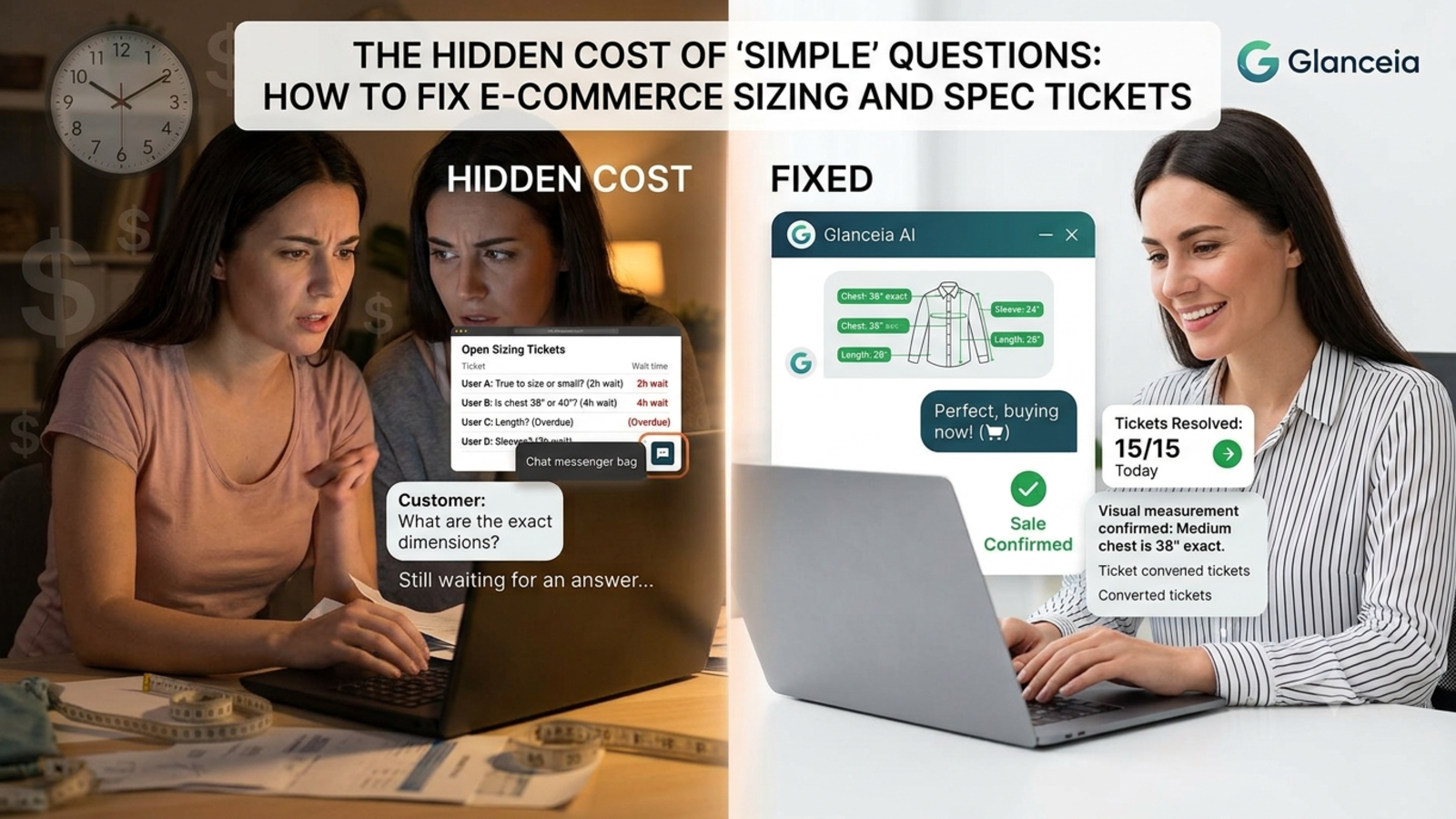
If you run a Shopify store, you already know the pattern: a visitor lands on a product page, has a question about sizing, shipping, or returns, can't find the answer fast enough, and leaves — without ever adding anything to cart.
You don't lose that sale because the product was wrong. You lose it because nobody answered in time.
An AI chatbot fixes this by sitting on every page of your store, answering questions instantly, and nudging hesitant shoppers toward checkout — all without you hiring extra support staff. Here's exactly how to add one to your Shopify store using Glanceia, no developer required.
Why Shopify Stores Specifically Need a Chatbot
Ecommerce has a few problems that make a chatbot especially valuable compared to other types of websites:
Shoppers compare prices fast — if they have to wait for an email reply, they'll just buy from a competitor's store instead
Cart abandonment is brutal — most shoppers who add to cart never complete checkout, often because of an unanswered last-minute question
Support volume is repetitive — the same questions (shipping time, return policy, sizing) come up constantly, eating staff time that could go toward actual sales
Mobile shoppers expect instant answers — most Shopify traffic is mobile, where browsing a help center feels like too much friction
A chatbot trained on your store's actual policies and product catalog solves all four of these at once.
What a Shopify Chatbot Can Actually Do
Answer product questions instantly — sizing, materials, compatibility, stock availability
Recover abandoned carts — proactively reach out to hesitant shoppers with a nudge or discount code
Handle shipping and returns questions — pulled directly from your store policies, no manual replies needed
Recommend products — based on what the shopper describes wanting
Capture leads — collect emails for shoppers who aren't ready to buy yet, for follow-up marketing
Reduce support tickets — repetitive questions get answered by the bot instead of piling into your inbox
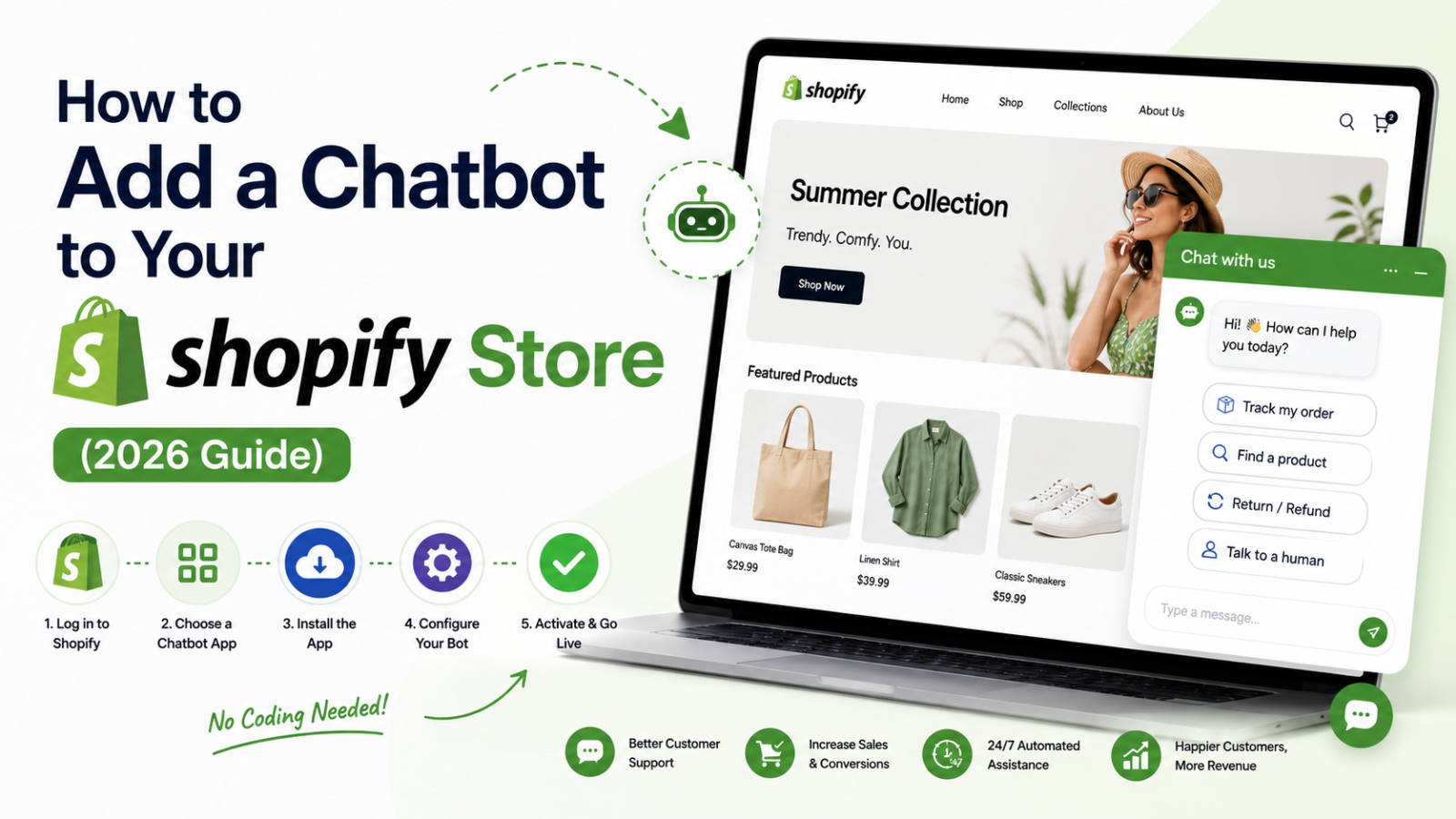
Step-by-Step: Adding a Chatbot to Your Shopify Store
Step 1: Sign Up for Glanceia
Go to Glanceia and create a free account. No credit card or developer needed to get started.
Step 2: Upload Your Store Data
Upload your FAQ page, shipping policy, return policy, and product descriptions. The chatbot uses this to answer questions accurately instead of giving generic responses. You can upload PDFs, paste FAQ text directly, or link your existing help center pages.
Step 3: Customize the Widget
Match the chatbot's color scheme and welcome message to your store's branding. A welcome message like "Looking for something specific? I can help you find it!" works well for ecommerce.
Step 4: Set Up Cart Recovery (Optional but Recommended)
If your plan supports it, configure the chatbot to trigger when a shopper has items in their cart but hasn't checked out — a gentle nudge ("Still deciding? Happy to answer any questions about your order!") can recover sales that would otherwise be lost.
Step 5: Get Your Embed Script
Glanceia generates a single line of embed code once your chatbot is configured.
Step 6: Add the Script to Shopify
From your Shopify admin, go to Online Store → Themes
Click Edit Code on your current theme
Open the theme.liquid file
Paste the Glanceia script just before the closing
</body>tagClick Save
That's it — the chatbot widget will now appear on every page of your store, including product pages, collection pages, and checkout (where supported).
Step 7: Test It
Open your store in an incognito window and try asking the chatbot a few real questions a customer might ask — about shipping, sizing, or your return policy — to confirm it's answering accurately before you consider it fully live.
Real Example: What This Looks Like for a Small Shopify Store
Imagine a clothing store getting 2,000 visitors a month with a 1.5% conversion rate — 30 sales. A large share of visitors who don't buy have one unanswered question: sizing, fabric, or whether an item runs small. A chatbot trained on the store's size charts and product details can answer that instantly on the product page itself. Even a modest lift to 2.2% conversion means 44 sales from the same traffic — 14 extra sales a month without spending anything extra on ads.
Common Mistakes to Avoid
Not training the bot on your actual policies — a chatbot giving vague or wrong answers about shipping/returns does more harm than good
Hiding the widget on mobile — since most Shopify traffic is mobile, make sure the widget is visible and easy to tap
Forgetting to update product data — if you add new products or change policies, update what the chatbot was trained on too
No fallback to a human — for complex order issues, make sure the bot can hand off to email or live support instead of dead-ending the shopper
FAQ
Do I need to know how to code to add a chatbot to Shopify? No. Adding the Glanceia script to your theme is a one-time copy-paste step, and no further coding is needed to manage or update the chatbot afterward.
Will the chatbot slow down my store's loading speed? A well-built chatbot widget loads asynchronously, meaning it won't block or meaningfully slow down your store's page load time.
Can the chatbot recommend specific products from my catalog? Yes, once trained on your product descriptions and catalog, the chatbot can suggest relevant products based on what a shopper describes wanting.
Does this work with Shopify themes other than the default one? Yes — since the setup only requires pasting a script into theme.liquid, it works with any Shopify theme, including custom and third-party themes.
Can I track what questions shoppers are asking? Yes, most chatbot dashboards including Glanceia's show you a log of conversations, which is useful for spotting common questions you might want to add to your store's FAQ page directly.
Final Thoughts
Every unanswered question on a Shopify store is a potential lost sale. A chatbot closes that gap by answering instantly, on every page, at every hour — turning more of your existing traffic into actual revenue without adding to your support workload.
Ready to add a chatbot to your Shopify store? Try Glanceia free →
Published by Laxman- Team Glanceia