How to Answer 100 Customer Questions Without Typing a Single Reply
Write your answers once, and let a chatbot reply to the next hundred customers for you. Here’s a simple 100-question method, with templates you can copy.
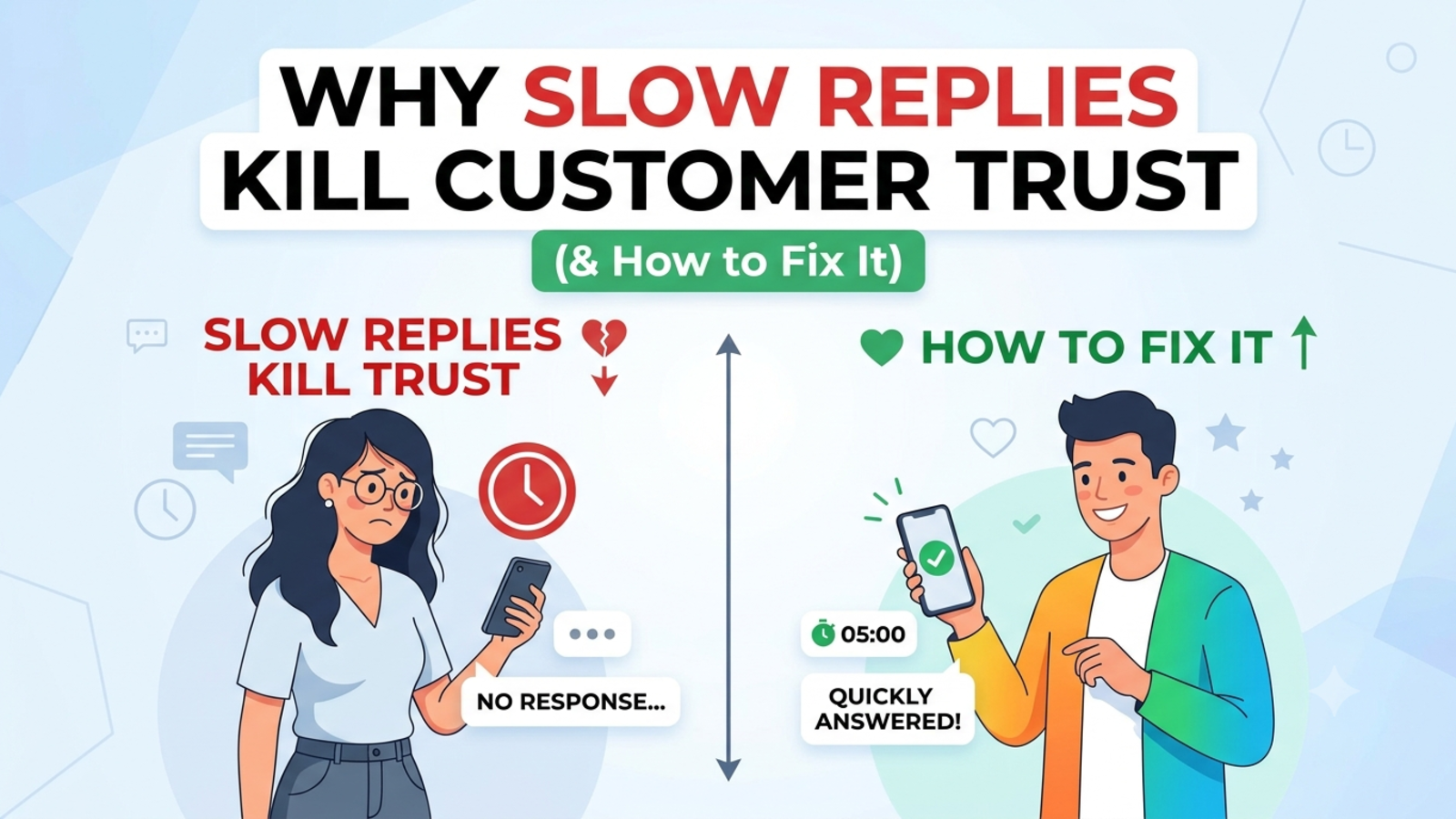
Think about the last time you typed “Our delivery takes 3 to 5 working days” to a customer. Now think about how many times you’ve typed it since you started your business. Probably hundreds. Maybe thousands.
Each of those replies took a minute or two. Not much on its own. But added up, it’s days of your life spent copying and pasting the same sentences, usually at the worst possible moments: during a busy day, late at night, or right when you’re about to sit down for dinner.
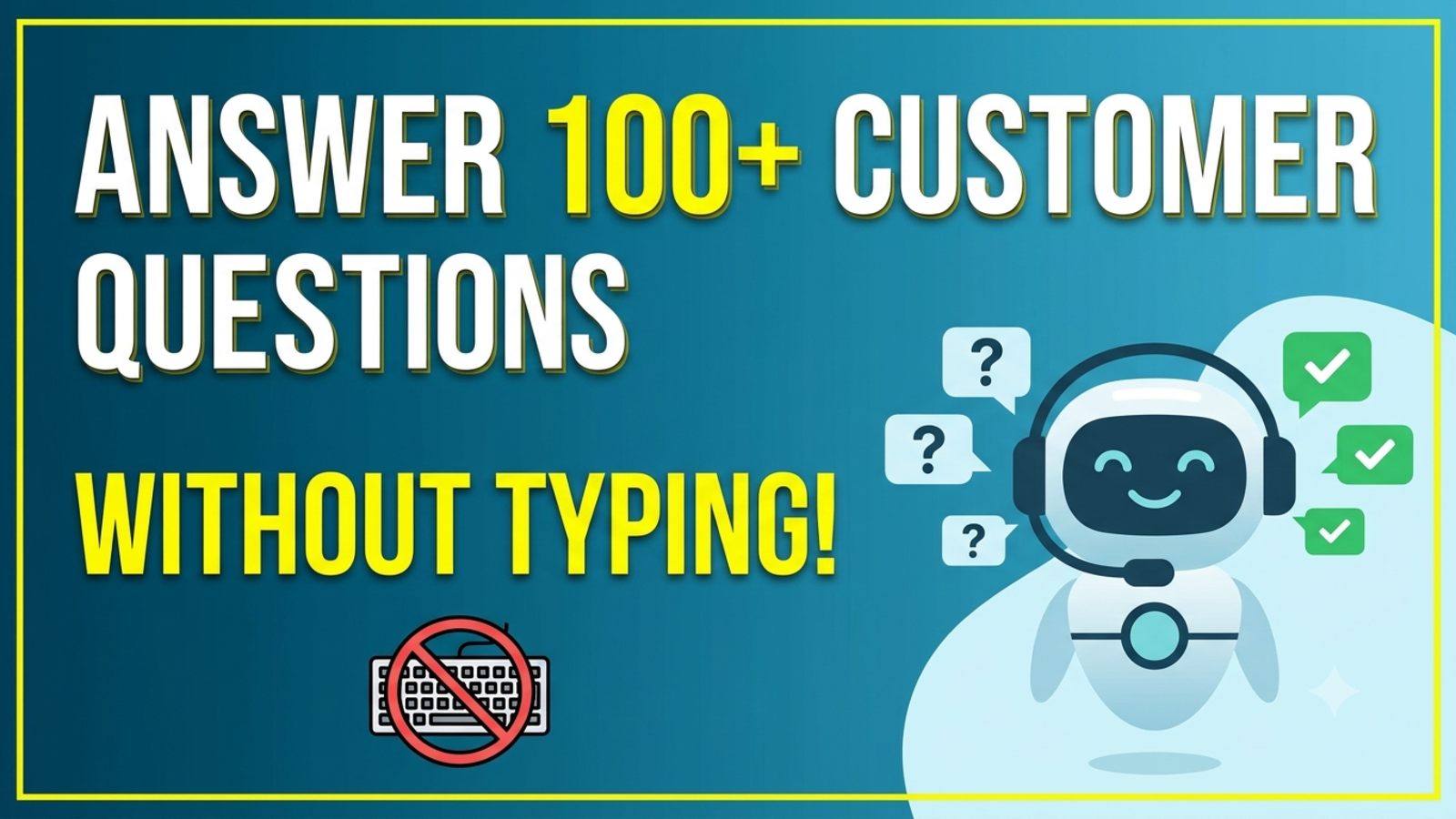
Here’s the good news. Most customer questions aren’t unique. They’re the same hundred or so, asked in slightly different words. If you write the answers once, properly, a chatbot can deliver them every time someone asks.
Here’s how to do it, step by step. One honest note first: the title is a promise about the replies, not about your involvement. You’ll type the answers once, up front. After that, the bot does the repeating.
Why 100 questions is the magic number
You don’t need a thousand answers. For most small businesses, a library of around 100 questions covers the large majority of what customers actually ask. The exact figure varies, and a simple shop might need 40 while a travel agency might need 150, but 100 is a good target to aim for because it’s big enough to be useful and small enough to finish in a weekend.
The key is that it’s your hundred, based on what your customers ask, not a generic list from the internet.
Step 1: Collect the questions customers actually ask
Don’t invent questions. Dig them out from where they already live:
Your email inbox and sent folder
WhatsApp and Instagram messages
Contact form submissions
Call notes and voice messages
Reviews and comments
Questions your team gets asked in person
Copy each question into one document or spreadsheet. Keep the customer’s own wording. People type “refund,” “money back,” and “return” interchangeably, and you’ll want to know which words they actually use.
If you already have a Glanceia chatbot running, its analytics show top questions, which is a ready-made list.
Don’t worry about duplicates yet. Collect first, tidy later.
Step 2: Sort them into groups
Once you have a pile, sort it into categories. This is where “100” starts to feel manageable, because ten questions in each of ten groups isn’t scary.
Here’s a map that works for most businesses. Rename the groups to fit yours:
Group Example questions
About you - Who are you? Where are you based? How long have you been running?Products or services - What do you offer? What’s included? What’s the difference between these two options?
Pricing - How much does it cost? Are there discounts? Do you offer instalments?
Availability - Is this in stock or open? When is the next slot, batch or date?
Ordering and booking - How do I order, book or sign up? What details do you need?Payments - Which payment methods do you accept? Is it safe to pay online?
Delivery or timelines - How long does it take? Do you deliver to my area?
Changes and cancellations - Can I change or cancel? What’s the refund policy?
Support and problems - What if something goes wrong? How do I contact someone?Policies and trust - Privacy, warranty, terms, guarantees
If a question doesn’t fit anywhere, either create a new group or ask whether it’s a one-off you can ignore.
Step 3: Pick the ones worth answering first
Not all 100 are equal. Rank them by how often they appear. Start with the top 20. Those will probably cover a big share of your incoming messages.
Then work down the list. You’re not aiming for perfection on day one. You’re aiming for coverage of the most common questions, then improving week by week.
Step 4: Write each answer using a simple formula
This is the step that makes or breaks the whole thing. Weak answers make a weak bot. Use this shape for each one:
The direct answer in the first sentence
The key detail (price, time, condition)
The exception or limit, if there is one
The next step (a link, an action or a handoff)
Weak answer:
Delivery times can vary depending on a number of factors.
Strong answer:
Delivery takes 3 to 5 working days in most cities and up to 8 days in remote areas. You’ll get a tracking link when your order ships. If you don’t hear from us within a week of ordering, message us and we’ll check right away.
Notice what the strong version does. It answers first, gives real numbers, admits the exception and tells the customer what to do next.
A few rules of thumb:
Be specific. “Within 24 hours” beats “shortly.” “₹500 flat fee” beats “reasonable charges.”
Write the way you talk. If it sounds like a legal notice, rewrite it.
One question, one answer. Don’t cram five topics into one entry.
Admit what you don’t offer. “We don’t do custom orders” saves everyone time.
Mention the alternate words. If customers say “refund,” “return” and “money back,” use all three in the answer.
Step 5: Teach the bot what it should not answer
This step separates a helpful bot from an embarrassing one. Decide in advance which topics should go to a human:
Complaints and upset customers
Refund exceptions that need judgement
Custom quotes
Anything involving health, money or legal advice
High-value enquiries
Anything where your answer changes often and might be out of date
For these, the right reply is honest and short: “That’s one our team should handle personally. Can I take your name and number, and someone will get back to you today?”
This is why “without typing a single reply” has an asterisk. The bot handles the repeating. People still handle the exceptions, and that’s exactly how it should be.
Step 6: Put the answers into your chatbot
With a tool like Glanceia, this part is quick. You don’t write code or train a model from scratch. You upload the material, and the bot answers from it.
Glanceia lets you:
Upload your content as PDFs, Word documents, CSVs or plain text
Add FAQs and Q&A directly
Build a custom knowledge base, so answers stay specific to your business rather than generic internet information
Set the persona and tone of voice from your dashboard
Add the chatbot to your site with one line of code
Setup is three steps: connect your data, customise the look and tone, and paste the snippet. It works with platforms like WordPress, Shopify, Wix and Squarespace, and there’s a free plan with no credit card required.
Step 7: Write a first message that invites the right questions
Your opening line shapes the whole conversation. “Hi, how can I help?” is fine, but you can do better by matching the page:
Pricing page: “Questions about what’s included? Ask me.”
Product page: “Need help with sizing, delivery or availability?”
Contact page: “Want a quick answer first? Ask here.”
Checkout page: “Any questions before you order?”
Glanceia lets you set a custom first message, either AI-generated or written by you. Write your own for your busiest pages. It takes minutes, and it steers customers toward answers the bot already knows.
Step 8: Test it with your own 100 questions
Before you go live, sit down and quiz your bot like a customer would. Ask it:
Your top 20 questions, in your own words
The same questions with typos and lazy phrasing (“delivry time?” “price?”)
The same question asked three different ways
A question it shouldn’t know the answer to
An angry message
A question in another language, since Glanceia works in over 95
Where it stumbles, don’t just fix the bot’s reply. Fix the source answer and test again, so the improvement sticks.
Step 9: Let customers get help from a human whenever they want
A visible way to reach a person is part of good design, not a failure of the bot. Make sure that when the bot hits its limit, it:
Says so honestly
Collects a name and contact details
Tells the customer what happens next
Glanceia can capture names, emails and phone numbers during a chat and route lead data and important conversations to your inbox, so your team picks things up with context instead of starting cold.
Also tell customers they’re talking to an AI assistant. People don’t mind bots. They mind being tricked.
Step 10: Review weekly and keep improving
Your hundred questions will never be perfectly finished, and that’s fine. Spend 20 minutes a week on this:
Read what the bot couldn’t answer well. Add those to your library.
Spot the top questions. If one dominates, ask whether your website is unclear.
Check where visitors drop off. Rewrite those points.
Update anything that changed: prices, policies, dates, offers.
Glanceia’s analytics show top questions, popular topics and drop-off points, which gives you a ready-made to-do list.
A year from now, a bot you improved fifty times will look very different from one you set up once and forgot.
What a realistic week looks like
Imagine a small online store run by two people.
Before: The inbox fills up with the same handful of questions about delivery, returns and sizing. Evening messages wait until morning. One of the two spends a large part of each day typing replies, and complicated problems get squeezed in between.
After: The team spends a weekend writing 80 clear answers and uploading them. The bot handles the repeated questions at any hour. Customers who need a person leave their details, and the team starts each day with a short list of conversations that genuinely need attention. When the weekly review shows many people asking about one confusing return rule, they rewrite the policy page and the questions drop off.
They didn’t hire anyone, and they didn’t type the same reply twice.
Common mistakes to avoid
Writing vague answers. A bot can’t be clearer than the content behind it.
Copying marketing language into your FAQ. The bot ends up sounding like an advert.
Contradicting yourself. If two documents give different prices, the bot may quote either.
Letting it guess. If it doesn’t know, it should say so and hand over.
Hiding the human option. This is the biggest source of customer frustration.
Using outdated information. Wrong prices or policies cost trust and money.
Pretending the bot is a person. Be upfront.
Writing it once and forgetting it. Your business changes, so the answers should too.
What to measure
After a few weeks, look at:
How many chats the bot handles without a human
Questions it couldn’t answer, which tell you what to add
Top questions, which show what customers care about
Chats that became leads or sales
Time saved, by comparing how long you used to spend on replies
Judge the result by your own numbers, not a generic promise. Every business is different.
FAQ
Can a chatbot really answer 100 customer questions on its own?
It can handle repeated, factual questions well if the answers behind it are clear and current. Complaints, exceptions and complicated cases still need a person.
How long does it take to write 100 answers?
Many businesses can draft a first version in a weekend, especially if they start with the top 20 and expand over time. Quality matters more than speed.
Where do I find my customers’ questions?
Your inbox, WhatsApp and social messages, contact forms, call notes and reviews. If you already use a chatbot, its analytics show top questions.
What format should the answers be in?
Short and direct: answer first, then key details, then any limit, then a next step. Glanceia accepts PDFs, Word documents, CSVs and plain text, and you can also add FAQs directly.
What happens if the bot doesn’t know the answer?
A well-set-up bot should say so honestly, collect the customer’s name and contact details and pass the conversation to your team.
Will customers know they’re talking to a bot?
They should. Be upfront that it’s an AI assistant and make it easy to reach a person.
Do I need a developer to set this up?
No. With Glanceia you upload your content, customise the look and tone, and add one line of code to your website.
Does it work in other languages?
Yes. Glanceia supports over 95 languages, which helps if your customers write in different languages.
How much does it cost?
Glanceia has a free plan with no credit card required. See the pricing page for current plan details.
Write the answers once. Stop retyping them forever.
If you’re tired of typing the same reply for the hundredth time, start with a single weekend and a list of your customers’ top questions. Give those answers to a chatbot trained on your own content, and let it handle the repetition while you handle the work that needs you. Glanceia is free to start. See the docs to get set up or contact the team if you’d like to talk through your use case.