Can a Chatbot Replace Customer Service Staff in 2026?
Chatbots are better than ever, but can they replace your support team? Here’s what they handle well, where they fail, and how to split the work.
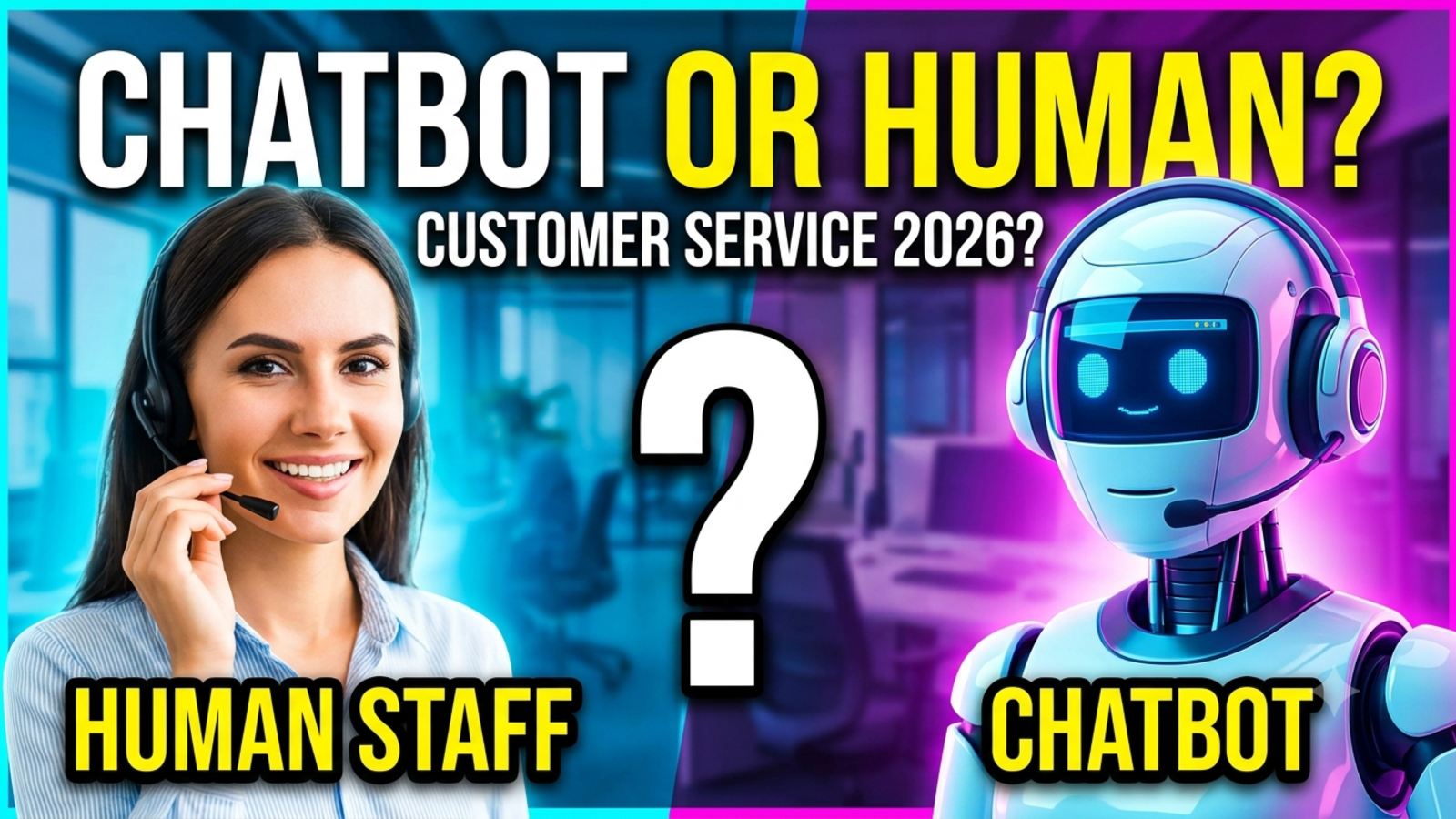
Short answer: no. Longer answer: it can replace a lot of the work your support team does, which isn’t quite the same thing.
If you run a small business, that distinction matters. Lots of owners look at a chatbot and wonder if they can stop hiring, or even let someone go. Others dismiss bots entirely because of one bad experience with a customer-service loop that went nowhere. Both reactions miss what’s actually going on in 2026.
Here’s an honest look at what a chatbot can take over, what it can’t, and how to divide the work so customers are happy and your team isn’t buried.
What has changed
A few years ago, most chatbots worked like phone menus with a chat bubble on top. You pressed a button, got a canned reply, and if your question wasn’t on the list, you were stuck.
Today’s AI chatbots are different. You can train one on your own documents, FAQs and website, and it answers in normal language from that material. It can handle phrasing it has never seen before, reply in dozens of languages, and work at 3 a.m. without complaining.
That’s a real improvement. But better at answering questions is not the same as being able to do everything a person does.
What a chatbot does well
Repeated, factual questions. Opening hours, pricing, delivery times, package details, return policies, “do you ship to my city?” These make up a big share of most inboxes, and a bot can answer them in seconds.
Out-of-hours coverage. A customer who messages you at midnight and gets an instant, useful reply is a customer who doesn’t go to a competitor.
Handling spikes. During a sale, a festival season or a campaign, message volume jumps. A bot doesn’t get overwhelmed.
First-line collection. It can ask for a name, email, order number or issue type before a human steps in, so your team starts with context instead of a blank slate.
Consistency. It gives the same answer every time, which matters for policies and pricing.
Spotting patterns. Chat logs and analytics show what customers ask most, which is useful for your website, your product and your marketing.
What a chatbot still can’t do
Handle emotion. A customer whose order arrived broken, or who has been charged twice, doesn’t want a polite paragraph. They want to feel heard by someone who can act. Bots can sound sympathetic. That’s different from being accountable.
Use judgment. Should this loyal customer get a refund outside the policy window? Should this booking be moved to a different date as a favour? Those decisions need a person who understands the situation and the relationship.
Solve messy, multi-part problems. Real issues often involve three things going wrong at once, a missing detail and a customer who isn’t sure what they’re asking. People are still better at untangling that.
Know what it doesn’t know. A well-set-up bot sticks to your own material and hands over when it’s stuck. A badly set-up one guesses. Guessing wrong with a customer is worse than saying nothing.
Build real relationships. For high-value clients, premium services or sensitive industries like healthcare and finance, the human connection is part of what you’re selling.
Take responsibility. When something goes seriously wrong, someone has to own it. That someone has to be a person.
So what actually gets replaced?
Not people. Tasks.
Think of a support job as a pile of different kinds of work. Some of it is repetitive: looking up the same answer, typing the same reply, collecting the same details. Some of it is skilled: calming someone down, making a call on an exception, solving something unusual.
A chatbot takes over the first pile. Your people spend more time on the second, which is the work they were hired for and probably the work they’re better at.
In practice, that tends to look like this:
A team of three stops being buried in “where is my order” messages
Response times drop because the easy questions are answered instantly
Staff stop dreading the inbox and spend their time on customers who need real help
The business handles more volume without needing to hire at the same pace
That last point is where the savings usually are. You may not cut staff, but you often avoid hiring more of them as you grow.
When it makes sense to lean on a chatbot
A bot can carry a heavier share of the load if:
Your questions are mostly factual and repetitive
Your product or service is straightforward
A lot of your enquiries arrive outside business hours
You’re a small team and can’t cover every hour
You have clear, written answers to most common questions
Travel enquiries, restaurant and hotel questions, simple online shops and booking-based businesses often fit this pattern.
When you should keep people front and centre
Lean on humans if:
Most cases are unique or technical
Customers are often upset, anxious or dealing with something sensitive
Each sale or client is high value
Your brand is built on personal service
You operate in a regulated field where wrong answers have real consequences
Even then, a chatbot can still help with the simple parts. It just shouldn’t be the face of the business.
How to split the work without annoying anyone
1. Start with the bot on the easy stuff. List your top ten repeated questions. Make sure the bot answers those well before you ask it to do anything else.
2. Feed it accurate information. The bot is only as good as the material it’s trained on. With Glanceia, you upload your own PDFs, Docs, FAQs and CSVs so answers match what you actually offer rather than generic internet advice. Keep that content current.
3. Make it easy to reach a person. Never trap a customer. A visible “talk to someone” option is not a failure of the bot. It’s part of the design.
4. Collect details before the handoff. When the bot passes a conversation on, it should have a name, a contact method and a clear note of the issue. Glanceia can capture contact details and route leads and high-value chats to your inbox, so your team doesn’t start from scratch.
5. Tell customers who they’re talking to. People don’t mind bots. They mind being tricked. A short, friendly “I’m an AI assistant, and a teammate can step in if needed” goes a long way.
6. Review conversations every week. Read where the bot struggled. Add missing answers. Adjust the first message. The analytics show top questions and where visitors drop off, which tells you where to improve.
What it costs vs. what it saves
Be careful with promises you see online about replacing entire teams. Savings depend on your volume, your type of business and how well the bot is set up.
A fairer way to think about it: if your team spends hours a day on questions that appear on your own FAQ page, that’s time you can get back. If every conversation is complex, a bot won’t save you much, and that’s fine.
Start with a free plan and measure. Glanceia has a free tier with no credit card required, so you can see how many chats the bot handles before committing to anything.
The mistakes that give chatbots a bad name
Replacing the human option entirely. This is the number one reason people hate support bots.
Letting it guess. If it doesn’t know, it should say so and hand over.
Skipping setup. A bot with no real information behind it will disappoint.
Measuring only cost. Cheaper support that drives customers away isn’t cheaper.
Ignoring tone. Stiff, robotic replies feel cold. Write the welcome message and answers like a person would.
Setting it up once and walking away. Your business changes. The bot’s information has to change with it.
The bottom line
In 2026, a chatbot can answer many of your customers’ questions faster than any person could, at any hour, in almost any language. It can’t replace the empathy, judgment and accountability of a good support person.
The businesses doing this well aren’t asking “bot or human?” They’re asking “which questions should the bot take, and which ones need us?” Answer that honestly, and you get faster replies for customers and a calmer day for your team.
FAQ
Can a chatbot completely replace customer service?
Not for most businesses. It can handle repeated and simple questions, but complaints, exceptions and complex problems still need a person.
Will chatbots take customer service jobs?
They will change the work more than eliminate it. Repetitive tasks shift to the bot, while people focus on the harder, more valuable conversations. Some businesses will hire less as they grow.
What kind of questions can a chatbot answer?
Questions with clear, factual answers: pricing, timings, availability, policies, delivery, how-to basics, and anything covered in your own documents.
What kind of questions should stay with humans?
Complaints, refunds that need judgment, sensitive or emotional situations, custom quotes, and anything involving high-value clients.
Are customers okay talking to a chatbot?
Generally yes, as long as it’s useful, honest about being a bot, and offers an easy way to reach a person.
How do I start without a big budget?
Pick a tool with a free plan, train it on your FAQs, put it on your most-visited pages and watch what happens. Glanceia is free to start, with Pro at $9 a month on the pricing page.
How do I keep a chatbot’s answers accurate?
Train it only on your own, up-to-date material, test it regularly with real questions, and review the chat history each week.
Want to see how much your bot could handle?
Glanceia lets you train a chatbot on your own content, capture leads and send important chats to your inbox, with a free plan to begin. See the pricing page or the docs to get started.