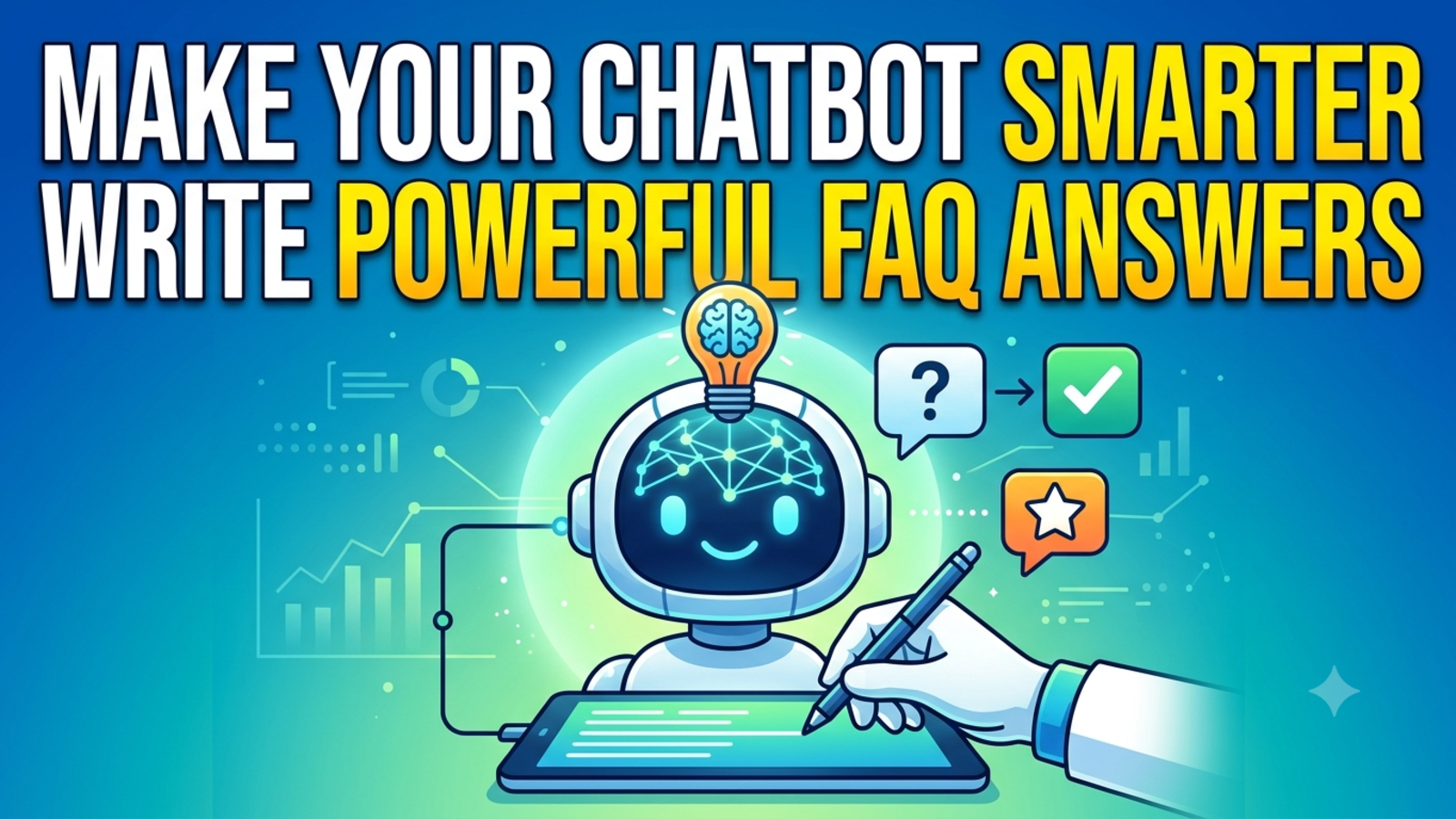
How to Write FAQ Answers That Make Your Chatbot Smarter
Your chatbot is only as good as the answers behind it. Learn how to write clear, accurate FAQ answers that help your bot respond like your best team member.
When a chatbot gives a bad answer, people usually blame the bot. Most of the time, the real problem is what it was given to work with.
A chatbot trained on vague, outdated or messy information will give vague, outdated, messy replies. Give it clear and honest answers, and it starts sounding like your best support person on their best day.
That’s good news, because the answers are the part you control. Here’s how to write FAQ answers that make your chatbot genuinely better.
Why FAQ answers matter more than any setting
You can tweak the colours, the avatar and the welcome message all day. None of it matters if the bot doesn’t know the right thing to say.
Glanceia answers from the content you give it: uploaded PDFs, Docs, CSVs, plain text and Q&A you add yourself. That’s a strength, because replies stay specific to your business instead of generic internet advice. It also means your content is the ceiling. The bot can’t be clearer than the material behind it.
So think of your FAQ as the training manual for a new hire who starts today and will talk to every customer you have.
Step 1: Start with real questions, not imagined ones
Most FAQ pages are written from the company’s point of view: “About our services,” “Our commitment to quality.” Customers don’t ask those questions.
They ask things like:
“Is this available in December?”
“How long does delivery take to my city?”
“Can I change my booking after paying?”
“What happens if it doesn’t fit?”
Pull these from real sources: your email inbox, WhatsApp messages, call notes, contact form submissions and past chat logs. If you already have Glanceia running, its analytics show your top questions, which is the best list you’ll ever get.
Write down the exact words customers use, not the polished version you’d put in a brochure. People type “refund” more than “reimbursement of eligible transactions,” and your bot needs to understand them.
Step 2: Answer in the first sentence
Put the answer first, and the explanation second. The customer shouldn’t have to dig.
Weak:
Our delivery times can vary depending on a number of factors including location, product availability and the time of year. We work hard to get orders to customers as quickly as possible.
Better:
Delivery takes 3 to 5 working days in most cities. Remote areas can take up to 8 days. You’ll get a tracking link once your order ships.
The second version tells the visitor what they wanted to know straight away, then adds the detail that matters. The bot can pull the same clean answer, and it will sound more confident.
Step 3: Be specific with numbers, names and conditions
Vague answers make a bot sound evasive. Specific answers make it sound like it knows the business.
Instead of “reasonable fees,” say “a flat fee of ₹500.”
Instead of “shortly,” say “within 24 hours.”
Instead of “some packages,” name which packages.
Instead of “certain conditions apply,” list the conditions.
If the real answer is “it depends,” say what it depends on. “Cancellation is free up to 7 days before travel. After that, a 25% fee applies” is far more useful than “cancellation terms vary.”
Step 4: One question, one answer
A common mistake is stuffing five topics into one big entry: shipping, returns, refunds, exchanges and warranty all in one paragraph. The bot then has to guess which part you meant, and it may mix them up.
Break it up. Give each question its own short entry:
How long does delivery take?
Can I return an item?
How long does a refund take?
Can I exchange for a different size?
Short, focused entries are easier for the bot to find and easier for you to maintain.
Step 5: Write the way people talk
Read your answers out loud. If they sound like a legal notice, rewrite them.
Stiff:
Customers are advised that modifications to existing reservations are subject to availability and applicable fees.
Human:
You can change your booking, depending on availability. If there’s a fee, we’ll tell you before you confirm.
You don’t need slang or jokes. Just write the way a helpful colleague would speak to a customer: short sentences, plain words, a friendly tone. Your bot will pick up that voice, and Glanceia also lets you set the persona and tone of voice from the dashboard, so the two can work together.
Step 6: Cover the different ways people ask
One question can show up in many forms:
“Can I get a refund?”
“How do I return this?”
“Money back policy?”
“I want to cancel my order”
Good AI can handle plenty of this on its own, but you can help. Add a few variations of the question when you write an entry, or mention the alternate terms inside the answer (“refund, return or money-back”). That gives the bot more ways to connect the customer’s wording to your answer.
Step 7: Tell the bot what it should NOT say
This is the step most people skip, and it’s one of the most useful.
For some topics, the correct answer is “I’m not sure, let me get someone for you.” Decide which ones and write them down:
Custom quotes that need a person to calculate
Medical, legal or financial advice
Complaints and refund exceptions
Anything where the answer changes often and you haven’t updated it
A bot that says “That needs a teammate. Can I take your name and email?” is far better than one that guesses. Glanceia can capture contact details and route important conversations to your inbox, so build that handoff into your answers.
Step 8: Keep it current
Outdated information is the fastest way to lose trust. A bot that quotes last year’s price or an expired offer does real damage.
Put a review date on your FAQ document
Update it whenever prices, policies, hours or offers change
Remove old content instead of leaving it in “just in case”
Check with your team monthly for things customers are asking that the bot doesn’t cover
Treat the knowledge base like a product, not a one-time upload.
Step 9: Test it with real questions
After you add or change answers, try them out. Open the chat and ask:
The top ten questions, in your own words
The same questions, written badly, with typos
A question the bot shouldn’t know
A question in another language (Glanceia works in 95+)
A trick question that mixes two topics
Whenever it gets something wrong, don’t just fix the bot’s reply in your head. Fix the source answer, then test again. That way the improvement sticks.
Step 10: Learn from what the bot couldn’t answer
Every missed question is a free lesson. Look through chat history weekly and note:
Questions the bot answered badly or not at all
Questions that came up repeatedly
Places where customers rephrased because the first answer didn’t help
Write a clear answer for each one and add it. After a month or two, you’ll have a knowledge base shaped entirely by what your real customers ask.
Before and after: a quick example
Before:
Q: Do you offer visa help?
A: We offer a range of services to support our customers’ travel needs, including assistance with documentation where applicable.
After:
Q: Do you offer visa help?
A: Yes. We help with tourist visas for Dubai, Singapore and Thailand, including form filling and document checks. Processing takes 3 to 7 working days. Visa fees are separate and depend on the country. Want me to have someone check what you’d need for your trip?
The second answer is clear, specific, honest about what’s included, and ends with a natural next step.
Common mistakes to avoid
Copying marketing copy into the FAQ. The bot ends up sounding like an advert.
Long, rambling answers. If it takes a minute to read, shorten it.
Contradicting yourself. If two documents give different prices, the bot may quote either.
Hiding the bad news. If something isn’t included, say so plainly. Customers appreciate honesty more than surprises.
Writing once and forgetting.
Using internal jargon. Customers don’t know your abbreviations.
A simple template you can reuse
For each FAQ, aim for this shape:
The question in the customer’s own words
The direct answer in the first sentence
The key detail (price, time, condition)
The exception or limit, if there is one
The next step, such as a link, an action or a handoff to a person
Fill that in for your top twenty questions, and you’ll already have a bot that feels far more capable than most.
FAQ
What is a chatbot FAQ?
It’s the set of questions and answers your chatbot uses to respond to visitors. It can be a short list you write directly or a mix of documents like PDFs, policies and price lists.
How many FAQs does my chatbot need?
Start with the 15 to 20 questions customers ask most. You can add more over time based on what the bot struggles with.
What’s the best format for FAQ answers?
Short, direct and specific. Lead with the answer, add the key detail, mention any limits, then suggest a next step.
Can I train Glanceia on my existing documents?
Yes. Glanceia supports uploads like PDFs, Docs and CSVs, and you can also add FAQs and Q&A directly to build a custom knowledge base.
How often should I update my chatbot’s answers?
Whenever prices, policies or offers change, and review everything at least once a month.
What should the chatbot do when it doesn’t know the answer?
Admit it, and hand the customer to a person. Collect their name and contact details so your team can follow up.
Does tone really matter in FAQ answers?
Yes. The way you write your answers shapes how the bot sounds. Clear, friendly, plain language builds trust faster than stiff corporate wording.
Ready to make your chatbot smarter?
Upload your documents, add your FAQs and see how your own content turns into a chatbot that sounds like your business. Glanceia is free to start with no credit card. Check the pricing page or the docs for setup details.