How AI Chatbots Automate Course Website Support | SAR Classes
Struggling to answer the same admissions questions on repeat — batch timings, pricing, course comparisons — while prospective students slip away outside business hours? Learn how AI chatbots trained on your own course catalog can instantly guide visitors, capture leads 24/7, and turn hesitant browsers into enrolled students, with a real-world look at how a platform like SAR Classes could put this to work.
How AI Chatbots Automate Course Website Support: A Guide for Online Education Platforms
Running an online course platform means fielding the same questions on repeat: "Which batch should I join?" "Is this course available in Hindi or English?" "When does the next CA Foundation batch start?" "Can I get a demo lecture before buying?"
For ed-tech businesses — especially those selling structured programs like CA, CMA, or CS courses — these questions come in constantly, often outside business hours, and often from students who are comparing multiple platforms before deciding. If those questions go unanswered for even a few hours, that's a lead lost to a competitor. This is exactly the problem AI chatbots are built to solve, and it's becoming a core part of how modern course websites operate.
Why Course Websites Need More Than a Contact Form
Traditional online course websites rely on a mix of FAQ pages, contact forms, and support emails. The problem is timing and specificity. A prospective student browsing at 11 PM — deciding between a "CA Inter regular batch" and a "recorded guided batch" — doesn't want to fill out a form and wait until morning. They want an answer now, ideally one specific to the course they're looking at.
This is especially true for platforms with large, structured catalogs — multiple exam levels (Foundation, Inter, Final), multiple subjects, multiple faculty options, and multiple batch types (live, recorded, fast-track). Without guided help, students can get overwhelmed by choice and simply leave.
What an AI Chatbot Actually Does for a Course Website
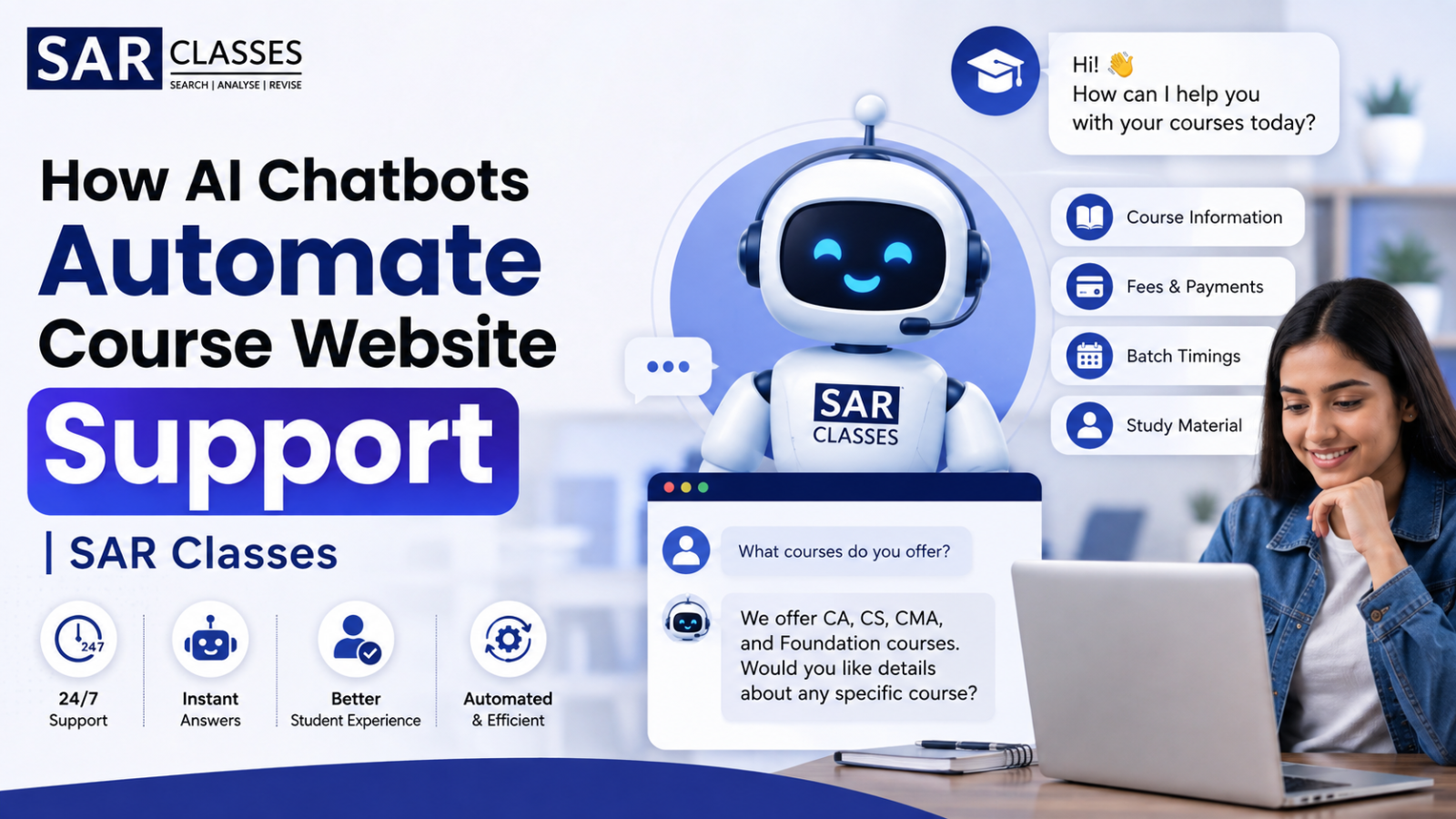
An AI chatbot trained on a platform's own course catalog and FAQs can act as a 24/7 admissions assistant — not a generic bot reciting scripted answers, but one that actually understands the site's offerings. In practice, this looks like:
Course and batch guidance — helping a student figure out whether they need "CA Foundation" or "CA Inter," or which faculty's batch fits their preferred language and schedule
Instant pricing and availability answers — pulling accurate, up-to-date pricing instead of directing students to dig through pages
Admissions FAQ handling — answering common questions about validity, access duration, or demo lecture availability without human intervention
Lead capture — collecting contact details from interested students automatically, so the sales team follows up with warm leads instead of chasing cold traffic
After-hours coverage — since a large share of students browse and compare courses late at night or on weekends, when support teams typically aren't online
A Practical Example: CA/CMA Course Platforms
Take a platform like SAR Classes, which offers structured CA, CMA, and CS courses across Foundation, Inter, and Final levels, with multiple faculty and batch options for each subject. A catalog this detailed is a strong candidate for AI chatbot automation:
A student unsure whether to pick the "CA Foundation Full Course Combo" or a single-subject batch can describe their situation and get a direct recommendation, instead of manually comparing course pages.
Someone asking "Is there a recorded batch for CA Inter Costing?" gets an instant, accurate answer instead of waiting on email support.
Repeated admissions questions — refund policy, access validity, demo lecture availability — get handled automatically, freeing the support team to focus on more complex, high-intent conversations.
For education platforms with dozens of course combinations, this kind of automation directly reduces drop-off at the exact moment a student is deciding whether to buy.
Why Generic Chatbots Fall Short for Course Platforms
Many ed-tech businesses have tried basic chatbot tools before and abandoned them, and the reason is usually the same: generic bots are trained on scripted flows, not on the platform's actual course data. Ask a generic bot a specific question — "Does this batch include CMA Inter FMDA?" — and it either gives a vague non-answer or routes the student to a human anyway, defeating the purpose.
The difference comes from training a chatbot directly on the platform's own content: course listings, batch details, instructor information, and FAQs. That way, every answer reflects what the platform actually offers, rather than a generic script that frustrates students who already have specific questions.
Key Features to Look for in a Course Website Chatbot
If you're evaluating an AI chatbot for an education or course-selling website, a few capabilities matter more than surface-level extras:
Custom knowledge base training, so the bot reflects your real course catalog, pricing, and policies
24/7 availability, since student inquiries frequently come in outside standard support hours
Lead capture and qualification, turning casual visitors into contactable leads for the admissions or sales team
Simple embedding, so it can be added to an existing website without a major development effort
Conversation analytics, showing which courses or questions come up most — useful data for refining course pages and marketing
The Bigger Picture
Online education is a crowded, competitive space, and the businesses winning students aren't necessarily the ones with the most courses — they're the ones that make the decision-making process easiest. A prospective student who gets a fast, accurate answer to "which batch is right for me?" is far more likely to enroll than one left waiting on a support ticket.
For course platforms with detailed catalogs — multiple exam levels, subjects, faculty, and batch formats — an AI chatbot trained on the platform's own data isn't just a support tool. It's a practical way to guide undecided visitors toward a purchase, at exactly the moment they're deciding.
Curious how an AI chatbot trained on your own course catalog could work for your platform? Explore Glanceia to see how it's built for exactly this kind of use case.