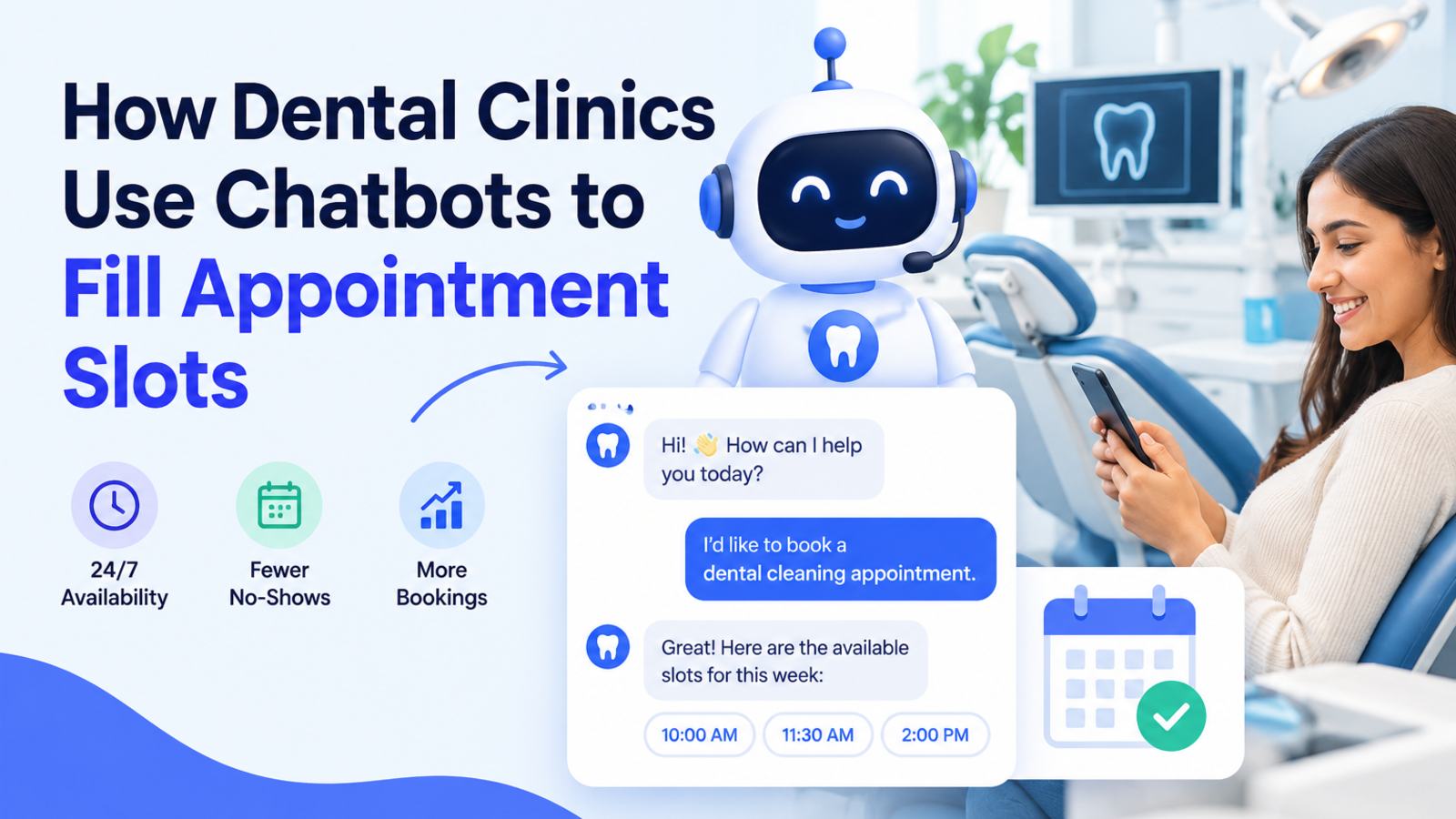
How Dental Clinics Use Chatbots to Fill Appointment Slots
Empty chairs cost dental clinics money. See how a website chatbot captures after-hours enquiries, answers patient questions, and turns visitors into bookings.
An empty dental chair is one of the most expensive things in a clinic. The dentist is paid, the equipment is running, and the staff are on shift, whether or not a patient is in the room.
Most clinics respond with marketing: more ads, more local SEO, more social posts. But a lot of the lost revenue isn't a visibility problem. Patients find the clinic, show interest, and then drop out somewhere between "I'd like to book" and an actual appointment.
A website chatbot closes that gap. Here is how dental practices use one to turn more visitors into confirmed bookings, and how to set it up without adding to your front desk's workload.
Where Appointment Slots Go Unfilled
Before looking at solutions, it helps to see where the losses happen. For most practices, they cluster in a few places:
After-hours enquiries. Many people research dental care in the evening or at weekends, when the clinic is closed. If nobody replies until the next morning, the patient may already have booked elsewhere.
Busy phone lines. When reception is checking in a patient, the phone rings out. Many callers won't try again.
Unanswered basic questions. "Do you accept my insurance?" "How much is a consultation?" "Do you treat children?" If the answer isn't easy to find, patients move on.
Hesitation about cost or fear. Nervous patients often want reassurance before they commit, and they rarely want to call and ask.
No follow-up. Someone who showed interest but didn't book is rarely contacted again.
A chatbot doesn't solve all of this, but it addresses most of it.
1. Capture Enquiries Outside Opening Hours
This is usually the biggest single win.
Think about when a person decides to see a dentist. It's often late at night, after a toothache keeps them awake, or on a quiet Sunday when they finally get around to it. A chatbot is online at those moments, answering questions and collecting the patient's details so your team can follow up first thing in the morning.
Instead of a missed opportunity, your front desk arrives to a list of ready-to-contact patients with their questions already noted. Glanceia's assistant runs 24/7, and it can capture a visitor's name, email, and phone number during the chat and route that lead data to your inbox.
2. Answer the Questions That Stop People From Booking
Patients have the same handful of questions again and again, and every unanswered one is a reason to hesitate.
Typical examples:
What services do you offer (check-ups, whitening, braces, implants)?
What are your opening hours, and do you offer weekend slots?
Where are you located, and is there parking?
Do you see children or anxious patients?
What payment options or insurance plans do you accept?
What should I expect at a first visit?
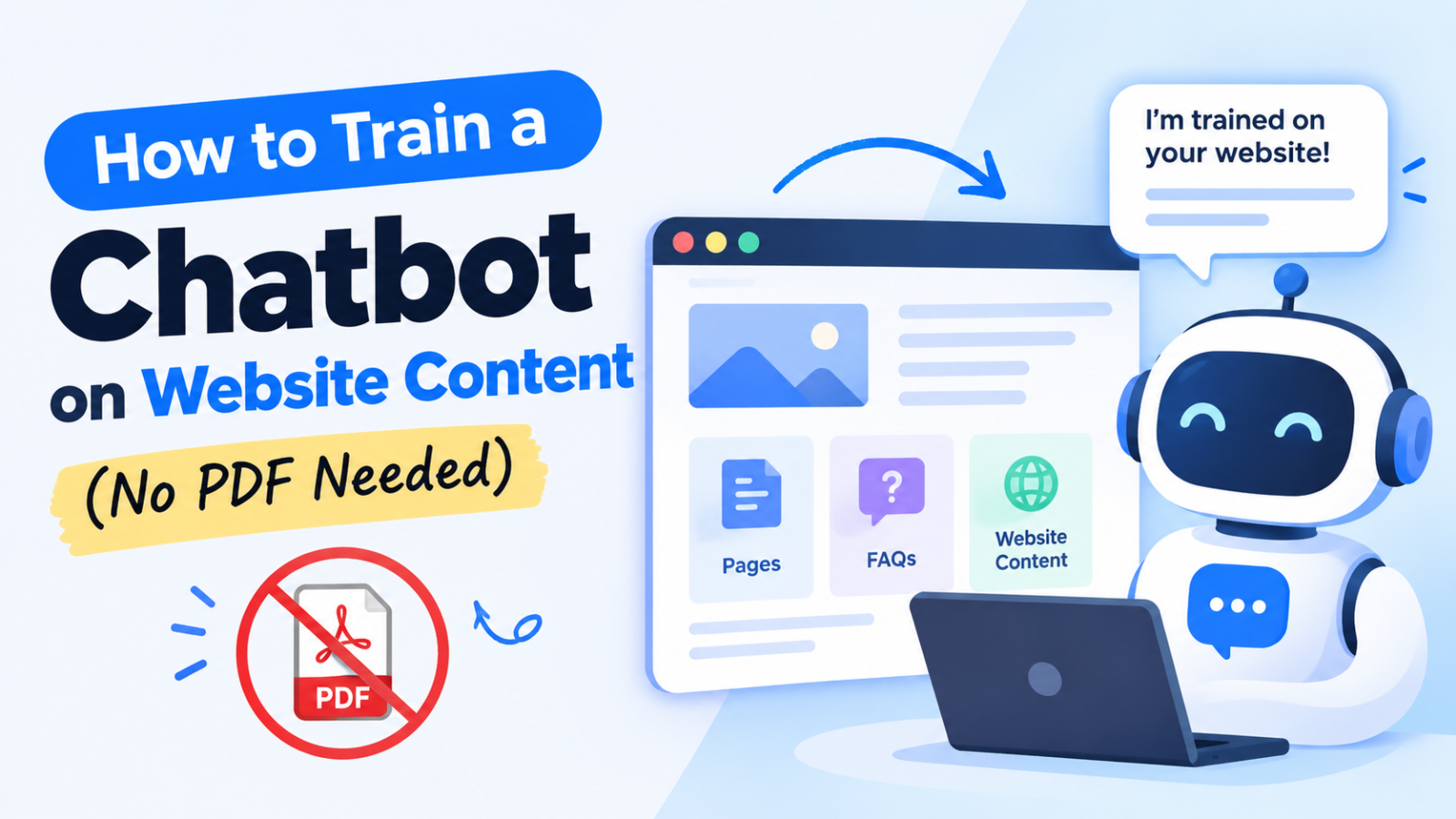
A chatbot trained on your clinic's own information answers these instantly and accurately. Because Glanceia learns from your website content, you can point it at your URL or sitemap rather than building a knowledge file by hand. Our guide on training a chatbot on your website content without PDFs walks through the process.
One practical note: only include information you're comfortable stating publicly, and keep fees and policies on your website up to date. The bot is only as accurate as the content behind it.
3. Turn a Question Into a Booking Request
Answering a question is helpful. Answering it and then offering a next step is what fills slots.
A well-designed chatbot doesn't wait for the visitor to figure out what to do. After answering, it gently moves the conversation forward:
"A routine check-up usually takes about 30 minutes. Would you like me to take your details so our team can find you a slot this week?"
From there, the bot collects the basics (name, phone number, preferred day or time) one question at a time and sends them to your team. Spreading the questions out feels like a conversation rather than a form, which keeps more people from abandoning halfway.
This is also where tone matters. A stiff, scripted bot puts nervous patients off. Our article on making your chatbot sound more human covers how to keep it warm and natural.
4. Reassure Anxious Patients
Dental anxiety is common, and it's one of the main reasons people delay or cancel appointments. Many anxious patients would rather type a question than say it out loud on the phone.
A chatbot gives them a low-pressure way to ask things like "Does it hurt?" or "Do you offer sedation?" and to hear a calm, clear answer. A gentle welcome message also sets the tone from the start. Something like:
"Hi, welcome! If you have any questions before booking, nervous or not, I'm happy to help."
That small touch can be the difference between a patient closing the tab and a patient sending a request.
5. Match the Message to the Page
A visitor reading about teeth whitening has different needs from someone on your emergency care page. Your chatbot can reflect that.
Emergency page: "In pain? Tell me what's going on and I'll flag it for our team right away."
Whitening or cosmetic page: "Curious about whitening options? I can answer questions or arrange a consultation."
Pricing page: "Questions about costs or payment plans? Ask away."
Glanceia lets you write a custom first message and choose between AI-generated or fixed responses, so you can tailor the hook to the page instead of using one generic greeting everywhere.
6. Get Alerted When Patients Reach Booking Pages
If a visitor opens your booking or contact page but doesn't complete it, you've lost a warm lead without ever knowing.
With real-time alerts, Glanceia can notify your team when visitors reach key pages such as booking or payment pages. That lets staff step in at the right moment, or at least know that interest is happening and follow up quickly.
7. Use Chat Insights to Plan Your Schedule
Your chatbot's conversations are a record of what patients actually want. Review them regularly and patterns appear:
A surge of questions about braces or aligners may be worth promoting.
Many people asking about evening or weekend hours may suggest adding a late clinic day.
Repeated questions about one treatment suggest your page for it needs to be clearer.
Glanceia's analytics show top questions and conversation trends from your dashboard, so you can match your services and your slots to real demand.
8. Serve Patients in Their Own Language
Many clinics serve diverse communities. A patient who can ask questions in their first language is far more likely to feel comfortable booking. Glanceia works in over 95 languages, so a single chatbot can handle visitors who write in different languages without you maintaining separate versions of your site.
What a Chatbot Should and Shouldn't Do in a Dental Practice
A professional approach means setting clear boundaries. A few ground rules:
Do:
Share general information about services, hours, location, and fees.
Collect basic contact details and preferred times with the visitor's consent.
Hand complex or urgent cases to your team.
Don't:
Give diagnoses or clinical advice. Make it clear the bot can't assess symptoms and encourage urgent cases to call the clinic or seek emergency care.
Ask patients to share detailed medical history in chat.
Make promises about specific appointment times unless your team has confirmed them.
Check the privacy and data protection rules that apply to your region, and make sure your privacy policy covers chat data. Glanceia keeps each company's data isolated and private, but your compliance responsibilities as a healthcare provider remain yours, so review them with your own advisor.
A Simple Setup Plan for Your Clinic
You can get started in an afternoon:
Create your chatbot by entering your clinic's website URL or sitemap.
Check your website content. Make sure services, hours, location, and pricing information are clear, since that's what the bot will learn from.
Write a warm welcome message for your homepage and your most important treatment pages.
Set up lead capture so name, phone number, and preferred time reach your inbox.
Define the fallback. Decide what the bot says for urgent cases or questions it can't answer.
Test it with real questions from your patients, then review conversations weekly and improve.
Frequently Asked Questions
Can a chatbot book appointments for my dental clinic?
A chatbot can collect a patient's details and preferred time and send them to your team, who then confirm the appointment. This keeps you in control of your schedule while making it easy for patients to reach out at any hour.
Will a chatbot replace my receptionist?
No. It handles repetitive questions and after-hours enquiries so your front desk can focus on patients in the clinic and on complex conversations that need a personal touch.
Is it safe to use a chatbot in a healthcare setting?
It can be, with sensible limits. Keep the bot to general information and contact details, avoid collecting sensitive medical information in chat, and make sure your privacy policy and local regulations are covered.
Do I need technical skills to set one up?
No. With a no-code tool like Glanceia, you enter your website URL, customize the look and tone, and add one line of code to your site. It works with platforms such as WordPress, Wix, Squarespace, and Shopify.
How much does it cost to try?
Glanceia has a free plan with no credit card required, so you can build a chatbot and test it on your site before deciding anything further.
How quickly can my clinic go live?
Most clinics can have a chatbot running within minutes of entering their website URL, though it's worth spending extra time reviewing your content and welcome messages.
The Bottom Line
Filling appointment slots isn't only about attracting more visitors. It's about not losing the ones you already have: the late-night browser, the nervous first-timer, the patient who called while reception was busy.
A chatbot catches those moments by answering questions instantly, collecting details, and passing warm leads to your team. It won't replace the human side of dentistry, but it can make sure more of the people who reach out end up in your chairs.
Ready to see how it works for your clinic? Build your free chatbot with Glanceia, enter your website URL, and start answering patient questions around the clock.