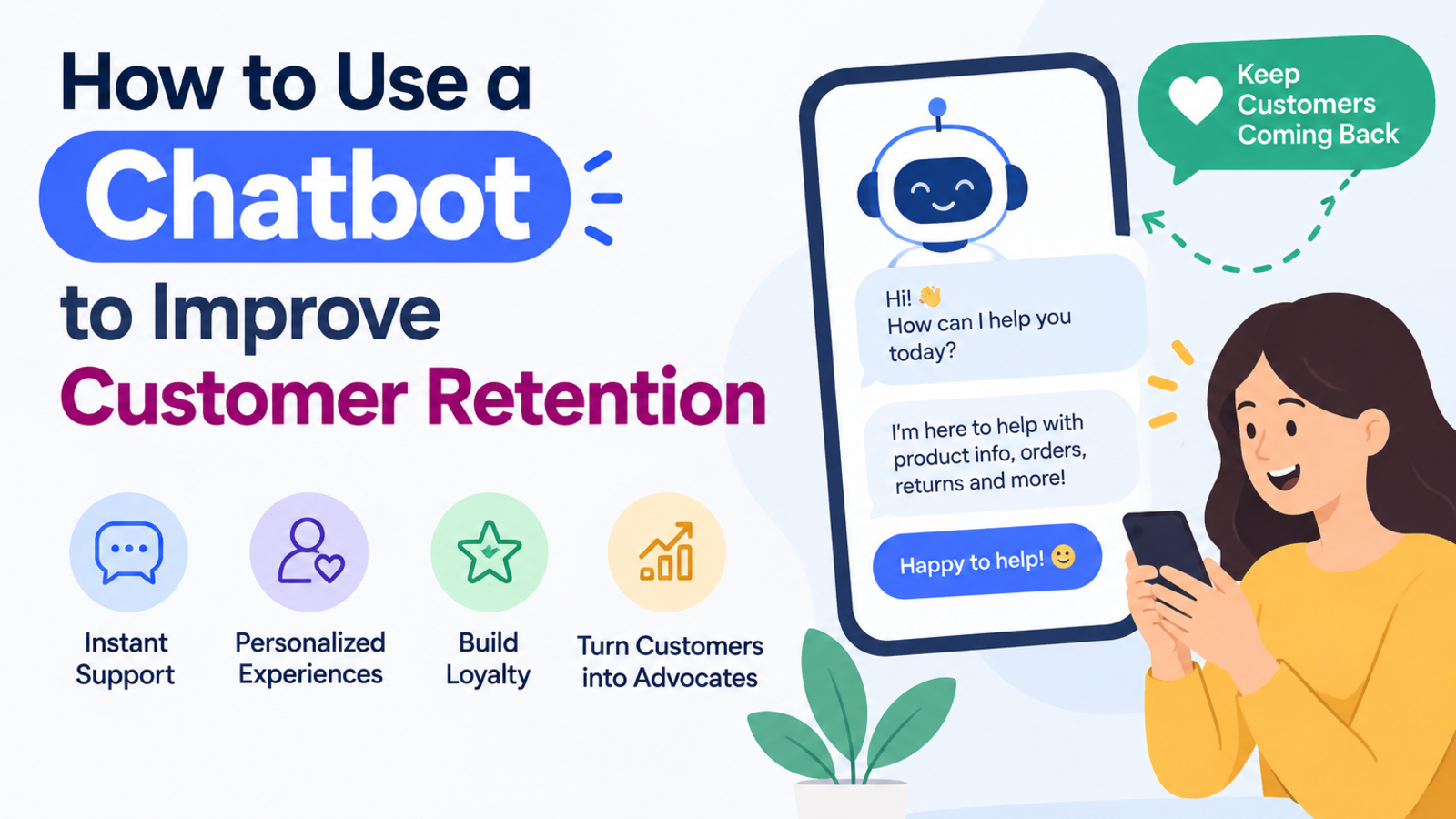
How to Use a Chatbot to Improve Customer Retention
Keeping customers is cheaper than finding new ones. Here's how a website chatbot can fix slow replies, spot problems early, and bring people back.
Most businesses spend their energy on getting new customers. Ads, offers, SEO, social media, all pointed at strangers.
Meanwhile, the people who already bought from you are quietly drifting away. They didn't hate you. Nothing dramatic happened. They had a question, waited a day for an answer, and by the time it arrived they'd already moved on.
That's how most customers are lost: through small moments of friction that nobody noticed. A chatbot can't fix a bad product, but it can fix a lot of those small moments. Here's how to use one to keep the customers you worked hard to win.
Why Retention Is Worth Your Attention
Keeping a customer is almost always cheaper than finding a new one. You've already paid to earn their trust. They know your brand, they've used your product, and they're far more likely to buy again than someone seeing you for the first time.
Retention also compounds. A customer who stays for years, buys repeatedly, and mentions you to a friend is worth far more than their first purchase suggests.
So the question isn't whether retention matters. It's where customers slip away, and what you can do about it. For most small and mid-sized businesses, the answer starts with how quickly and how well they respond.
Where Customers Quietly Leave
Look at your own business honestly. The leaks usually show up in a few familiar places:
Slow replies. A question sent at 9 PM and answered at 11 AM feels like being ignored.
Hard-to-find answers. The information exists somewhere on your site, but nobody can find it.
Repeating themselves. Customers hate explaining the same problem to three different people.
Silence after purchase. The sale happens, and then nothing. No check-in, no help, no reason to come back.
Unresolved small problems. Minor annoyances that never get raised, because raising them feels like too much effort.
A chatbot helps with every one of these.
1. Answer Instantly, at Any Hour
Speed is the most basic form of respect. When someone asks a question, they want to feel heard right now, not tomorrow.
A chatbot responds in seconds, day or night, weekends and holidays included. The customer asking about delivery times at midnight gets an answer at midnight. That alone removes one of the biggest causes of frustration.
This matters most if your customers are in different time zones or your support team works fixed hours. Glanceia's assistant stays online around the clock, answering from your own content so the replies match what your business actually offers.
2. Give Accurate Answers, Not Generic Ones
Fast but wrong is worse than slow. A bot that gives vague answers like "please check our website for details" sends customers away more irritated than before.
The fix is to train your chatbot on your own information: your pricing, policies, product details, and FAQs. When the answer comes from your content, the customer gets a specific reply like "Your plan renews on the 1st, and you can cancel any time before that." That builds confidence.
If you're starting from scratch, you can train a chatbot on your website content without PDFs just by using your URL or sitemap. And because your site is the source, updating a page updates what the bot knows.
3. Make Support Feel Easy, Not Like Work
Customers rarely leave because a problem existed. They leave because solving it felt like effort.
Compare two experiences:
Hard: Find the contact page, fill out a form, wait for an email, reply to a follow-up question, wait again.
Easy: Click the chat bubble, type the question, get the answer.
The easier you make it to ask for help, the more people actually ask, and the more problems get solved before they turn into cancellations. A friendly bot that sounds natural helps here too. We cover that in our guide on making your chatbot sound more human.
4. Let Your Team Focus on the Conversations That Matter
When your staff spends the day answering "What are your opening hours?" and "Where's my order?", they have little energy left for the customers who need real attention: the upset client, the complicated request, the long-term account worth protecting.
A chatbot takes the repetitive questions off their plate. Your team then spends their time on conversations where a human makes the difference, which is where loyalty is actually built.
It also helps to have a clean handoff. When the bot can't resolve something, it should collect the customer's details and pass the conversation to your team so the customer never has to start over. Glanceia can route high-value conversations and lead details straight to your inbox.
5. Learn What Customers Are Really Struggling With
This is the most underrated benefit. Your chatbot's conversations are a free window into what your customers think.
If twenty people ask how to change their delivery address this week, that tells you something: either the option is hidden, or the instructions are unclear. If the same pricing question keeps coming up, your pricing page needs work. If people ask about a product you don't offer, that might be your next one.
Glanceia's analytics show top questions, popular topics, and conversation trends from your dashboard. Instead of guessing why customers get frustrated, you can see it and fix the cause.
Try this: once a week, read the ten most common questions and ask yourself, "Why did they have to ask?" Each answer points to something worth improving on your site or in your product.
6. Catch Customers at the Moments That Count
Some moments carry more weight than others: a customer reaching a checkout page, hesitating on a booking, or looking at a cancellation option.
With the right setup, you can be there at those moments instead of finding out afterward. Glanceia offers real-time alerts when visitors reach key pages, such as booking or payment pages, so your team can step in while the customer is still deciding.
Even without alerts, a well-placed greeting helps. A chatbot on your checkout page that says "Any questions before you order? I can help with shipping or returns" can remove the last bit of doubt.
7. Stay Connected After the Sale
Retention doesn't start when a customer is about to leave. It starts the moment they buy.
A chatbot can keep the door open after a purchase by helping with setup questions, usage tips, and order or booking details. A customer who gets help getting started is far more likely to stick around than one left to figure it out alone.
Collecting contact details during a chat, with the visitor's permission, also gives you a way to follow up later. Glanceia can capture a name, email, and phone number during the conversation, and it connects with tools like HubSpot, Mailchimp, and Zendesk, so those details can fit into the follow-up process you already use.
8. Speak Their Language
Customers feel more loyal to businesses that make them comfortable. Being able to chat in your own language is a big part of that.
If you have customers in several countries, a bot that replies in their language removes a barrier your competitors may not have solved. Glanceia works in over 95 languages, so one chatbot can serve visitors from many places.
A Simple Retention Plan You Can Start This Week
You don't need to overhaul anything. Start small:
Set up your chatbot using your website URL or sitemap so it learns your real content.
Write a warm, specific welcome message for your most important pages.
Decide the fallback. When the bot doesn't know, should it collect an email, offer a human handoff, or point to a page?
Check the questions weekly. Read the top ten and fix what they reveal.
Fill the gaps. Add missing answers to your website so the bot, and every visitor, can find them.
Repeat this for a month and you'll notice fewer complaints, faster resolutions, and customers who feel looked after.
Frequently Asked Questions
Can a chatbot really improve customer retention?
Yes, by removing common frustrations: slow replies, hard-to-find answers, and difficult support. It won't replace a good product or good people, but it makes it easier for customers to get what they need.
Will a chatbot replace my support team?
No. It handles repetitive questions so your team can focus on complex or sensitive conversations where human attention matters most.
How does a chatbot help me understand why customers leave?
By showing you the questions and problems customers raise most often. Patterns in those conversations point to confusing pages, missing information, or product issues you can fix.
Do I need technical skills to set one up?
No. With a no-code tool like Glanceia, you enter your website URL, customize the look and tone, and paste one line of code onto your site.
Is it expensive to get started?
Glanceia has a free plan with no credit card required, so you can build a chatbot and see how your customers respond before committing to anything.
What kind of businesses benefit most?
Any business with repeat customers and repeat questions: online stores, travel agencies, hotels, service providers, and software companies.
The Bottom Line
Customers don't usually leave in a dramatic moment. They leave after a few small disappointments: an unanswered question, a confusing page, a reply that came too late.
A chatbot can't promise you'll keep every customer, but it can remove a lot of those small disappointments and show you where the rest are hiding. That's a good trade for something you can set up in an afternoon.
Want to see how it works on your own site? Build your free chatbot with Glanceia, enter your website URL, and let your customers start getting instant answers.