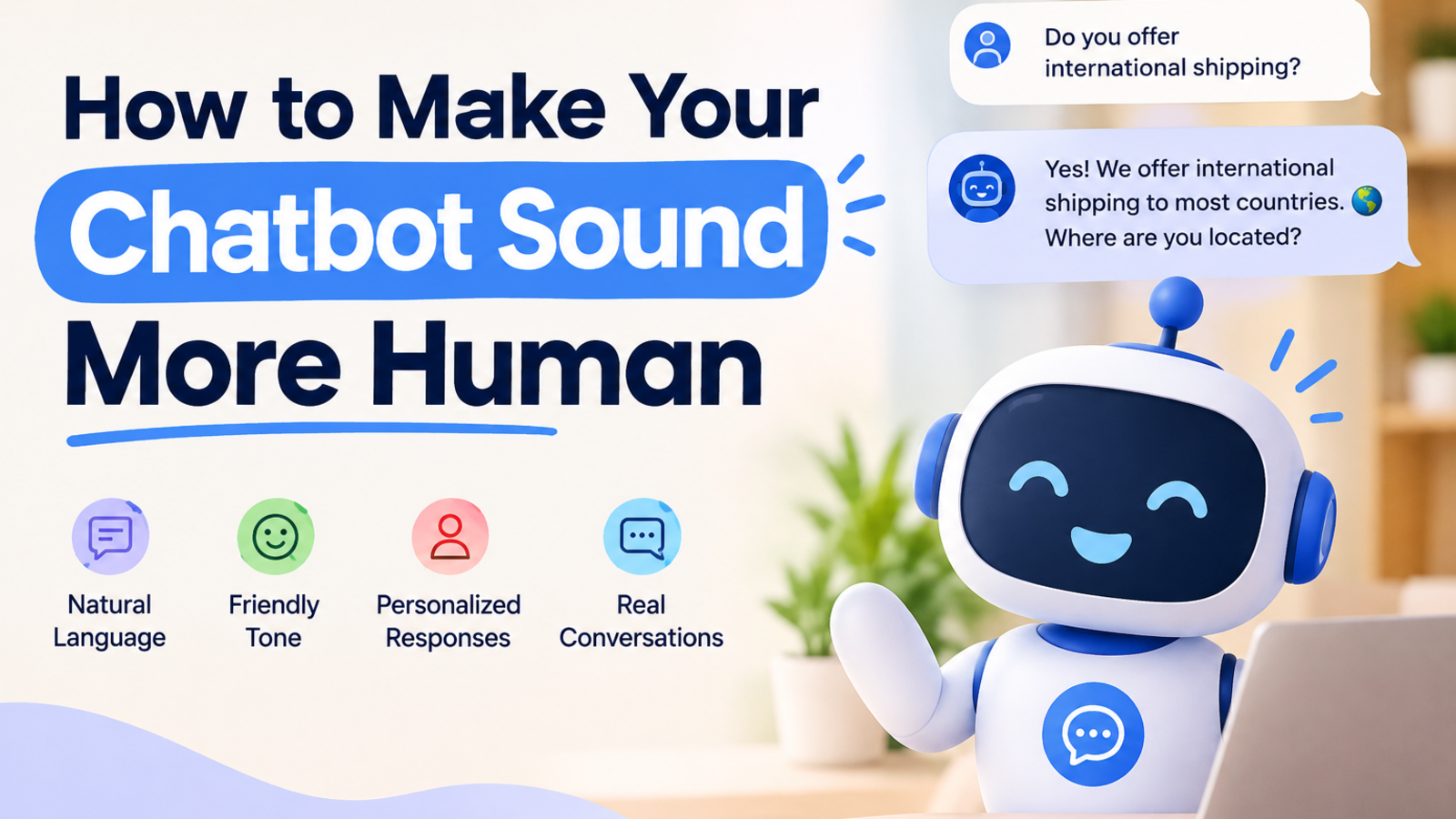
How to Make Your Chatbot Sound More Human (Real Examples)
Is your chatbot stiff and robotic? Here's how to fix its tone, greetings, and replies so visitors feel like they're talking to a person, with before-and-after examples.
Think about the last time a chatbot greeted you with "Hello! I am a virtual assistant. How may I assist you today?"
You probably closed it. Most people do.
Nothing in that sentence is wrong, and that's the problem. It sounds like a form letter. Visitors can tell within two seconds whether they're talking to something that understands them or something that's reading from a script, and they react accordingly. They either engage or leave.
The good news is that making a chatbot sound human has little to do with fancy technology. It comes down to the same things that make a person pleasant to talk to: tone, timing, honesty, and knowing when to stop talking. Here's how to get there.
First, a Clarification: Human Doesn't Mean Pretending to Be Human
Let's get this out of the way. A chatbot that claims to be "Sarah from support" when it's software is a bad idea. People feel tricked when they find out, and trust is hard to win back.
Sounding human means being natural, not deceptive. Your bot can say it's an AI assistant and still be warm, clear, and easy to talk to. In fact, being upfront about it usually makes people more forgiving when the bot doesn't know something.
1. Start With a Greeting That Sounds Like a Real Person
The opening message sets the whole mood. Compare these two:
Robotic: "Welcome. Please select an option from the menu below or type your query."
Human: "Hey, welcome! Looking for something specific, or just browsing?"
The second one is shorter, asks one easy question, and gives the visitor permission to say "just browsing," which lowers the pressure.
Even better, match the greeting to the page. Someone on your pricing page cares about different things than someone reading a blog post. A hotel site might open with "Planning a stay? I can check room availability for your dates." A store might say "Questions about shipping or returns? Ask away."
In Glanceia you can write your own first message instead of settling for a default, so take ten minutes and make it sound like your business.
2. Write the Way People Actually Talk
Read your bot's replies out loud. If you wouldn't say it to a customer standing at your counter, rewrite it.
A few easy fixes:
Use contractions. "We're open until 6" sounds natural. "We are open until 6" sounds like a legal notice.
Keep sentences short. Long, stacked sentences feel like reading terms and conditions.
Drop the corporate filler. Phrases like "Please be advised" and "We apologize for any inconvenience this may have caused" belong in a memo, not a chat.
Answer first, explain after. If someone asks "Do you deliver on Sundays?", start with "Yes, we do" or "Not on Sundays, sorry," then add details.
That last one matters more than it seems. Burying the answer under three lines of introduction is one of the quickest ways to make a bot feel mechanical.
3. Give Your Chatbot a Consistent Personality
Human beings have a recognizable way of talking. Your chatbot needs one too, and it should match your brand.
Before you touch any settings, answer this: if your business were a person, how would it talk?
A law firm might sound calm, precise, and reassuring.
A travel agency might sound upbeat and a little adventurous.
A software company might sound friendly but efficient.
A spa might sound soft and unhurried.
Write down three or four words that capture that voice, such as "warm, direct, a little playful," and keep checking your bot's replies against them. Glanceia lets you set the tone of voice and persona from your dashboard, which makes this much easier than rewriting every answer by hand.
The key is consistency. A bot that's chatty in one message and stiff in the next feels like two different people sharing one keyboard.
4. Train It on Your Real Content, Not Generic Knowledge
Nothing feels less human than a vague, one-size-fits-all answer.
Ask a generic bot about your refund policy and you'll get something like "Refund policies vary, please check with the company." Ask a bot trained on your actual content and you'll get "You can return items within 14 days, as long as they're unused. Want me to walk you through it?"
The second answer feels like talking to someone who works there, because the information came from your own pages. If you haven't done this yet, our guide on training a chatbot on your website content without PDFs covers how to do it from your URL or sitemap.
Specific beats polite every time.
5. Let It Say "I Don't Know" Gracefully
People trust those who admit what they don't know. Chatbots are no different.
A bot that makes up an answer to avoid looking clueless does real damage. A bot that says this does the opposite:
"I'm not sure about that one. Want me to pass your question to the team? Just leave your email and they'll get back to you."
That does three things well. It's honest, it offers a next step, and it keeps the visitor from hitting a dead end. As a bonus, you've just collected a lead.
Plan for these moments. Decide ahead of time what your bot should do when it can't help: hand off to a human, collect contact details, or point to a relevant page.
6. Ask One Question at a Time
Ever had a conversation where someone fires four questions at you in a row? It's exhausting.
Robotic: "Please provide your name, email address, phone number, and preferred travel dates."
Human: "Happy to help with that! What's your name?"
...then the next question after they answer. Spreading it out feels like a conversation. Dumping it all at once feels like a form, and people abandon forms.
7. Match Their Energy
Good salespeople and support agents read the room. Your bot can too, in a simple way.
If a visitor writes "hi!!" with an exclamation mark, a warm reply fits. If they write "my order hasn't arrived and it's been two weeks," a cheerful "Hey there!" lands badly. That person needs acknowledgment first: "That's frustrating, I'm sorry. Let's sort this out."
You can build this into your bot's guidelines. Tell it to stay calm and empathetic with complaints, and to keep things light only when the visitor does.
8. Don't Overdo the Personality
There's a trap on the other side too. Emojis in every message, forced jokes, and constant exclamation marks get annoying quickly.
A good rule: personality should help the conversation, never interrupt it. One friendly touch per reply is plenty. If a visitor needs help fast, give them the answer without a joke attached.
9. Support the Languages Your Visitors Speak
Few things feel more human than being spoken to in your own language. A visitor who writes in Spanish, Hindi, or German and gets a reply in the same language feels noticed.
Glanceia works in over 95 languages, so a single bot can serve visitors from different countries without you building separate versions.
10. Read Real Conversations and Keep Improving
This is the step most people skip, and it's where the real gains are.
Your chatbot's conversation history shows you exactly where it sounds stiff, where visitors got confused, and which questions it couldn't answer. Set aside twenty minutes a week to read through a handful of chats. You'll spot patterns fast: a reply that's too long, a question people keep asking that your site never answers, a greeting that nobody responds to.
Glanceia's analytics show your top questions and conversation trends, which makes it easy to see what visitors care about. Fix those things, and the bot gets better without much effort.
Before and After: A Quick Example
Before:
"Thank you for contacting us. Our business hours are Monday to Friday, 9:00 AM to 5:00 PM. Please let us know if you require further assistance."
After:
"We're open Monday to Friday, 9 to 5. Anything else I can help with while you're here?"
Same information, half the length, and it sounds like someone who wants to help rather than someone covering themselves.
A Simple Checklist
Before you publish, run through this:
Does the greeting sound like something a person would say?
Does the bot use contractions and short sentences?
Does it answer first, then explain?
Is the personality consistent with your brand?
Is it trained on your real content?
Does it handle "I don't know" honestly?
Does it ask one question at a time?
Have you tested it with real, messy questions?
Frequently Asked Questions
Should my chatbot pretend to be a real person?
No. Be clear that it's an AI assistant. You can still make it warm and natural without pretending, and visitors tend to trust it more when you're upfront.
How long should chatbot replies be?
Short enough to read at a glance. For most questions, one to three sentences works. Offer more detail only if the visitor asks.
Does a more human chatbot actually improve conversions?
When visitors enjoy the conversation, they stay longer, ask more questions, and are more willing to share contact details. A natural tone removes friction, which supports conversions.
Do I need to write every reply myself?
No. Train your bot on your own content, set the tone and persona, and write a few key messages by hand, like the greeting and the fallback. Glanceia handles the rest from your content.
How often should I update my chatbot's tone?
Review it every few weeks at first, then monthly. Reading real conversations will tell you when something needs a tweak.
The Bottom Line
A human-sounding chatbot isn't built with a clever trick. It's built by paying attention to small things: a better greeting, shorter sentences, honest answers, and a personality that fits your brand. Get those right, and visitors stop feeling like they're talking to a machine and start feeling like they're being helped.
Want to see it for yourself? Build a free chatbot with Glanceia, set your own tone of voice, and test it on your own content in a few minutes.