How to Train a Chatbot on Website Content (No PDF Needed)
Learn how to train an AI chatbot on your website content using just your URL or sitemap. No PDFs, no manual uploads, and no coding required.
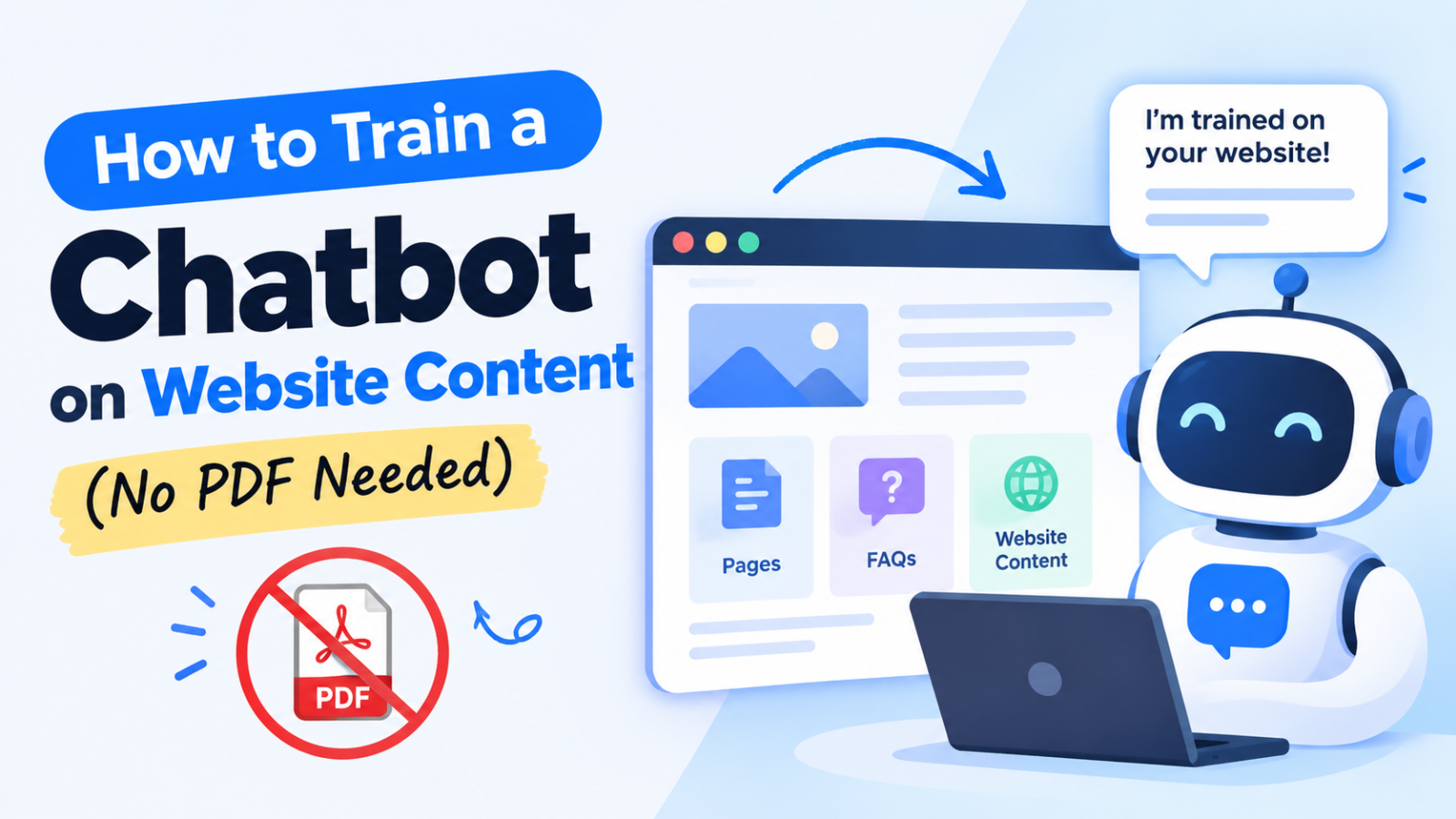
You already wrote the answers. They're sitting on your website. So why are you still exporting them into PDFs?
Most chatbot tools ask you to gather your content, export it as PDFs or Word files, upload everything, and repeat the process every time you change a price or update a policy. It's slow, and the bot's answers go stale the moment your site changes.
There's a simpler way. You can train a chatbot on your website content directly from your URL or sitemap. This guide shows you how, why it works better than document uploads, and how to get it live in minutes.
Why PDFs Are the Wrong Starting Point
PDFs made sense when chatbots were rule-based and needed a tidy knowledge file. For a website chatbot, they create problems:
Duplicate work. Your content already exists as web pages. Converting it to PDF is busywork.
Outdated answers. Change a price on your site and forget to re-upload the PDF, and your bot quotes the old price.
Messy formatting. Tables, columns, and images often break during PDF extraction, which produces confusing answers.
Scattered sources. Your real content lives across dozens of pages, and collecting it all takes time.
Your website is the most current and complete version of what your business knows. Training your chatbot from it makes sense.
What Does "Training a Chatbot on Website Content" Mean?
Training doesn't mean building an AI model from scratch. Modern AI chatbots use your content as a knowledge base:
The tool reads the pages you point it to.
It breaks the text into searchable pieces.
When a visitor asks a question, the bot finds the most relevant pieces.
It writes an answer based on your content, not generic internet knowledge.
The result is a chatbot that answers with your services, your policies, and your pricing. That matters for accuracy, and it's the difference between a helpful assistant and one that makes things up.
Two Ways to Train a Chatbot Without a PDF
Method 1: Train from a Website URL
The fastest option. You enter your website address, and the chatbot tool reads your pages and learns from them.
Best for:
Small to medium websites
Getting a working bot live quickly
Businesses that want zero technical setup
Enter your homepage URL, and the tool follows your site's pages and builds the knowledge base from what it finds.
Method 2: Train from a Sitemap
A sitemap (usually at yourwebsite.com/sitemap.xml) is a file listing all the important pages on your site. Training from a sitemap gives you more control.
Best for:
Larger websites with many pages
Sites where you want to include or exclude specific sections
Making sure no important page gets missed
Because a sitemap is a clean, organized list of your public pages, the bot learns from the pages you actually want visitors to see.
Quick tip: Not sure whether your site has a sitemap? Add /sitemap.xml to your domain in a browser. Most WordPress, Shopify, Wix, and Squarespace sites generate one automatically.
Step-by-Step: Train Your Chatbot from Your Website
Here's the full process, using Glanceia as an example. Glanceia is a no-code AI chatbot builder that learns from your website content.
Step 1: Create Your Account
Sign up with Google or email. You can start on the free plan without a credit card.
Step 2: Add Your Website URL or Sitemap
Enter your website URL, or paste your sitemap link if you want the bot to follow a specific list of pages. Glanceia reads the content and builds your bot's knowledge base.
Step 3: Customize Your Chatbot
Set the bot's tone of voice, colors, avatar, and welcome message so it matches your brand. A friendly greeting like "Need help finding the right plan?" gets more engagement than a generic "Hi."
Step 4: Test Before You Publish
Ask the bot the questions your customers ask most: pricing, delivery, refunds, availability, contact details. If an answer is weak, the usual cause is that the information isn't clearly stated on your website. Improve the page, and the bot improves with it.
Step 5: Embed It on Your Site
Copy one line of code and paste it into your website. Glanceia works with WordPress, Shopify, Wix, Squarespace, and other platforms, so there's no developer needed.
How to Get Better Answers from a Website-Trained Chatbot
Your chatbot is only as good as your content. These habits make a real difference:
1. Write clear, direct pages. If your pricing page says "Contact us for details," the bot can't tell visitors your prices.
2. Add an FAQ page. Questions and answers in plain language are the easiest content for a chatbot to learn from and reuse.
3. Keep one topic per page. Focused pages give the bot cleaner information to work with.
4. Update your site, not a separate file. With a URL-based chatbot, your website is the single source of truth.
5. Review real conversations. Check the questions visitors ask. Unanswered ones show you exactly which content is missing from your site.
Who Benefits Most from Website-Trained Chatbots?
Travel agencies answering package, pricing, and visa questions at all hours
Online stores handling shipping, returns, and product questions
Service businesses explaining offerings and booking appointments
SaaS companies guiding users through features and pricing
Hotels and restaurants answering availability and booking questions
Any business that gets repetitive questions can save time and capture leads it would otherwise miss.
Frequently Asked Questions
Can I train a chatbot without uploading any files?
Yes. Tools like Glanceia let you train a chatbot by entering your website URL or sitemap, so you don't need to upload PDFs or documents.
What is the difference between training from a URL and a sitemap?
A URL lets the tool discover your pages starting from one address. A sitemap gives it an organized list of your pages, which is better for larger sites or when you want precise control.
Do I need coding skills to train a website chatbot?
No. No-code builders handle the reading, learning, and setup. Embedding the chatbot usually takes one line of code that you copy and paste.
Will the chatbot make up answers?
A chatbot trained on your own content answers from your information rather than generic knowledge, which greatly reduces wrong answers. Clear website content improves accuracy further.
What happens when I update my website?
Because your content lives on your website, you keep it updated there. Re-sync your chatbot so it learns the latest changes.
Is it free to get started?
Glanceia offers a free plan with no credit card required, so you can build and test your chatbot before deciding on anything else.
Final Thoughts
You don't need PDFs, spreadsheets, or hours of preparation to build a chatbot that knows your business. Your website already holds the knowledge. Point a chatbot at your URL or sitemap, and it can start answering visitor questions in minutes, day or night.
Ready to try it? Build your free chatbot with Glanceia. Enter your website URL and see it answer real questions from your own content.