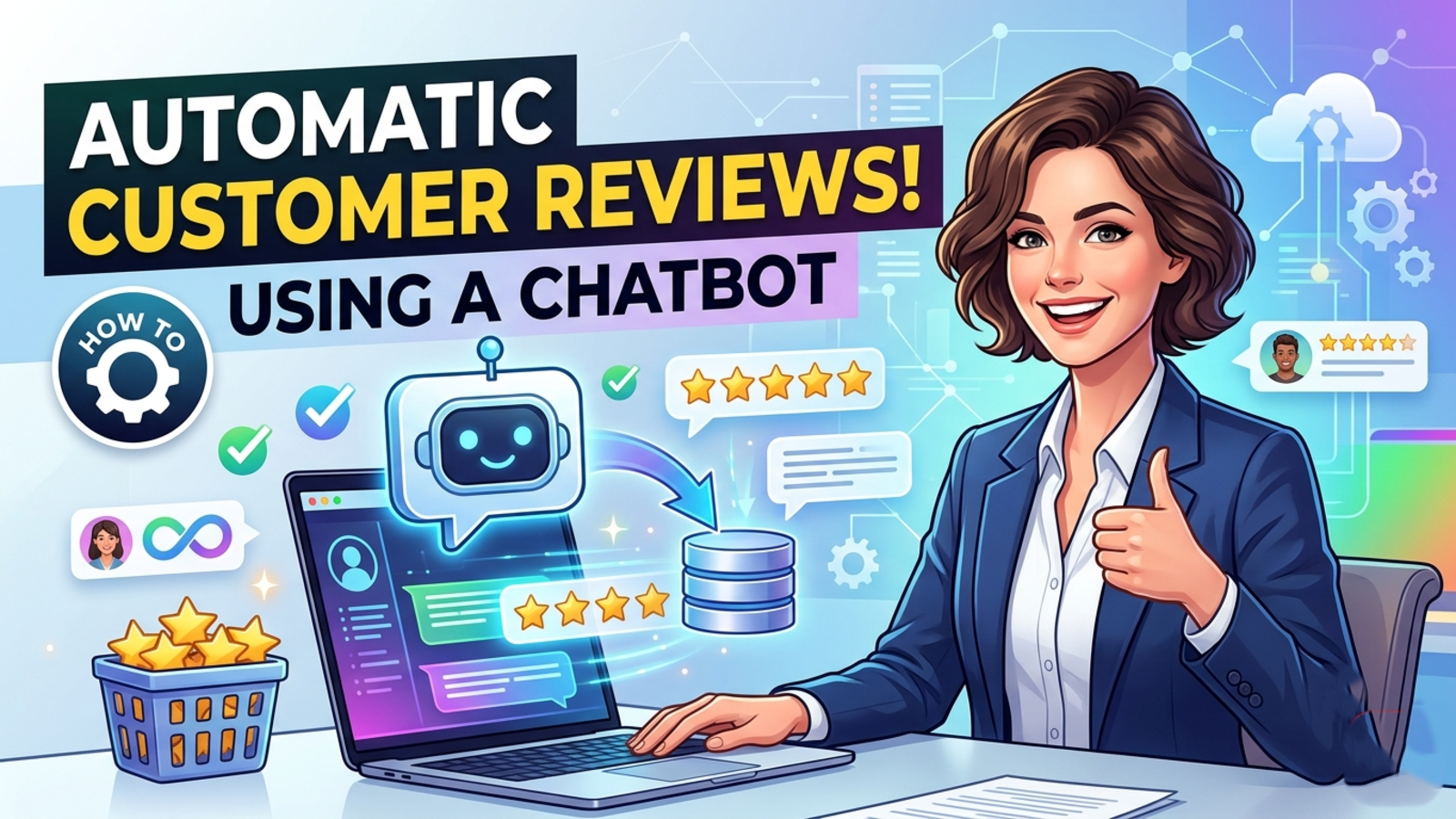
How to Use a Chatbot to Collect Customer Reviews Automatically
Learn how to use a website chatbot to ask for customer reviews at the right moment, handle unhappy customers, and grow your ratings without chasing people.
Almost every business owner knows reviews matter. Almost none of them have a system for getting them.
The usual routine goes like this. A customer is thrilled, you think “I should ask for a review,” and then the day gets busy. A week later you’ve forgotten. Or you do send a request, but it’s a cold email with a link, and nobody clicks it.
A chatbot fixes the part that actually breaks, which is timing and follow-through. Here’s how to set one up so reviews trickle in without you chasing anyone.
Why most review requests fail
It’s rarely because customers don’t like you. It’s usually one of these:
The ask comes too late. Two weeks after a purchase, the good feeling is gone.
It takes too many steps. Find the email, click the link, log in, figure out where to type.
It feels like a form. Nobody enjoys being handed homework.
Nobody owns it. If it depends on a team member remembering, it won’t happen consistently.
A chatbot is already in the conversation, so it can ask right away, in plain language, one small question at a time.
Why a chatbot works for this
It’s there at the right moment. If someone has just booked, bought or had a question answered well, that’s when they’re most willing to say something nice.
It feels like a conversation, not a survey. “How did we do today?” is easier to answer than a five-field form.
It never forgets. It asks every customer, every time, with the same polite tone.
It works outside office hours. Plenty of happy customers write to you at 10 p.m. A bot can catch that goodwill before it fades.
The basic flow
The simplest review chat has three steps:
Ask how it went. Keep it light: “Did we sort out what you needed today?”
Respond to the answer. If it went well, thank them and share your review link. If it didn’t, offer to connect them with a person.
Make the link easy. One tap should take them to your Google, Facebook or other review page.
Example of a good conversation:
Bot: Glad we could help with your booking! Did everything go smoothly?
Customer: Yes, thanks, it was easy.
Bot: Great to hear. If you’ve got 30 seconds, a quick review really helps other travellers find us. Here’s the link: [your review page]
And one where things went wrong:
Bot: Did everything go smoothly?
Customer: Not really, my payment failed twice.
Bot: Sorry about that. I’d like to get this fixed. Can I take your name and email so someone from our team can reach out today?
That second path matters as much as the first. A frustrated customer who gets a fast human reply often becomes a loyal one.
How to set it up, step by step
1. Decide where you want reviews
Pick one or two places, not five. For most local and service businesses that means Google Business Profile first, then maybe Facebook or a niche site in your industry (TripAdvisor for travel, for example). Copy the direct review link for each. Getting people to the box where they can type is half the battle.
2. Put your review info into the chatbot’s knowledge
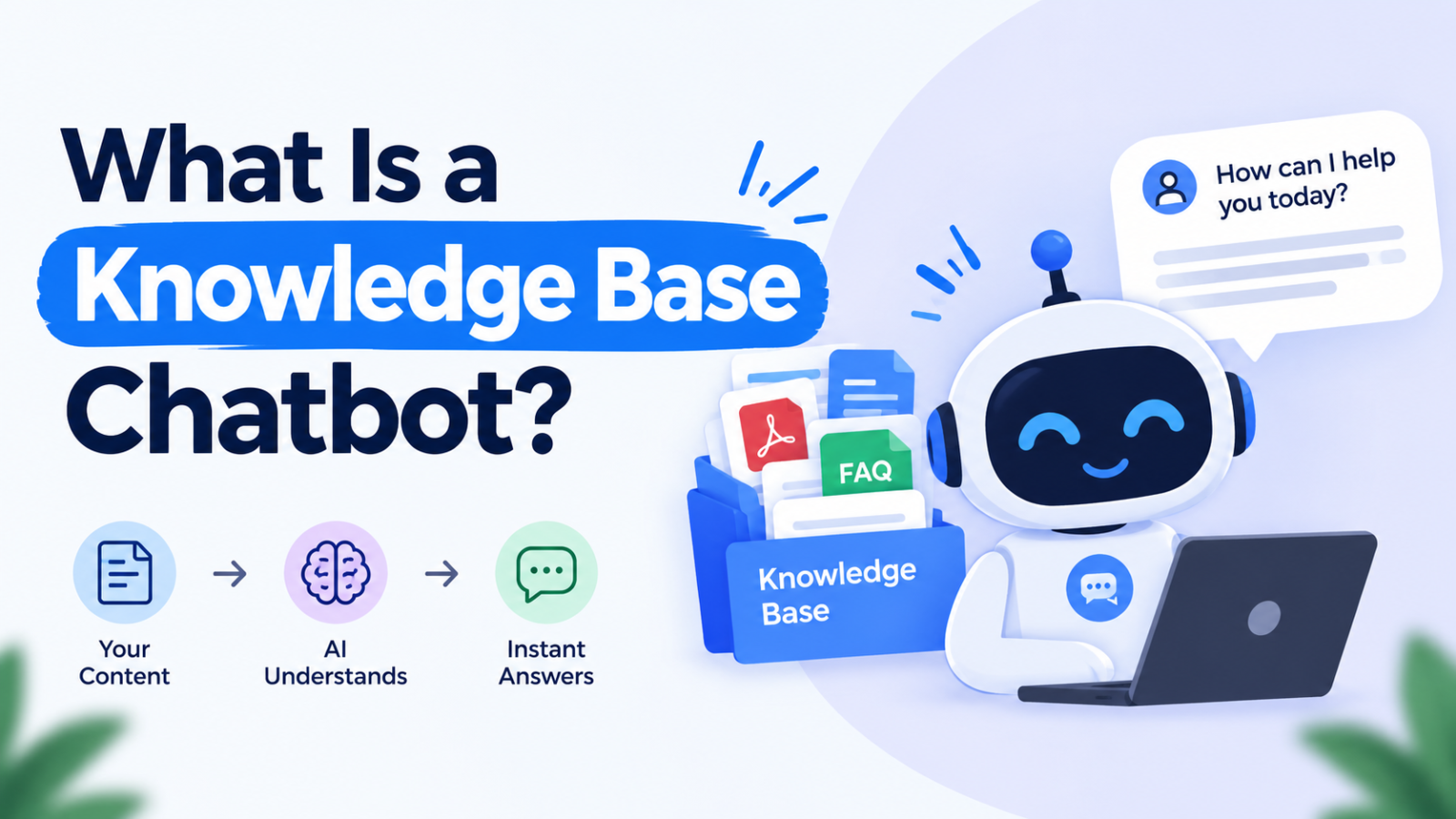
Your bot can only share what it knows. With Glanceia, you train the chatbot on your own content, including FAQs, documents and plain text. Add a short entry such as “If a customer wants to leave a review, share this link” along with your review URL and a line on where to find it. Then when someone says “I want to write a review,” the bot knows exactly what to do.
3. Write a welcome message that fits the moment
A generic “Hi, how can I help?” is fine for browsing visitors, but you can do better on pages that matter. Glanceia lets you set a custom first message, so on a thank-you page or order confirmation page you can open with something like:
“Thanks for your order! Anything we can help with, or want to tell us how we did?”
That one line invites feedback without feeling pushy.
4. Put the chatbot where happy customers already are
The best places to catch people at their peak:
Order or booking confirmation page
The page that loads after a support question is resolved
A “thank you” page after a form submission
Your account or customer portal, if you have one
You don’t need the bot everywhere. A few well-placed spots beat a pop-up on every page.
5. Capture contact details for the unhappy path
When someone has a problem, don’t make them repeat themselves later. Glanceia can collect a visitor’s name, email and phone number during the chat and route those conversations to your inbox. That means a customer with a complaint goes straight to a real person with the context attached.
6. Check the transcripts every week
This is the step people skip, and it’s where the value hides. Your chat history shows what customers praise, what confuses them, and what keeps going wrong. Those are the same themes you’ll see in public reviews later, except now you can fix them first. Glanceia’s analytics show top questions and conversation trends, which makes patterns easy to spot.
Wording tips that actually help
Keep it short. One question at a time.
Be specific about the request. “Would you mind sharing a quick review?” beats “Please rate us.”
Say why it matters. “It helps other people find us” is honest and works.
Say thank you whether or not they leave a review.
Match your brand. If you’re warm and casual in person, don’t sound like a legal notice in chat.
Mistakes to avoid
Only sending happy customers to the review page. This is sometimes called review gating, and it’s a bad idea. Google’s policies discourage selectively asking for positive reviews, and platforms can remove reviews or penalize listings that do it. A safer approach is to offer the review link to everyone, while giving unhappy customers an easy extra option to talk to your team first.
Offering rewards for positive reviews. Most platforms ban it. Thanking people is fine. Paying for five stars is not.
Asking too early. If someone is still waiting on their order, a review request feels tone-deaf. Wait until the problem is solved or the service is delivered.
Asking too often. Once per customer per experience is plenty.
Ignoring the replies. When a review comes in, respond to it. A short, genuine reply to both good and bad reviews shows future customers you’re paying attention.
Writing or faking reviews. Don’t. It’s against platform rules, it’s illegal in many places, and customers can usually tell.
What to expect
A chatbot won’t turn a mediocre experience into a flood of five-star reviews. What it does is remove the friction and the forgetting. If your customers are already happy, you’ll start collecting more of that happiness in public, steadily and without extra work from your team.
Give it a few weeks, then look at two numbers: how many chats led to someone opening your review link, and how many unhappy customers you caught privately before they posted. Both tell you something useful.
FAQ
Can a chatbot really collect customer reviews?
It can ask for them and send customers to your review page. The customer still writes the review on the platform itself, but the bot handles the asking, the timing and the link.
When is the best time to ask for a review?
Right after a good experience: after a purchase is confirmed, a booking is completed, or a question is answered well. The sooner, the better.
Should I only ask happy customers for reviews?
No. Selectively asking for positive reviews goes against the policies of platforms like Google. Ask everyone, and give unhappy customers a way to reach your team directly.
Do I need to know how to code?
No. With Glanceia you upload your content, customise the chatbot and add one line of code to your site. Many site builders and platforms like WordPress, Shopify and Wix are supported.
Which review platform should I focus on first?
Start with wherever your customers already look. For most businesses that’s Google. Add a second platform only once the first one is running smoothly.
What if a customer leaves a bad review anyway?
Reply politely, address the problem, and offer to fix it offline. Future customers read your replies as much as the review itself.
Ready to try it?
If you want a chatbot that learns from your own content and can greet customers, answer questions and capture details around the clock, Glanceia is free to start with no credit card. See the pricing page for plan details or the docs to get set up.