What Is a Knowledge Base Chatbot?
A knowledge base chatbot answers questions using your own documents and help content. Here's how it works, where it helps, and what to check before you pick one.
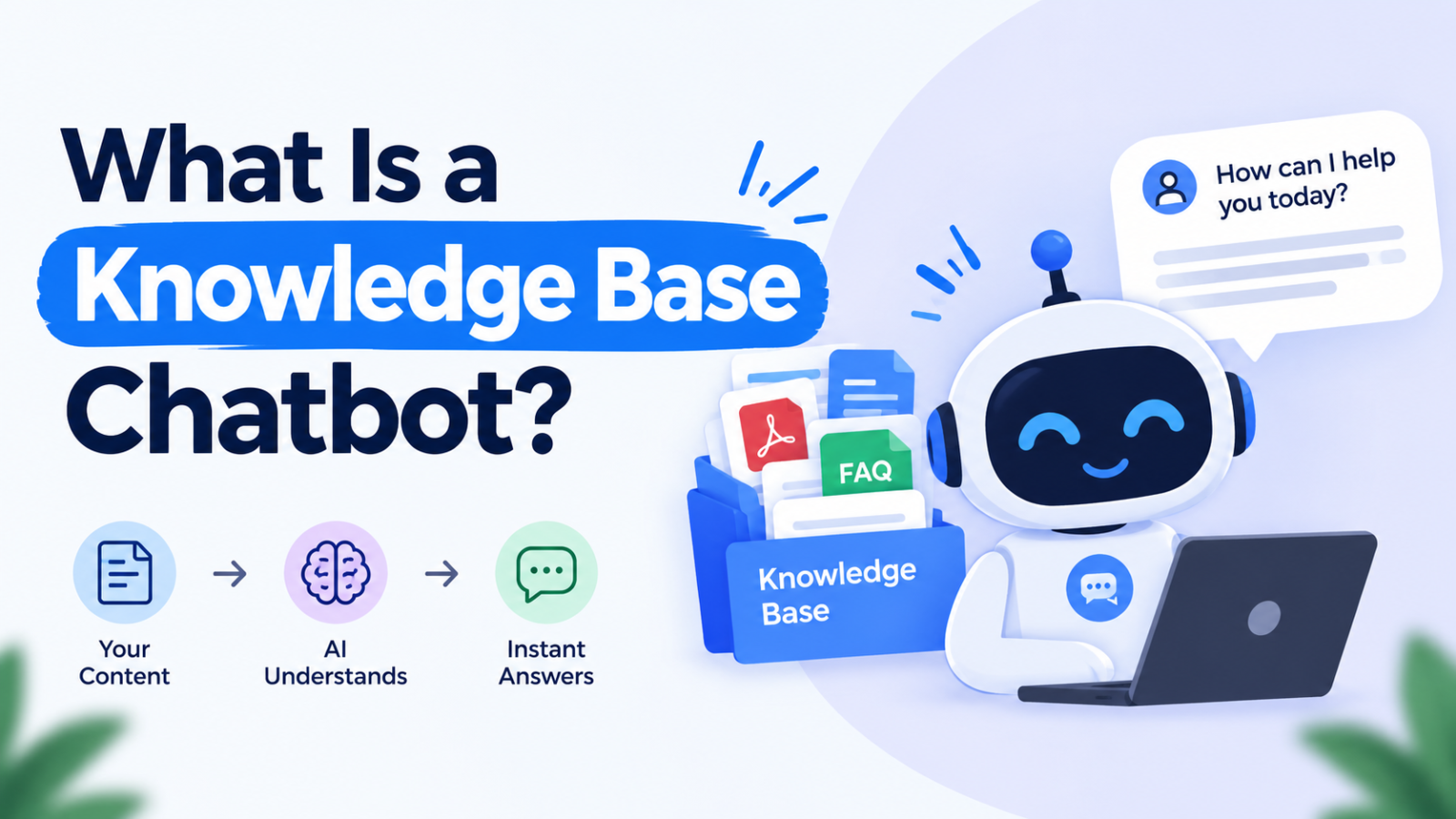
A knowledge base chatbot is a chatbot that answers questions using your own content: help articles, FAQs, product manuals, policy documents, internal wikis. It doesn't make up replies from general internet knowledge or follow a rigid script. It looks up the relevant information in your material and answers from that.
Think of it as a very fast colleague who has read every document your company owns and can find the right paragraph in a second.
Why people are paying attention to it
Most teams already have the answers. They're sitting in a help center nobody searches, a shared drive nobody can navigate, or the heads of two people who are always busy.
Customers don't want to dig through twenty articles. Employees don't want to ping HR to ask how many leave days they have. A knowledge base chatbot puts a simple question box in front of all that material and returns a direct answer.
How a knowledge base chatbot works
The technology behind most modern versions is called retrieval-augmented generation, or RAG. The name is technical, but the process is easy to follow:
It ingests your content. You connect help articles, PDFs, web pages, or internal docs. The system breaks them into smaller pieces and indexes them so they can be searched by meaning, not just exact keywords.
It finds the relevant pieces. When someone asks "Can I get a refund after 30 days?", the chatbot pulls the passages most likely to contain the answer, even if the word "refund" never appears in them.
It writes a response from those passages. An AI language model turns what it found into a clear, conversational answer. Good tools also show which document the answer came from, so people can check it.
The key point is that the answer is grounded in your content. That's what separates it from a general-purpose AI chatbot, which answers from whatever it learned in training and can sound confident while being wrong about your specific business.
How it differs from other chatbots
Rule-based chatbots follow decision trees. Click "Billing," then "Invoices," then "Download." They work for a handful of predictable questions and break the moment someone phrases things differently.
General AI chatbots can talk about almost anything, but they don't know your pricing, your return policy, or how your product behaves. They also have no reason to stay within what your company has actually said.
Knowledge base chatbots sit between the two. They're flexible in how they understand questions, but they stay tied to your approved content.
Where teams use them
Customer support: answering the repetitive questions (shipping times, password resets, plan limits) so human agents can focus on harder cases.
Internal help desks: HR policies, IT troubleshooting, expense rules, onboarding questions.
Product documentation: letting users ask a question instead of scanning a long manual.
Sales teams: quick access to product specs, case studies, and security answers during calls.
Online stores: sizing, delivery, returns, and product details at any hour.
The real benefits
Answers are available at any hour. Nobody has to wait for office hours to find out how a feature works.
Answers stay consistent. Two people asking the same question get the same information, not two slightly different versions from two different agents.
Support teams get time back. Routine questions get handled automatically, which leaves people free for the conversations that need judgment.
New hires ramp up faster. Instead of interrupting teammates, they can ask the chatbot.
You find the gaps in your documentation. When people keep asking something and the chatbot can't answer it, that's a clear sign an article is missing or unclear.
The limits worth knowing about
A knowledge base chatbot is only as good as what you feed it. A few things to keep in mind:
Outdated content produces outdated answers. If your refund policy changed last quarter and the old page is still live, the chatbot may quote the old one.
Gaps stay gaps. If the answer isn't in your content, a well-built chatbot should say so instead of guessing. Some tools handle this better than others.
It can still get things wrong. Grounding reduces errors but doesn't remove them, especially for questions that need interpretation or that span several documents.
Sensitive information needs controls. An internal chatbot should respect who is allowed to see what. A new intern shouldn't be able to pull up payroll documents by asking nicely.
Some conversations need a person. Complaints, complicated billing disputes, and emotional situations shouldn't be forced through a bot.
What to look for when choosing one
Source citations, so users and your team can verify answers.
Easy content syncing, so updates to your docs show up without manual re-uploading.
A clear "I don't know" behavior with a handoff to a human or a support form.
Permission controls, especially for internal use.
Analytics, so you can see which questions get asked and which go unanswered.
Support for the formats you actually use, like PDFs, web pages, Notion, Google Drive, or Confluence.
How to get started
Clean up your content first. Remove duplicates, fix outdated pages, and make sure key policies are written clearly.
Pick one use case. Start with something specific, like customer FAQs or HR questions, instead of trying to cover the whole company.
Test with real questions. Pull a list from your support inbox or chat logs and see how the chatbot handles them.
Set up a fallback path. Decide what happens when the bot can't help.
Review regularly. Check unanswered questions every week or two and update your content accordingly.
Frequently asked questions
Is a knowledge base chatbot the same as ChatGPT?
No. ChatGPT answers from general training knowledge. A knowledge base chatbot answers from your own documents, which makes it more accurate for company-specific questions.
Do I need technical skills to set one up?
Usually not. Most tools let you connect your content with a few clicks or by uploading files. The harder part is making sure the content itself is accurate and well organized.
Can it replace my support team?
It can handle a large share of repetitive questions, but it works best alongside people, not instead of them.
What kind of content works best?
Clear, well-structured articles that answer specific questions. Long, vague, or contradictory documents lead to weaker answers.
How do I know if it's working?
Track resolution rate, the number of questions it couldn't answer, and whether support ticket volume for common topics goes down.
The bottom line
A knowledge base chatbot turns the content you've already written into something people can actually talk to. It won't fix a messy knowledge base, but if your documentation is in decent shape, it can make that information far easier to reach for customers and employees alike.
Try Glanceia Chatbot Free Now