We Cut Our Support Team's Workload in Half — Here's What Actually Changed
No new hires, no big process overhaul. Just one change that took our support team from drowning in repeat questions to actually having time to think.
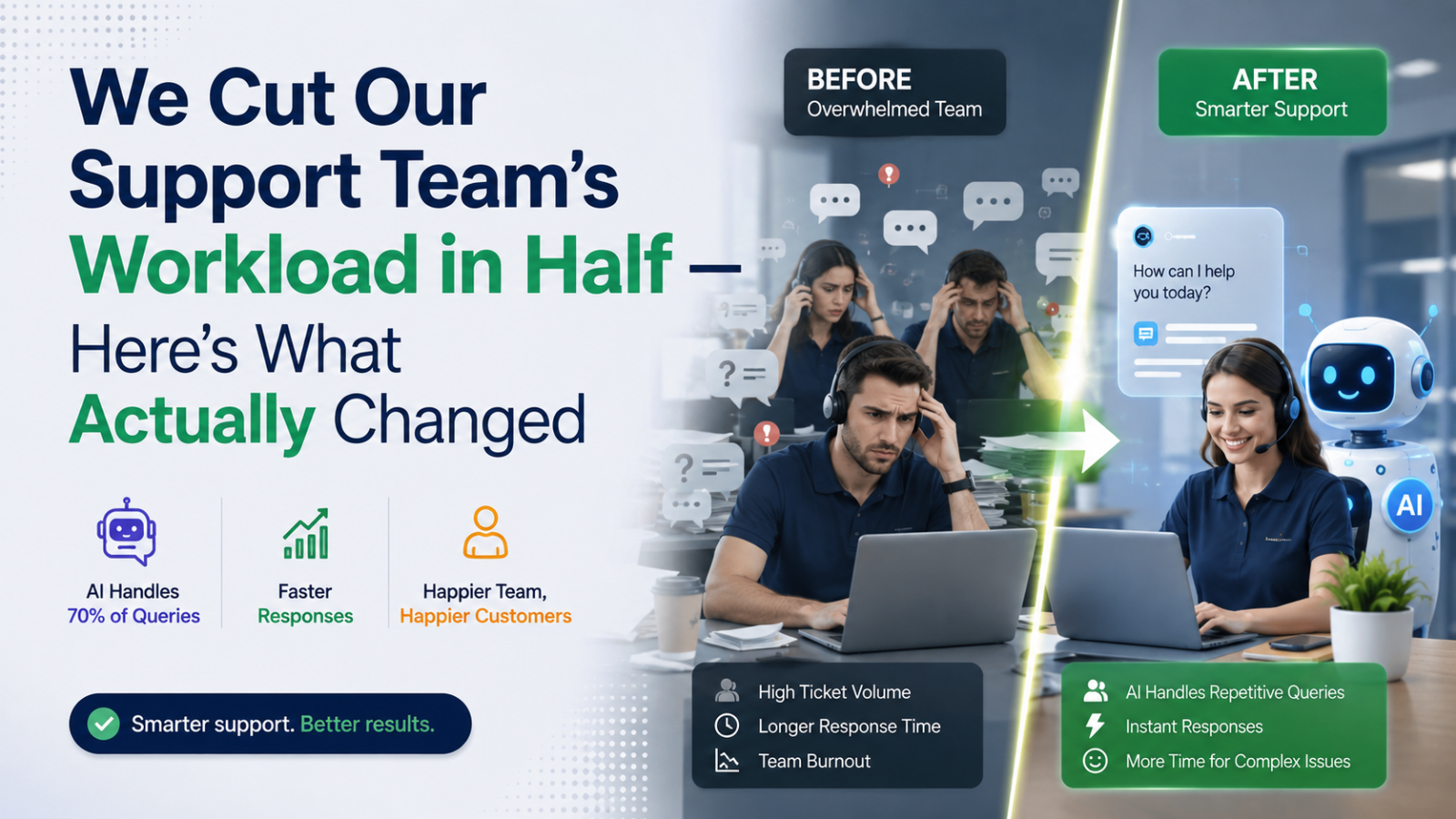
Six months ago, our support inbox looked like a losing battle.
Every morning started the same way: forty-plus unread messages, half of them asking the exact same three or four questions. "What are your hours?" "Is this available for next weekend?" "Do you offer refunds?" By the time the team cleared the backlog, new messages had already piled up behind it. Nobody was drowning because the work was hard — they were drowning because the work was repetitive.
We didn't hire anyone new. We didn't restructure the team. We didn't switch to a "better" help desk tool, either — we'd already tried two of those, and they just organized the chaos without reducing it.
What actually moved the needle was smaller and, honestly, kind of obvious in hindsight: we stopped making humans answer questions a machine could answer just as well.
The Realization That Changed Everything
We pulled a month of support tickets and actually read through them — not skimmed, read. And the pattern was almost embarrassing once we saw it laid out. More than half the conversations were some version of a question we'd already answered a hundred times before. Not complicated. Not urgent. Just repetitive.
The team wasn't spending their time solving problems. They were spending it retyping the same answers, over and over, to different people.
That's when it clicked: the bottleneck wasn't headcount. It was that every single question — simple or complex — had to go through the same slow, manual pipeline. A person reads it, a person thinks about it, a person types a reply. Even for "what time do you close on Saturdays," that whole pipeline was running.
What We Actually Did
We didn't try to automate everything at once — that's usually where these projects fail. We started narrow: just the repetitive stuff.
We set up an AI chatbot — we used Glanceia — and instead of writing scripted responses, we just uploaded what we already had. Our FAQ doc. Our pricing sheet. Our policies page. That was basically it. The chatbot read through all of it and started answering questions directly from our own content, in our own voice, without us writing a single canned response.
The difference from other chatbots we'd looked at before was that this one didn't guess or make things up. It only answered from what we'd actually given it, so when someone asked about a specific package or a specific policy, the answer was actually correct — not a generic "please contact support" dead end that just created more work downstream.
We also turned on the part that flagged when someone reached our booking page mid-conversation, so the team would know exactly when a real human touch might close the deal, instead of getting pulled into every single conversation just in case.
Within about a week, we could see it working. Not because someone told us — because the inbox looked different every morning.
What Actually Changed, Concretely
The backlog disappeared. Repeat questions that used to sit for hours got answered in seconds, at any hour — including the ones that came in at midnight, which we used to just lose entirely.
The team's day looked different. Instead of spending the first two hours clearing simple tickets, they were spending that time on the handful of conversations that actually needed a human — complicated requests, unhappy customers, custom bookings.
We stopped losing leads overnight. Visitors who used to ask a question after hours and get no reply were now getting an answer immediately, and their name and email got captured automatically even when they didn't book right away.
We finally saw what people were actually asking. The dashboard showed us the most common questions in one place — which, honestly, told us more about confusing parts of our site than any analytics tool ever had.
Roughly half the workload just... stopped being manual. Not because the team got faster. Because they stopped doing work that didn't need a person in the first place.
What We'd Tell Anyone Considering This
Don't try to automate everything on day one. Start with the questions you're tired of answering — you already know what they are, you've just been too busy to fix it. Upload what you already have; you probably don't need to write anything new. And actually look at what people are asking, because the questions themselves usually tell you something worth fixing on your site, not just in your inbox.
The biggest myth we had going in was that an AI chatbot would feel impersonal, like we were pushing customers away from real help. What actually happened was the opposite — the humans on our team got more present in the conversations that mattered, because they weren't stretched thin answering the ones that didn't.
We didn't set out to cut our workload in half. We set out to stop wasting our team's time on the same handful of questions. The workload just followed.
If your support inbox looks like ours did six months ago, Glanceia is the tool we used — free to start, live on your site in minutes, trained only on your own data. Get in touch if you want help figuring out where to start.