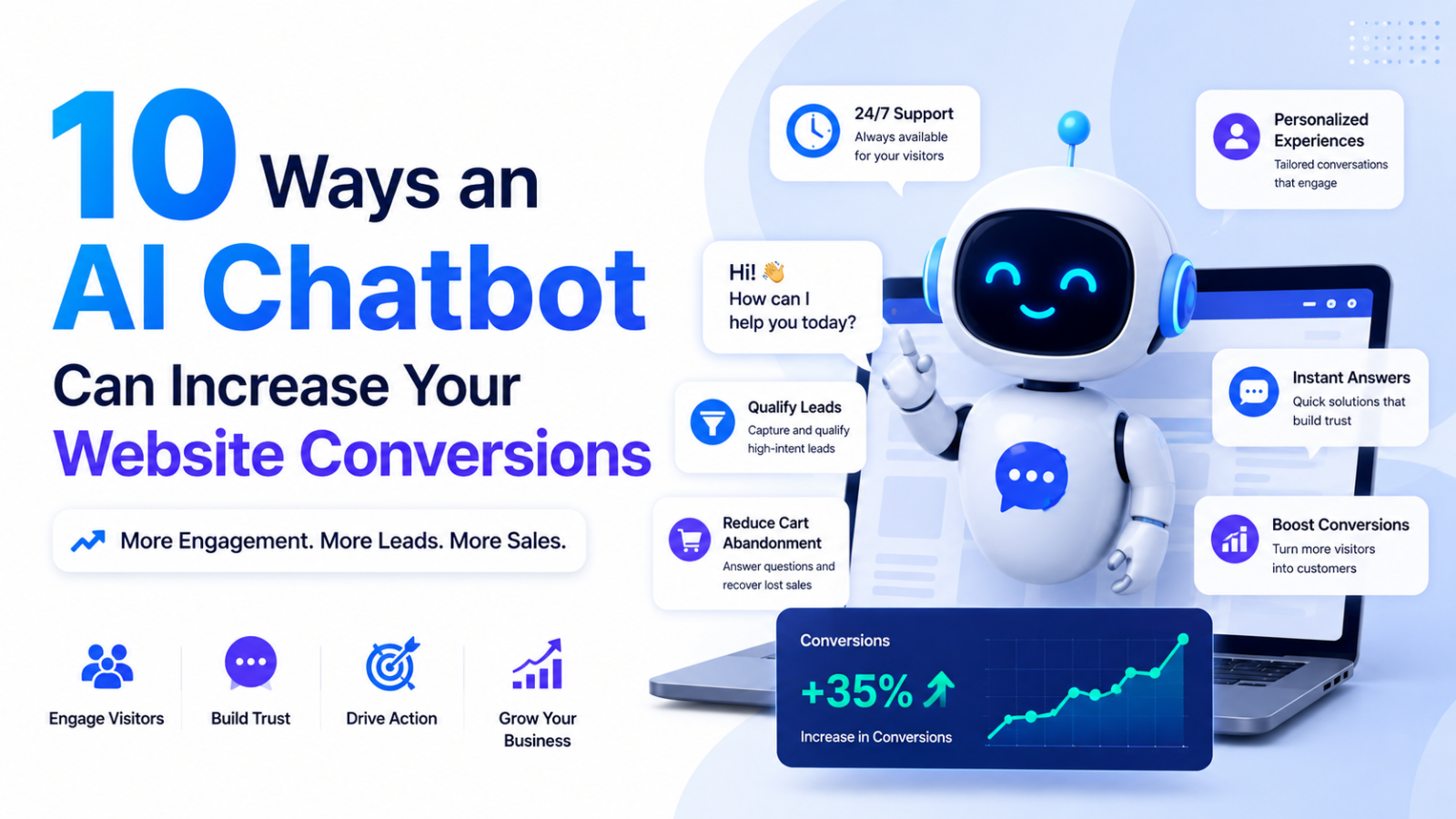
10 Ways an AI Chatbot Can Increase Your Website Conversions
Discover 10 proven ways an AI chatbot boosts website conversions — faster replies, lead capture, personalized recommendations, and 24/7 support. Free to start with Glanceia.
Introduction
You spend money driving traffic to your website — ads, SEO, social media — and then most visitors leave without buying, signing up, or even saying hello. That's not a traffic problem. It's a conversion problem.
The average website converts somewhere between 2% and 5% of visitors. The other 95%+ show up, look around, and disappear — often because nobody answered their question fast enough, or there was no clear next step for them to take.
An AI chatbot fixes this by meeting visitors at the exact moment they're deciding whether to stay or leave. Below are 10 specific ways a chatbot — like the one you can build in minutes with Glanceia — turns more of your traffic into real customers.
1. It Answers Questions Instantly, Before Visitors Leave
Most visitors who leave your site without converting aren't uninterested — they just had a question your page didn't answer (shipping time, pricing, refund policy, compatibility) and weren't willing to dig for it or wait for an email reply.
A chatbot answers that question in seconds, right where the visitor already is. No tab-switching, no waiting, no lost momentum.
2. It Captures Leads 24/7, Even While You Sleep
Most websites only "talk" to visitors during business hours, through a contact form that may not get checked until the next day. A chatbot never sleeps. It can greet a visitor at 2 AM, answer their question, and collect their name and email — turning an anonymous late-night visitor into a lead you can follow up with in the morning.
3. It Personalizes the Experience for Each Visitor
A generic homepage shows the same thing to everyone. A chatbot can ask a couple of quick questions ("What are you looking for?" or "What industry are you in?") and tailor its response — recommending the right plan, product, or page based on the answer. Personalized experiences consistently convert better than one-size-fits-all pages because the visitor feels like the site actually understood what they needed.
4. It Reduces Friction in the Buying Process
Every extra click, every form field, every "let me think about it" moment is a chance for a visitor to abandon. A chatbot can guide someone straight from "I'm interested" to "I'm signed up" in a single conversation — answering objections, clarifying pricing, and linking directly to checkout or signup, without making them hunt through the site.
5. It Qualifies Leads Automatically
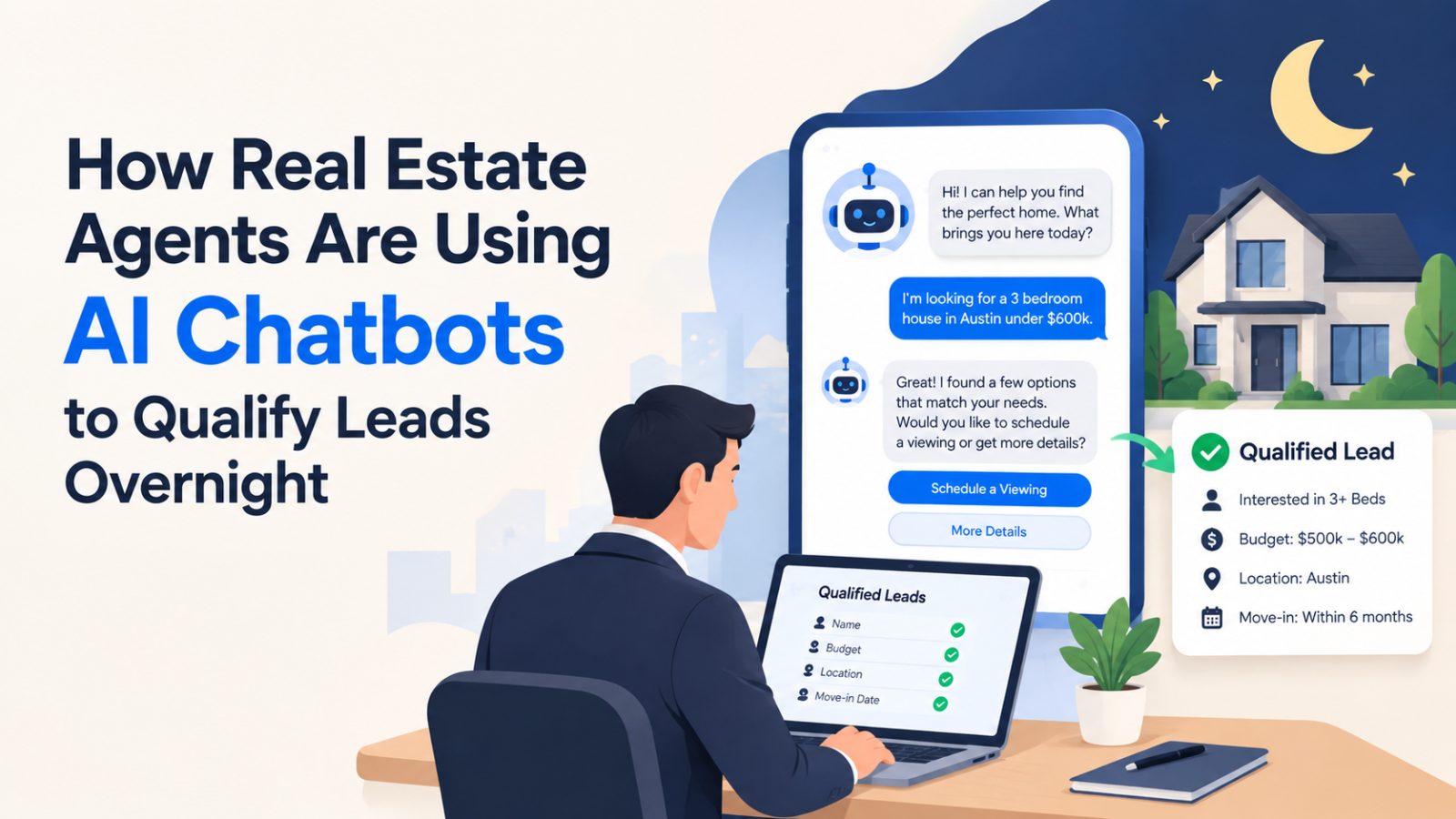
Not every lead is ready to buy, and your sales team's time is limited. A chatbot can ask a few qualifying questions upfront (budget, timeline, use case) and route warm leads straight to a calendar booking or a sales email, while gently nurturing the ones who aren't ready yet. This means your team spends time on the leads most likely to convert, instead of sorting through every inquiry manually.
6. It Recovers Visitors Who Are About to Leave
Many chatbot builders, including Glanceia, support exit-intent or idle triggers — the chatbot pops up with a helpful nudge ("Still deciding? Happy to answer any questions!") right when a visitor is about to close the tab. This kind of timely nudge can recover visitors who would have otherwise left without ever engaging.
7. It Builds Trust With Instant, Accurate Answers
Trust is one of the biggest hidden factors in conversion. A chatbot trained on your actual business data (FAQs, policies, product docs) gives consistent, accurate answers every time — no vague responses, no contradicting what's on your pricing page. That consistency makes visitors more confident they're dealing with a credible business, which directly increases the likelihood they'll convert.
8. It Shortens the Sales Cycle for B2B and High-Ticket Sales
For businesses with longer sales cycles, a chatbot keeps the conversation moving between touchpoints. Instead of a visitor leaving to "think about it" and never coming back, the chatbot can answer follow-up questions immediately, share case studies or pricing details on request, and offer to book a call — keeping momentum alive instead of letting the lead go cold.
9. It Works Across Every Page, Not Just One
A contact form usually lives on one page. A chatbot widget lives on every page of your site — meaning a visitor reading your pricing page, your blog, or a product page always has a way to ask a question or take the next step, no matter where they land. More conversion opportunities across more pages adds up to a meaningfully higher overall conversion rate.
10. It Gives You Data on Why People Aren't Converting
Beyond direct conversions, a chatbot is a goldmine of insight. The questions visitors repeatedly ask reveal exactly what's confusing them or holding them back — pricing concerns, missing features, unclear policies. You can use that data to fix your website copy, FAQs, or onboarding flow, creating a compounding effect where your conversion rate keeps improving over time.
Real Example: What This Looks Like in Practice
Imagine a small SaaS company gets 1,000 visitors a month and converts 2% (20 signups) through their contact form alone. After adding a chatbot that answers instant questions, captures after-hours leads, and nudges hesitant visitors, even a modest lift to 3.5% conversion means 35 signups from the same traffic — without spending a single extra rupee on ads. That's the leverage a chatbot provides: it doesn't bring more visitors, it converts more of the visitors you already have.
How to Add a Conversion-Focused Chatbot to Your Site
Getting one of these chatbots running on your own site doesn't require a developer:
Sign up at Glanceia
Upload your FAQs, pricing, and product docs so the chatbot can answer accurately
Customize the widget to match your brand
Set up lead capture so every conversation collects a name and email
Embed the one-line script tag on your website
Go live and start converting visitors immediately
If you want a deeper walkthrough, check out our guide on how to add a chatbot to your website without coding and how to train a chatbot on your own data.
Common Mistakes That Hurt Conversions
Making the chatbot too hard to find — keep the widget visible on every page, not tucked away
Giving generic, untrained answers — a chatbot with vague replies erodes trust instead of building it
No clear call-to-action — every conversation should have an obvious next step (book a call, sign up, view pricing)
Ignoring the data — review the questions visitors ask weekly to spot patterns worth fixing on the site itself
FAQ
Does adding a chatbot actually increase conversions, or is it just a support tool? Both. A well-set-up chatbot doubles as a conversion tool by answering questions, capturing leads, and guiding visitors toward signup or checkout — not just resolving support issues after the sale.
Will a chatbot feel impersonal compared to live chat? Not if it's trained well. A chatbot trained on your specific business data gives accurate, on-brand answers instantly, and can always hand off to a human for complex cases — giving visitors the best of both speed and accuracy.
How long does it take to set up a chatbot for conversions? With a no-code builder like Glanceia, most businesses are live within 10–15 minutes, including uploading FAQs and customizing the widget.
Do I need technical skills to set this up? No. Glanceia is built specifically so non-technical founders and marketers can set up and train a chatbot without writing any code.
Final Thoughts
You don't need more traffic to grow — you need to convert more of the traffic you already have. An AI chatbot is one of the fastest ways to do that, because it removes the single biggest reason visitors leave: unanswered questions and friction.
Ready to turn more visitors into customers? Try Glanceia free →
Published by Laxman- Team Glanceia