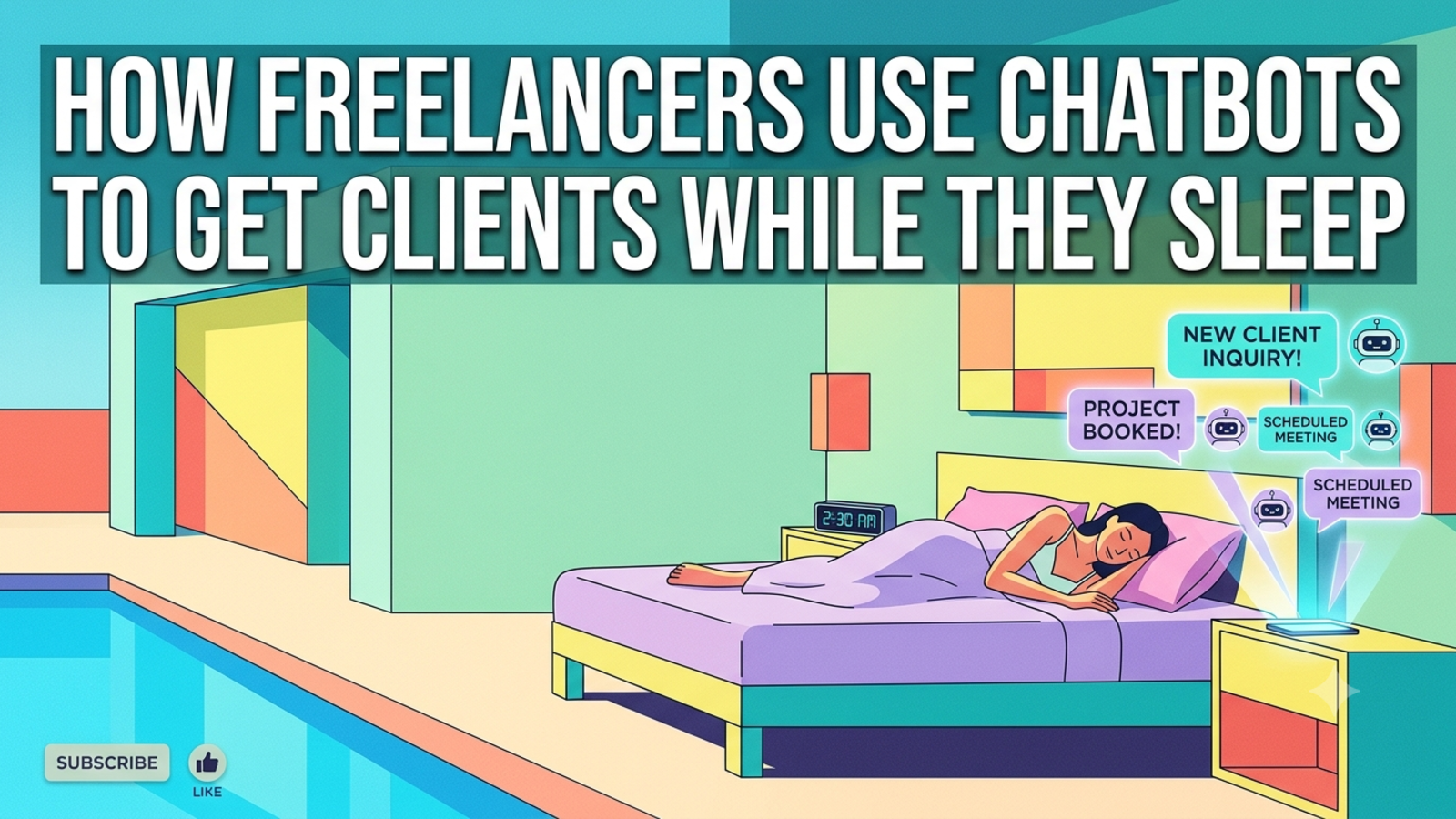
How Freelancers Use Chatbots to Get Clients While They Sleep
Learn how freelancers use a website chatbot to answer client questions, capture leads and book calls around the clock, without hiring help or living in their inbox.
Freelancing has a strange problem. The work is the part you’re good at, but a lot of your day goes to everything around it: replying to enquiries, explaining your rates for the tenth time, chasing people who went quiet.
And the timing is awful. A potential client finds your portfolio at 11 p.m., has a question about pricing, and finds nobody to ask. They’re not going to wait until morning. They’ll open the next tab and message the next freelancer.
You can’t be online every hour, and you shouldn’t try. But your website can be. Here’s how freelancers are using chatbots to catch those late-night visitors, answer the repeated questions and wake up to leads instead of silence, and how to set one up so it sounds like you.
The freelancer’s follow-up problem
If you work alone, you’re the designer, the writer, the developer, the accountant and the sales team. That means a few things quietly go wrong:
Slow replies. You’re deep in a project, and an enquiry sits for a day.
Repeated questions. “What do you charge?”, “How long does it take?”, “Do you work with startups?” You type the same answers again and again.
After-hours visitors. Clients in other time zones browse while you’re asleep.
Time-wasters. Not every message is a serious one, but you can’t tell until you’ve spent twenty minutes on it.
Inconsistent answers. On a busy week, your replies get shorter and less helpful.
A chatbot doesn’t fix all of that. But it can handle the first layer, so you stop being your own receptionist.
What a chatbot can do for a freelancer
Answer the common questions instantly. Your services, how you work, typical timelines, what’s included, how to get started. These are the questions that fill your inbox.
Work while you’re offline. Evenings, weekends, holidays, and every hour you’re focused on client work.
Capture the visitor’s details. Name, email and phone number, collected during the chat, so you have someone to reply to.
Filter the enquiries. A few simple questions about what they need, roughly when and what scale of project help you see who’s serious before you spend time on them.
Show you what clients want. Chat history reveals which services people ask about most, which is useful for deciding what to offer and promote.
Work across languages. Glanceia supports over 95 languages, which is helpful if you attract clients from different countries.
What it can’t do
It’s worth being honest about the limits, because they matter in a business built on trust.
It can’t pitch like you. Your personality and judgement are why people hire you. The bot opens the door. You close the deal.
It can’t quote complicated projects. Custom pricing needs your input.
It can’t replace a conversation. Most clients want to talk to the person they’ll work with before they commit.
It’s only as accurate as what you give it. If your rates or availability are outdated, it will repeat them.
The goal is a helpful front desk, not a fake you.
Step 1: Write down what clients keep asking
Open your inbox, DMs and past proposals. List the questions that come up over and over. For most freelancers it’s something like:
What services do you offer?
What are your rates, or what’s a typical project cost?
How long does a project usually take?
What’s your process?
Do you work with my kind of business or industry?
Are you available right now?
How do I get started?
Do you offer revisions, and how many?
How do payments work?
Aim for 15 to 20 questions. That’s your starting material.
Step 2: Write answers in your own voice
This is where freelancers have an advantage. Your voice is part of your brand, and the bot can carry it.
Lead with the answer. Be specific. Sound like yourself.
Weak:
Pricing depends on the project requirements and scope.
Better:
Most website projects start at [your starting price] and take 3 to 4 weeks. The final cost depends on the number of pages and any extra features. Tell me a bit about your project and I’ll point you to the best next step.
Be honest about what you don’t offer too. “I don’t do logo-only projects” saves both of you time.
Step 3: Train the bot on your own content
A generic chatbot gives generic answers. You want it to answer like you do, from your information.
With Glanceia, you upload your own material, such as PDFs, Word documents, CSVs and FAQs, and the chatbot answers from that content. Useful things to add:
Your services page and rate sheet
Past proposals (with client details removed)
Your process and timeline
Terms, payment schedule and revision policy
Your FAQ page
A short “about me” and what kinds of clients you enjoy working with
Keep it up to date. If you raise your rates or fill your calendar, update the bot the same day.
Step 4: Write a welcome message that sounds like you
A generic “How can I help you?” is easy to ignore. Try something that matches the page:
Portfolio page: “Looking for something like this? Ask me about my process or pricing.”
Services page: “Not sure which package fits? Tell me what you need and I’ll point you in the right direction.”
Contact page: “Want a quick answer before you write? Ask here.”
Pricing page: “Questions about what’s included? I can help.”
Glanceia lets you set a custom first message and choose between an AI-generated reply or one you write yourself. For your main pages, write it yourself. It takes minutes and it sets the tone.
Step 5: Answer first, then ask for their details
This is the most common mistake. If the bot opens with “Please enter your name and email,” many people leave. Clients share their details once they’ve got something useful.
The order that works:
Answer their question
Offer a next step
Ask for contact details, with a reason
Visitor: How much for a five-page website?
Bot: Five-page sites usually start at [price] and take about three weeks. The final cost depends on features like a blog or booking form. Want me to pass your details to [your name] so they can send you a proper quote? I’ll just need your name and email.
It feels like a helpful offer rather than a gate.
If you’d rather collect details up front, Glanceia can gather user information at the start of the conversation. Keep it to what you really need.
Step 6: Ask a few qualifying questions
You don’t need a long form. A few light questions help you decide who deserves a call:
What kind of project is it?
When do you need it done?
Do you have a rough budget range?
Have you worked with a freelancer before?
Don’t ask all of them in a row. Spread them through the chat, and drop any you wouldn’t act on. If a budget question puts people off, leave it out and sort that out on the call.
Step 7: Get leads straight to your inbox
Glanceia routes lead data and high-value conversations to your inbox, so you see what each person asked and how to reach them. When you sit down in the morning, you’re not starting from scratch. You’re reading a short list of people who’ve already shown interest, with notes.
Then reply quickly and personally:
“Hi Maya, this is Arjun. You were asking about a five-page site for your bakery. I’d love to hear more about what you have in mind. Are you free for a quick call this week?”
Mention what they asked. It shows you read it and makes your reply stand out from every generic message they’ll get.
Step 8: Set expectations honestly
Tell visitors what will happen next, and keep the promise.
“I’ll reply within one working day.”
“I’m in a different time zone, so you’ll hear back by morning my time.”
“I’m fully booked until March, but I can add you to the waitlist.”
Honesty about availability earns more trust than a fast reply that goes nowhere.
Step 9: Be upfront that it’s a chatbot
Clients don’t mind a bot. They mind feeling tricked. Add a line to your first message or bot description:
“I’m an AI assistant for [Your Name]. I can answer common questions and pass your details along. You’ll always hear from the real person before anything is agreed.”
It’s honest, it sets expectations, and it makes the human follow-up feel more personal.
Step 10: Put it where clients land
Add the bot to the pages where visitors make decisions:
Portfolio and case studies
Services and pricing pages
Contact page
Landing pages for ads or campaigns
Your personal website homepage
Glanceia works with one line of code and supports site builders such as WordPress, Wix, Squarespace, Shopify and Webflow, according to the integrations listed on its site. If you built your own site, it’s usually a matter of pasting the snippet.
Step 11: Match it to your brand
A bot that looks like part of your site feels trustworthy. Glanceia lets you customise colours, the avatar, the launcher style, and the position and size of the chat window. Match your site’s palette, use your own photo or logo, and set a tone that fits how you talk.
Step 12: Review the chats weekly
Spend ten or fifteen minutes each week reading what visitors asked. You’ll learn things you didn’t expect:
Which services people ask about most
Questions your site doesn’t answer well
Objections that come up repeatedly
The wording clients use, which is gold for your website copy and proposals
Glanceia’s analytics show top questions and where visitors drop off. Add missing answers, fix unclear ones, and adjust the first message based on what you see.
A realistic example
Picture a freelance web designer who works alone.
Before: Her inbox fills with enquiries, many asking about price and timelines. She replies to them between client calls, often late at night, sometimes the next day. A few visitors from other time zones never hear back in time. She spends hours each week typing the same explanations.
After: The chatbot answers common questions about services, process and starting prices at any hour. Visitors who want more leave their name and email, and she starts each morning with a short list of warm leads, each with notes about what they asked. She replies personally, books calls, and spends less time on people who just wanted a rough price.
She isn’t selling more by magic. She’s stopped losing people who were already interested, and she’s reclaimed some hours every week.
Mistakes to avoid
Letting the bot guess on pricing. If it doesn’t have a clear answer, it should say so and pass the visitor to you.
Outdated rates or availability. Update the content whenever something changes.
Sounding stiff. Write the answers the way you’d speak to a client.
Asking for too much, too soon. Name and email are usually enough.
Hiding that it’s a bot.
Letting leads sit. Reply while the interest is fresh.
Over-promising. Don’t claim “instant quotes” if you send them by hand.
Setting it up once and forgetting it.
What to measure
Once it’s running, look at a few simple numbers each month:
Chats started and how many became leads
Leads you actually replied to and how quickly
Calls booked from chat leads
Projects won from those leads
Top questions, to improve your site and your offers
Even a few leads a month can justify the effort if each one is worth a project.
A simple setup you can finish this week
List the 15 to 20 questions clients ask most
Write clear answers in your own voice
Upload your services page, rates, process and FAQs to the bot
Write a custom welcome message for your key pages
Let the bot answer first, then ask for name and email
Route leads to your inbox
Add a short line saying it’s an AI assistant
Reply to every lead personally, within a day
Review the chats once a week and improve the answers
FAQ
Can a chatbot really get freelancers clients?
It can’t win clients by itself, but it can answer questions, capture contact details and pass warm leads to you while you’re offline. That means fewer enquiries going cold.
Will a chatbot make my business feel impersonal?
Not if it’s set up well. Write the answers in your own voice, be upfront that it’s an assistant, and always follow up personally. The bot handles the first step and you handle the relationship.
What should a freelancer’s chatbot know?
Your services, typical pricing or starting prices, timelines, process, availability, revision policy and payment terms.
Should the bot quote prices?
Only if you have clear starting prices or ranges. For custom work, have it explain what affects the cost and pass the visitor to you for a proper quote.
What details should it collect?
Name, plus email or phone. Add project type and rough timeline if it helps you decide whether to reply. Skip anything you won’t use.
Do I need to know how to code?
No. With Glanceia you upload your content, customise the look and first message, and add one line of code to your site.
Does it work in other languages?
Yes. Glanceia supports over 95 languages, which helps if you work with clients abroad.
How much does it cost to start?
Glanceia has a free plan with no credit card required. See the pricing page for current details.
How do I know if it’s working?
Check how many chats turn into leads, which questions come up most, and how many leads become calls or projects. Glanceia’s analytics help with the first two.
Let your website do the first shift
If you’re tired of being your own receptionist, a chatbot trained on your own content can greet visitors, answer the basics and hand you warm leads while you sleep. Glanceia is free to start. Check the docs to get set up or contact the team to talk through your use case.