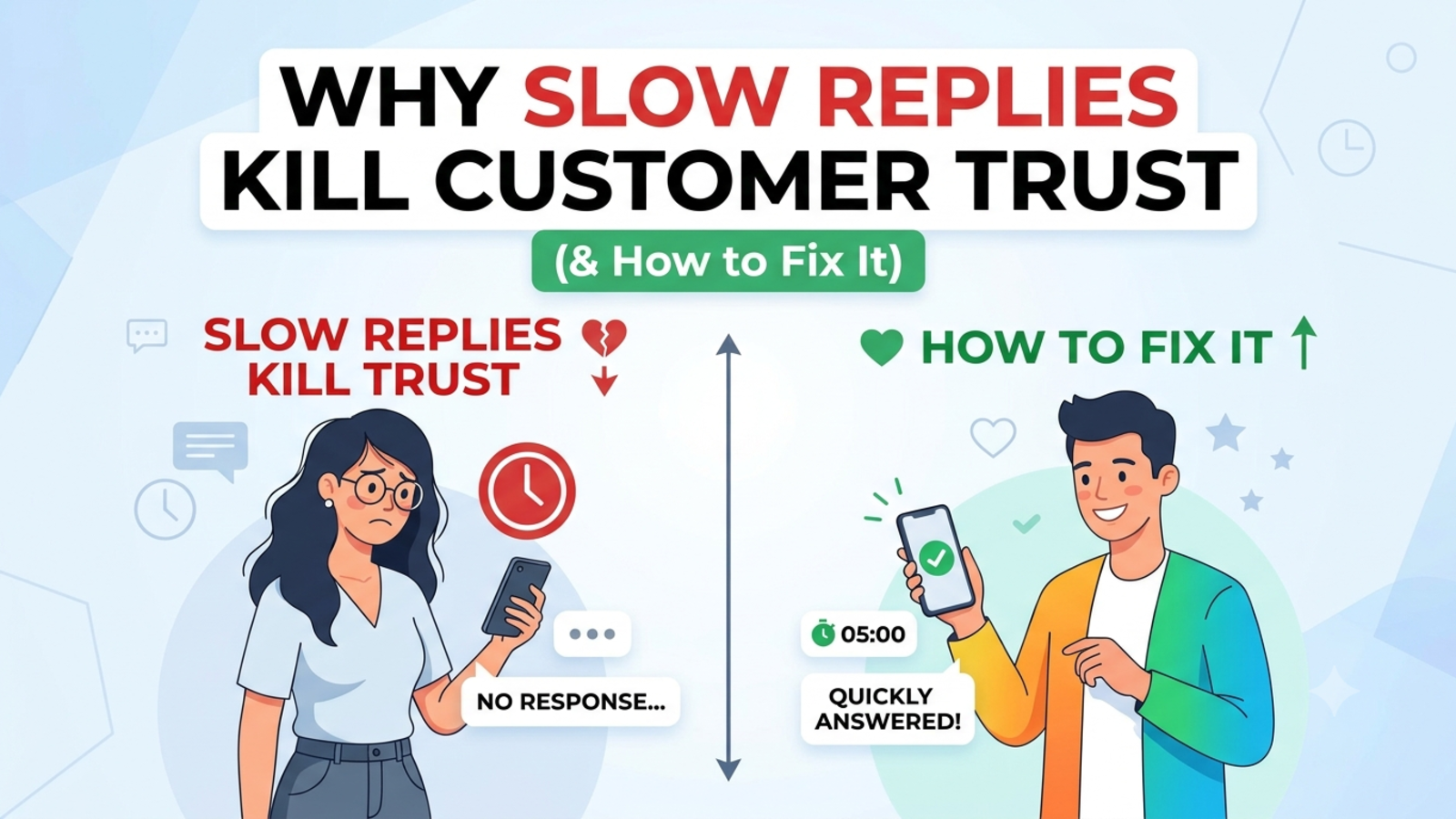
How to Handle 1,000 Customer Queries Without Hiring
Drowning in customer messages? Learn how to handle a thousand queries a month with a chatbot, a good knowledge base and a simple handoff, without adding headcount.

A thousand customer queries sounds like a lot until you’ve lived through a month of it. Then it just feels like a Tuesday.
For a small team, that volume creeps up on you. Twenty messages a day becomes forty, then a festival sale or a good review pushes it to a hundred, and suddenly someone’s whole job is replying to “Where’s my order?” The usual instinct is to hire. Sometimes that’s the right call. But often, the work that’s drowning you isn’t skilled work at all. It’s the same dozen questions asked a thousand different ways.
Here’s how to handle that volume without adding anyone to the payroll, and how to know when you actually do need to hire.
Start with the maths
Take an assumption and see what it means. If each query takes about four minutes to read, find the answer and reply, a thousand queries is roughly 67 hours of work a month. That’s more than a week of full-time effort, spent mostly on typing answers you’ve typed before.
Your own numbers will differ, so time yourself for a few days. The point is to see that the cost isn’t just money. It’s attention, and attention is what your team needs for the work that grows the business.
Step 1: Find out what’s actually in the pile
Before buying or setting up anything, look at what people are asking. Export or scroll through the last month of emails, WhatsApp messages, DMs, contact form entries and call notes. Sort them into rough piles:
Repeated and factual. Same question, same answer every time (pricing, timings, delivery, availability, policies, documents needed).
Needs a quick lookup. Order status, booking details, account questions.
Needs a person. Complaints, exceptions, custom requests, sensitive situations, high-value enquiries.
For most small businesses, the first pile is the biggest one, often by a wide margin. That’s the pile you can hand off. Don’t take that as a promise, though. Your split might look different, and that’s why you count before you commit.
Step 2: Write down the answers once
Here’s the unglamorous truth: you can’t automate answers you haven’t written down.
Take your top 20 questions and write a clear, specific answer for each. Lead with the answer, add the key detail, mention any limit, and finish with a next step.
Vague:
Delivery times vary depending on location.
Useful:
Delivery takes 3 to 5 working days in most cities and up to 8 in remote areas. You’ll get a tracking link when your order ships.
This single exercise often cuts your workload before any software is involved. Put the answers on a help page, and customers start finding them without asking.
Step 3: Put a chatbot on the front line
Once the answers exist, a chatbot can deliver them instantly, to every visitor, at any hour.
With Glanceia, you train the bot on your own material: PDFs, Word documents, CSVs, plain text and FAQs you add directly. The bot answers from your content, not from generic internet information, so replies stay specific to your prices, policies and offers. Setup is three steps: connect your data, customise the look and tone, and paste one line of code on your website.
What it takes off your plate:
The repeated, factual questions, answered in seconds
Out-of-hours messages that would otherwise wait until morning
Spikes during sales or campaigns, when volume jumps and humans can’t keep up
The first round of detail collection, such as name, email and phone number
What it doesn’t take off your plate is the third pile. That’s deliberate, and we’ll get to it.
Step 4: Make the first message do some work
A lot of queries can be avoided before they’re typed. Your welcome message can point visitors straight at what they probably want.
On a product page: “Questions about sizing or delivery? Ask me.”
On a pricing page: “Want help picking the right plan?”
On a package page: “Need to check availability for your dates?”
On a contact page: “Want a quick answer? Ask here first.”
Glanceia lets you set a custom first message, either AI-generated or written by you. Write your own for your highest-traffic pages. It takes minutes and steers people to the answers they need.
Step 5: Tell the bot when to stop
This is the step that separates a bot that helps from a bot that annoys. Decide in advance which situations go to a person:
Complaints and angry customers
Refunds or exceptions that need judgement
Custom quotes
Anything involving health, money or legal advice
High-value enquiries
Any question where the bot doesn’t have a good answer
When it hands over, the bot should collect a name and contact details and tell the customer what happens next. Glanceia can capture names, emails and phone numbers during a chat and route lead data and important conversations to your inbox, so your team picks up the conversation with context instead of starting cold.
Never trap a customer. A visible way to reach a human is part of good design, not a failure of the bot.
Step 6: Keep humans for the work that needs them
When the bot takes the repetitive pile, your team’s day changes. Instead of typing the same reply for the fortieth time, they’re handling the conversations where judgement, empathy and ownership matter.
That’s often where the real value was all along. A team of two that’s freed from copy-paste replies can usually serve more customers, and serve them better, than the same team buried in the inbox. You aren’t replacing people. You’re moving their time to the work that only they can do.
Step 7: Plan for the spikes
A thousand queries a month rarely arrive evenly. They bunch up around sales, launches, festivals, holidays and the occasional mistake that sends everyone to your inbox at once.
Spikes are where a chatbot earns its keep, because it doesn’t get overwhelmed. Before a known busy period:
Update the bot’s content with the new offers, dates and policies
Add answers to the questions you expect, such as delivery cutoffs and return windows
Check that the handoff to your team works and someone is watching the inbox
Tell your team what the bot will and won’t handle
Step 8: Build a simple weekly review
This is the habit that keeps volume from creeping back up. Spend 20 minutes each week looking at:
Questions the bot couldn’t answer well. Add those answers to its content.
Top questions. If one question dominates, consider fixing the root cause. A confusing checkout or an unclear policy page can generate hundreds of queries.
Where visitors drop off. Those are the points to rewrite or simplify.
Handoffs to humans. Are they the right ones? Could some be handled by a better answer?
Glanceia’s analytics show top questions, popular topics and drop-off points, which gives you a ready-made list of improvements. Every fix you make reduces tomorrow’s volume.
Step 9: Fix the causes, not just the symptoms
Some of your queries exist because something is unclear or broken. A few examples:
“Where is my order?” often means you aren’t sending tracking updates
“How do I cancel?” often means the cancellation steps are hard to find
“Is this included?” often means your product page doesn’t say
“What documents do I need?” often means your checklist is hidden or incomplete
A chatbot answers these well, but the best answer is making the question unnecessary. Use the chat history as a to-do list for your website, emails and processes.
What a realistic week looks like
Imagine a small online business with a team of three and about 250 queries a week.
Before: The three of them split the inbox between packing orders and handling customers. Evening messages wait until morning, replies slow down during sales, and the same five questions take up much of the day. Complicated issues get squeezed in between.
After: The chatbot handles the repeated questions at any hour. Visitors who need a person leave their details, and the team starts the day with a short list of conversations that need attention, each with notes. They fix a confusing returns page after noticing it in the chat history, and the volume of return questions drops. The team handles complaints and exceptions with more time and care.
They didn’t hire anyone. They stopped spending skilled time on unskilled work.
When you should still hire
Be honest about this, because automation isn’t a substitute for staffing in every situation.
You probably need more people if:
Most queries need judgement. Technical, sensitive or high-value conversations don’t automate well.
Your complaint volume is growing. That’s usually a product or delivery problem that needs fixing, plus people to handle the fallout.
Your team is already stretched on the third pile. Once the repetitive work is gone and you’re still overloaded, the remaining work is real and needs hands.
Your customers expect a personal relationship. For premium or high-trust services, people are part of the product.
The sensible order is to automate the repetitive work first, then see what’s left. If the leftover work still justifies a hire, you’ll be hiring for a clearer, better job.
Mistakes to avoid
Switching on a bot without writing good answers first. A bot with weak content just gives weak answers faster.
Hiding the human option. This is the biggest source of customer frustration.
Letting it guess. If it doesn’t know, it should say so and hand over.
Outdated information. Wrong prices or policies cost trust and money.
Ignoring the reasons behind the queries. Fix the confusing page, not just the answer.
Pretending the bot is a person. Be upfront that it’s an AI assistant.
Measuring only cost. If cheaper support drives customers away, it isn’t cheaper.
Setting it up once and walking away. Your business changes, so the bot’s content has to change with it.
A simple plan you can start this week
Pull your last month of messages and sort them into three piles
Write clear answers for your top 20 questions
Upload them, along with your price lists and policies, to your chatbot
Set custom welcome messages on your busiest pages
Decide what must go to a human, and set up lead capture and inbox routing
Tell customers it’s an AI assistant and how to reach a person
Review the chats weekly and add the missing answers
Fix the causes behind your most common questions
Reassess after a month before deciding whether to hire
FAQ
Can a chatbot really handle 1,000 customer queries a month?
It can handle a large share of them if many are repeated, factual questions. How large depends on your business and how good the content behind the bot is. Complaints and complex cases will still need people.
What percentage of queries can a chatbot answer?
It varies a lot by business. Sort your last month of messages into repeated, lookup and human-needed piles to estimate your own number rather than trusting a generic figure.
Will a chatbot replace my support team?
No. It takes over the repetitive first layer, so your team can focus on conversations that need judgement and care.
What if the chatbot can’t answer a question?
A well-set-up bot should say so, collect the customer’s name and contact details and pass the conversation to your team. Glanceia routes lead data and important chats to your inbox.
How do I keep the answers accurate?
Train the bot only on your own, current material. Update it whenever prices, policies or offers change, and review chat history weekly.
Do I need a developer to set it up?
No. With Glanceia you upload your content, customise the look and tone, and add one line of code to your website.
Does it work in other languages?
Yes. Glanceia supports over 95 languages, which helps if customers write to you in different languages.
How much does it cost to start?
Glanceia has a free plan with no credit card required. Check the pricing page for current plan details.
How do I know if it’s working?
Look at how many queries the bot handles without a human, how many chats become leads, which questions come up most and where visitors drop off. Glanceia’s analytics help with the last two.
Stop answering the same question for the thousandth time
If your inbox is full of questions you’ve answered before, a chatbot trained on your own content can take that first layer, work while you sleep and hand the important conversations to your team. Glanceia is free to start. See the docs to get set up or contact the team to talk through your volume.