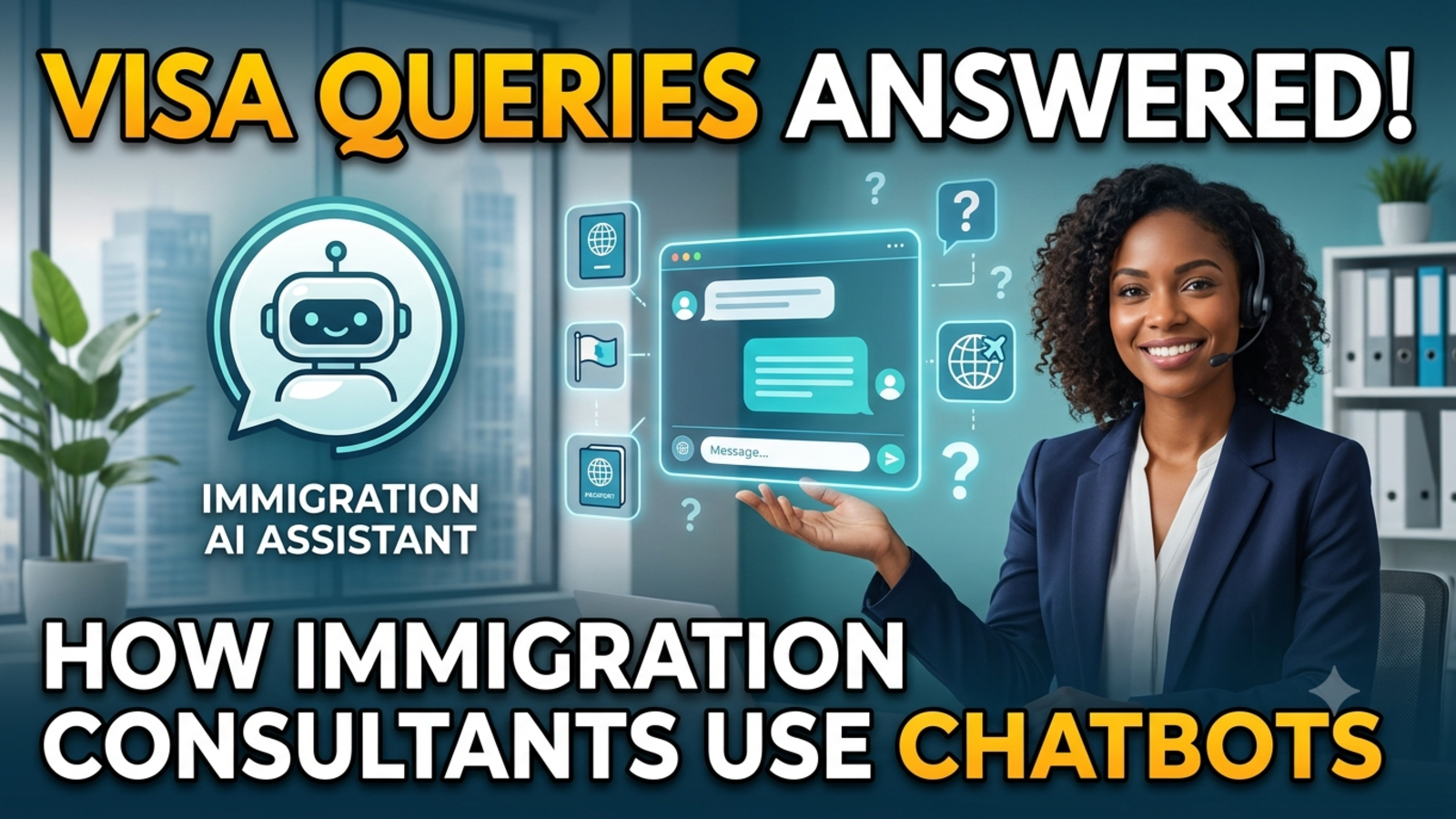
How Immigration Consultants Use Chatbots to Answer Visa Queries
See how immigration and visa consultants use website chatbots to answer enquiries 24/7, qualify leads, and hand serious cases to the right advisor.
Anyone who has worked at an immigration consultancy knows the rhythm of the inbox. The same questions arrive all day, every day. “Do I need a visa for Dubai?” “How long does a student visa take?” “What documents do I need?” Meanwhile, the enquiries that actually need a skilled advisor, a complex case, a refusal history, a family application, get buried underneath.
Add time zones to that. Your clients may be in Punjab, Toronto or Dubai, writing at hours that have nothing to do with your office timings. A message sent at midnight and answered at 11 a.m. is often a message sent to a competitor too.
This is why more consultancies are adding a chatbot to their websites. Not to replace advisors, but to deal with the repetitive layer so the advisors can focus on cases that need their expertise. Here’s how it works in practice, and how to set it up properly.
Why visa enquiries suit a chatbot
Visa questions fall into two very different groups.
The first group is factual and repeated. Which documents are generally required for a tourist visa? What services do you offer? How does your process work? What are your office hours? What’s the usual timeline for your application type? These have clear answers, and they don’t change from one visitor to the next.
The second group is personal and high-stakes. Is this applicant eligible? Should they apply now or wait? What are their chances after a previous refusal? These need a qualified person looking at the full picture.
A chatbot can handle the first group well. The second should go to a human. The consultancies that get this right are the ones that draw that line deliberately, instead of hoping the bot figures it out.
What consultants typically use chatbots for
Answering common questions 24/7. Documents, general requirements, your service packages, how to book a consultation. These are the questions that fill inboxes and eat up phone time.
Capturing leads before they disappear. A visitor who lands on your site at night and leaves without contacting you is gone. A bot can ask for their name, email and phone number during the chat so your team can follow up in the morning.
Qualifying enquiries. A few simple questions, such as which country they’re interested in, what type of visa, and roughly when they want to travel or move, help your team sort serious enquiries from casual browsing.
Reducing back-and-forth. When an advisor opens a lead and already sees what the visitor asked and what they need, the first call is shorter and more useful.
Working across languages. Many applicants are more comfortable in their own language. Glanceia works in over 95 languages, which makes your site more welcoming to people who might otherwise hesitate to write in English.
Spotting what clients actually want. Chat history shows which countries, visa types and concerns come up most. That’s useful for deciding what to write about, what to promote, and where to focus your team.
What a chatbot should not do
This is the part that protects your clients and your reputation.
A chatbot should not:
Give legal advice or eligibility verdicts. “You’ll definitely get approved” or “you don’t qualify” are decisions for a licensed professional who has reviewed the case.
Guess about rules that change. Visa requirements, fees and processing times vary by country and change over time. If the bot doesn’t have current, verified information, it should say so and pass the question on.
Promise outcomes. No guarantees about approvals, timelines or results.
Collect highly sensitive documents in chat. Passport scans and personal identity numbers are better handled through your secure intake process, not a website chat window.
Immigration is a regulated area in many countries, and rules about who can give advice differ by jurisdiction. Check what applies where you operate, and make sure your bot’s behaviour matches your licensing and professional obligations.
A good rule of thumb: the bot can inform and guide, and your advisor decides and advises.
How to set it up, step by step
1. Make a list of your repeated questions
Look through your emails, WhatsApp messages and call notes from the last month. Pull out the questions that appear again and again. For most consultancies that’s a list of 15 to 25 questions, covering things like:
Services offered and how the process works
General document checklists
How to book a consultation
Fees for your services (not government fees, unless you keep them up to date)
Office hours and contact options
Which countries and visa types you handle
2. Write clear, careful answers
Lead with the answer and keep it plain. Where something depends on the person’s situation, say so honestly instead of guessing:
Weak: “Processing times vary.”
Better: “Processing times depend on the country, the visa type and the time of year, so we can’t give one fixed number. Share your destination and visa type and one of our advisors can give you a realistic estimate.”
That kind of answer is accurate, helpful, and naturally leads to a conversation with your team.
3. Train the bot on your own content
With Glanceia, you upload your own material, such as PDFs, Word documents, CSVs and FAQs, and the chatbot answers from that content rather than generic internet information. That matters a lot in immigration, where wrong information does real harm. Keep the uploaded material current, remove old documents, and review it whenever a rule or fee changes.
4. Write a first message that fits the page
A generic “How can I help you?” is easy to ignore. Try something specific:
On a study visa page: “Planning to study abroad? Ask me about our services or how to book a free consultation.”
On a tourist visa page: “Need help with a tourist visa? I can answer common questions or connect you with an advisor.”
On a contact page: “Prefer a quick answer? Ask here, and I’ll point you in the right direction.”
Glanceia lets you set a custom first message and choose between an AI-generated reply or one you write yourself.
5. Collect contact details at the right moment
The best time to ask for a name and number is after the bot has been useful:
Visitor: Do you help with Canada study permits?
Bot: Yes, we guide students through the process, from choosing a course to preparing documents. Would you like one of our advisors to give you a call? I’ll just need your name and phone number.
Glanceia can capture names, emails and phone numbers during a chat and route lead data to your inbox. For consultancies that need basic details up front, it can also collect user information at the start of the conversation.
6. Build a clear handoff to your advisors
Decide in advance when the bot should step back. For immigration, good triggers include:
Questions about a specific person’s eligibility or chances
Previous visa refusals or complicated histories
Family or dependent applications
Anyone ready to book a consultation or sign up
Anything the bot doesn’t have a verified answer for
When it hands over, the bot should tell the visitor what happens next (“An advisor will contact you within one working day”) and your team has to make sure that promise is kept.
7. Add a short, honest disclaimer
Something simple, visible and in plain language:
“I’m an AI assistant and can share general information. For advice on your specific case, one of our licensed advisors will be happy to help.”
It sets expectations, protects you, and builds trust with visitors who value honesty.
8. Use alerts for high-intent moments
Glanceia can send real-time alerts when users reach key pages, such as a booking page or a payment page. For a consultancy, that means your team can notice when someone is about to book a consultation and be ready to follow up quickly.
9. Review the chat history every week
Spend twenty minutes a week reading what visitors asked, particularly the questions the bot struggled with. Add missing answers, fix unclear ones, and watch for new topics, such as a sudden spike in questions about a certain country after a rule change. The analytics show top questions and drop-off points, which helps you decide what to improve next.
A realistic example
Picture a small consultancy with three advisors handling study, work and tourist visas.
Before the chatbot, the team spends the first hours of each day replying to overnight messages, most of them asking about services and general documents. Real prospects wait in the same queue as casual browsers, and some never get a reply in time.
After the chatbot, general questions are answered instantly, around the clock. Visitors who want to go further leave their name and number, and the advisors start the day with a short list of warm leads, each with a note on what they asked. The advisors spend their time on calls that matter.
The advisors aren’t replaced. They’re simply spending less time on copy-paste replies and more time doing the part of the job only they can do.
Mistakes to avoid
Letting the bot give opinions on eligibility. Keep those conversations with licensed professionals.
Using outdated information. Wrong fees or requirements damage trust quickly.
Hiding the human option. Always make it easy to speak to a person.
Overcollecting data. Ask only for what you need, and keep sensitive documents out of chat.
No disclosure. Be upfront that visitors are talking to an AI assistant.
Ignoring local regulations. Rules about who can advise on immigration differ from place to place.
Setting it up once and leaving it. Visa rules and your own services change, so your bot’s knowledge has to keep up.
What to measure
Once your bot is live, look at these numbers each month:
Chats started and how many turned into leads
Top questions, which tell you what clients care about
Questions the bot couldn’t answer, which tell you what to add
Drop-off points, which show where visitors lose interest
Time to first human follow-up, because speed still decides who gets the client
FAQ
Can a chatbot give visa advice?
It can share general information from your approved content, but it shouldn’t make eligibility decisions or promise outcomes. Case-specific advice should come from a qualified advisor.
Is it safe to use a chatbot for immigration enquiries?
It can be, when it’s set up with accurate information, clear limits and a way to reach a human. Avoid collecting sensitive documents in chat, and check your local regulations.
What questions should an immigration chatbot answer?
Questions about your services, process, general document checklists, booking a consultation, fees for your services and office hours.
What should an immigration chatbot never do?
Guarantee approvals, give personalised eligibility verdicts, or quote requirements it hasn’t been given and verified.
Can the chatbot capture leads for my consultancy?
Yes. Glanceia can collect names, emails and phone numbers in chat and send lead data to your inbox.
Does Glanceia work in other languages?
Yes, Glanceia supports over 95 languages, which helps if your clients are more comfortable in their own.
Do I need a developer to add a chatbot to my website?
No. You upload your content, customise the look and first message, and add one line of code. Glanceia works with platforms such as WordPress, Wix, Shopify and Squarespace.
How much does it cost to start?
Glanceia has a free plan with no credit card required. The Pro plan is listed at $9 a month on the pricing page.
Give your advisors their time back
If your team is spending too many hours answering the same visa questions, a chatbot trained on your own content can take that first layer, capture leads while you sleep, and hand serious cases to the right person. Glanceia is free to start. See the docs for setup or contact the team if you want to talk through your use case.