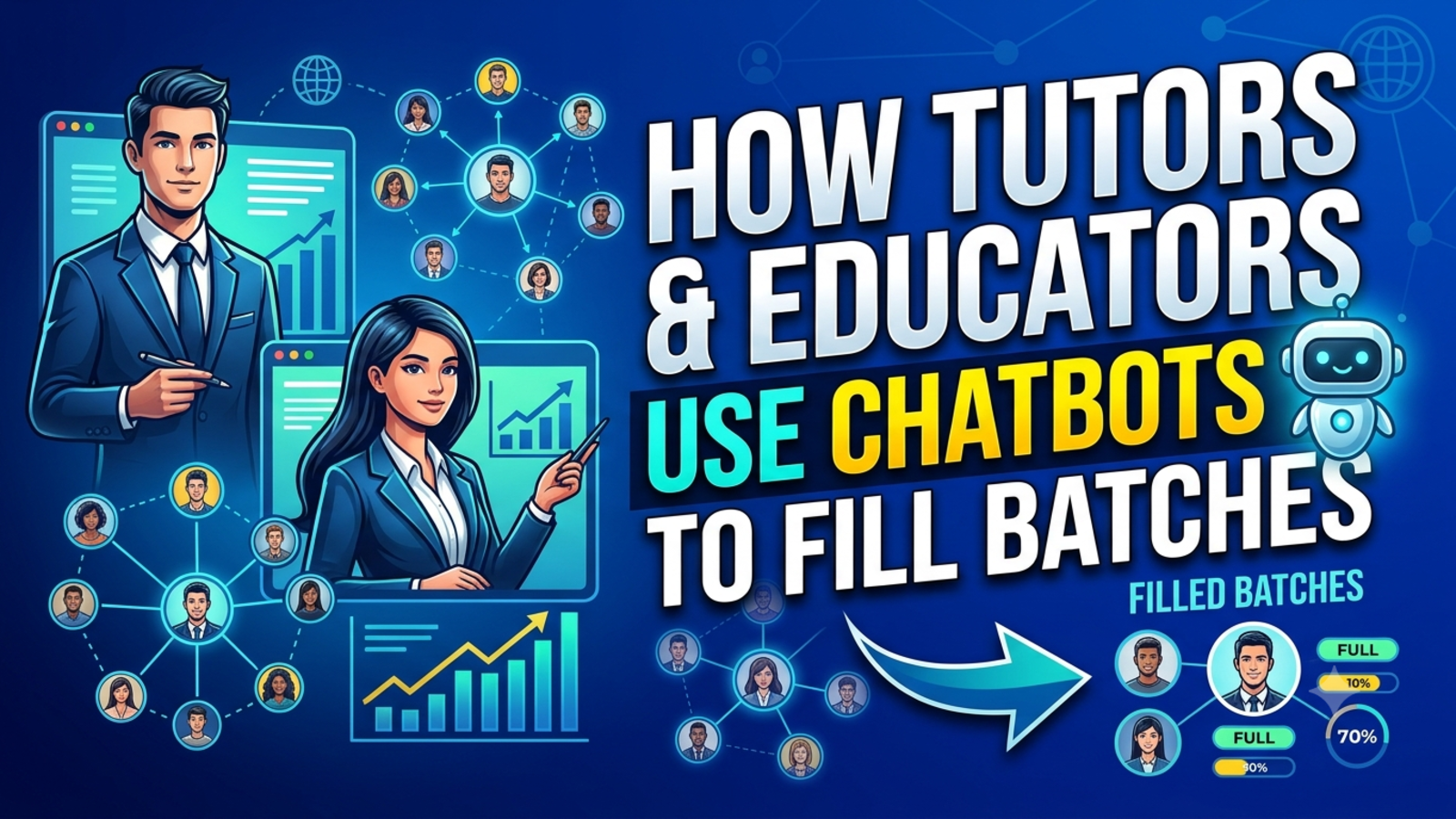
How Tutors and Online Educators Use Chatbots to Fill Their Batches
Enquiries come in at midnight, parents ask the same fee questions daily, and seats sit empty. Here’s how tutors and online educators use chatbots to fill batches.
Every tutor knows the strange arithmetic of enrolment season. Your inbox is full, your phone keeps buzzing, and you still have empty seats in your batch.
How does that happen? Because most of those messages aren’t enrolments. They’re questions. “What’s the fee?” “When does the batch start?” “Is it live or recorded?” “Can I get a demo class?” Someone has to answer each one, and when you’re busy teaching, answering comes last. By the time you reply, the student has messaged three other tutors and chosen whoever answered first.
Filling a batch is less about being the best teacher in the room than about being the first to give a clear, helpful answer. That’s the gap a chatbot closes. Here’s how tutors and online educators are using one, and how you can set it up without turning your teaching day upside down.
Why batches go unfilled (it’s rarely the teaching)
Before adding any tool, it helps to see where interested students actually slip away:
Slow replies. A student who asks a question at 10 p.m. and hears back the next afternoon has often moved on.
Repeated questions. You explain the same fee structure, schedule and syllabus dozens of times a week.
Confusing choices. If you run many batches, students struggle to work out which one is right for them.
Lost enquiries. Messages scattered across WhatsApp, email, Instagram and a contact form get missed.
No follow-up. Someone shows interest, gets an answer, and then nobody checks back.
None of these are teaching problems. They’re front-desk problems, and a front desk is exactly what a chatbot can be.
What a chatbot does for a tutor
Think of it as an assistant who never sleeps and never gets tired of the same question. A chatbot on your website can:
Answer common questions instantly: fees, batch dates, timings, mode of classes, syllabus, faculty
Work at student hours: students and parents often browse in the evening or late at night
Collect contact details: name, phone number and email, so you have someone to follow up with
Guide students to the right course: by asking a few simple questions
Pass serious enquiries to you: with notes on what the student asked
Show you what students want: through the questions they ask most
What it doesn’t do is replace you. It doesn’t teach, doesn’t counsel a nervous parent through a big decision, and shouldn’t make promises about results. It opens the conversation. You (or your counsellor) close it.
The seven ways tutors use chatbots to fill batches
1. Answering the same ten questions, instantly
Open your messages from last month and count how often these appear:
What’s the fee, and are there instalments?
When does the next batch start?
Is it live or recorded?
How long is the course?
Do I get notes and practice papers?
Can I try a demo class?
Which batch should I join?
A chatbot answers these in seconds. With Glanceia, you train the bot on your own material, such as brochures, fee sheets, schedules and FAQs in PDF, Word or CSV form, so answers match your actual batches rather than generic information.
Tip: Write answers the way you’d say them to a student. “The next batch starts on the 15th, classes run Monday to Friday in the evening, and you can start with a free demo” beats a paragraph of policy language.
2. Catching enquiries after hours
Students study late. Parents browse after work. Working professionals check courses at 11 p.m. A bot that replies at that hour keeps a warm enquiry warm.
It also covers you on weekends, holidays and during live classes, the exact moments you can’t pick up your phone.
3. Capturing the lead before they leave
Most visitors never contact you. They read, think, and close the tab. A chatbot gives them a gentle way to start, and gives you a way to know who they are.
Glanceia can collect names, emails and phone numbers during a chat and send lead data to your inbox. For tutors in India, the phone number is usually the key detail, since many students and parents prefer a call or WhatsApp message.
The order matters. Answer first, ask second:
Student: Is there a fast-track batch for the next exam cycle?
Bot: Yes, we have a fast-track option starting soon, with live and recorded sessions. Want me to have a counsellor share the schedule and fee details? I’ll just need your name and phone number.
That feels like help, not a gate.
4. Helping students choose the right batch
When you run many batches, choice itself becomes the obstacle. Foundation or intermediate? Regular or fast-track? Live or recorded? Students who can’t decide often just don’t enrol.
Take SAR Classes, an online learning platform for CA and CMA aspirants. Its catalogue spans Foundation, Inter and Final levels, with multiple subjects, faculty members and batch types such as regular, fast-track and recorded. A visitor landing on a catalogue like that needs help narrowing down. SAR Classes has a Glanceia chatbot implemented on its site, which is the kind of setup that suits a catalogue this wide.
You don’t need dozens of batches for this to matter. Even three or four options benefit from a friendly “Tell me your level and exam date, and I’ll point you to the right one.”
5. Qualifying enquiries so your counsellor’s time goes further
Not every enquiry is equally ready. A few light questions help you tell the difference:
Which course or level are you interested in?
Which exam attempt or term are you preparing for?
Do you prefer live or recorded classes?
Are you comparing options or ready to enrol?
Spread them through the conversation instead of firing them all at once. Your counsellor then starts each call knowing what the student wants, which makes the call shorter and the conversion more likely.
6. Speaking the student’s language
Many students are more comfortable asking questions in their own language. Glanceia supports over 95 languages, so a student can ask in the language they’re comfortable with. For tutors serving regional or international learners, that can make a site feel far more welcoming.
7. Learning what students actually care about
Every chat is free market research. If dozens of students ask whether recordings are available, your course page doesn’t say so clearly. If many ask about instalments, that’s worth adding to your offer. If a certain subject keeps coming up, maybe it deserves its own batch.
Glanceia’s analytics show top questions, popular topics and drop-off points. Spend 20 minutes a week reading them and you’ll improve both your bot and your website.
A simple setup you can finish this week
You don’t need a technical team. Here’s the short version:
List your top 15 to 20 questions. Pull them from your WhatsApp, email and call notes.
Write clear, specific answers. Include fees, dates, timings, mode, what’s included and how to join.
Upload your material. Brochures, fee sheets, schedules and FAQs go into the bot’s knowledge base.
Write a custom first message. On a course page: “Need help choosing the right batch? Tell me your level and I’ll guide you.” Glanceia lets you set your own opening message.
Let it answer first, then ask for details.
Route leads to a named person. Someone should own every new lead.
Add the chatbot to your site. One line of code, and it works with platforms like WordPress, Wix, Shopify and Squarespace.
Tell students it’s an AI assistant, and make it easy to reach a real person.
Review the chats weekly and fix whatever the bot couldn’t answer.
Setup takes about three steps in Glanceia: connect your data, customise the look and tone, and paste one snippet. There’s a free plan with no credit card required, so you can test it on real students before committing.
What to do once a lead arrives
The bot starts the conversation. Your follow-up decides whether the seat gets filled. A few habits make the difference:
Reply quickly. The faster your first response, the better your chances. Pick a promise you can keep, such as “within two hours during working hours.”
Make it personal. Mention what they asked:
“Hi Ananya, this is Rohit from [Institute]. You were asking about the fast-track batch for the next exam cycle. I’d love to share the schedule and answer any questions. Are you free for a quick call today?”
Offer a low-pressure next step. A demo class, a sample lecture or a short counselling call lowers the barrier to saying yes.
Follow up more than once. Many students decide on the second or third touch. A gentle check-in a day or two later, then once more after a few days, is usually enough.
Respect a “no.” Persistence is fine. Pestering isn’t.
Use enrolment peaks wisely
Batch enrolment isn’t steady. It spikes around exam results, new term starts, announcements and campaigns, exactly when you’re busiest.
Before a peak:
Update the bot with new batch dates, fees and offers
Add answers to the questions you expect, such as eligibility and seat availability
Make sure someone is watching the inbox for handoffs
Consider real-time alerts. Glanceia can notify you when users reach key pages like checkout or payment, so you can step in while a student is still deciding
Mistakes tutors make with chatbots
Quoting outdated fees or dates. Update the bot’s content whenever anything changes. A wrong price damages trust fast.
Promising results. Never let the bot guarantee marks, ranks or selection. Keep it to information.
Hiding the human. Students and parents want to talk to a person before paying. Make that easy.
Asking for details too early. Give value first.
Making the bot sound robotic. Write it in your own voice.
Over-collecting data. Name and phone are usually enough. Be mindful of student privacy, especially with minors, and follow the privacy rules that apply where you operate.
Setting it up and walking away. Batches, fees and schedules change, so your bot’s knowledge should too.
Pretending it’s a person. Be upfront that it’s an AI assistant.
What to measure
A few simple numbers tell you whether it’s working:
Chats started and how many turned into leads
Leads you actually contacted, and how quickly
Demo bookings or counselling calls from chat leads
Enrolments from those leads
Top questions, which show what to improve on your website and offers
Even a small number of extra enrolments per batch can make the effort worthwhile.
FAQ
Can a chatbot really help fill my batch?
It can’t enrol students by itself, but it answers questions fast, captures contact details and passes warm leads to you. That means fewer enquiries going cold.
What should a tutor’s chatbot know?
Fees and instalment options, batch dates and timings, mode of classes, syllabus, faculty, what’s included, demo class details and how to enrol.
Will a chatbot replace my counsellor or me?
No. It handles repeated questions so you can focus on teaching and on conversations that need a personal touch.
What details should the bot collect from students?
Name and phone number, and optionally email, course of interest and exam attempt. Skip anything you won’t use.
Is it suitable for small, solo tutors?
Yes. A solo tutor often benefits most, since there’s no front desk at all. A free plan lets you try it with no commitment.
Does it work in Hindi or other languages?
Glanceia supports over 95 languages, so students can ask in the language they prefer. Test it in the languages your students actually use.
Do I need technical skills to set it up?
No. You upload your content, customise the look and first message, and add one line of code to your website.
How much does it cost to start?
Glanceia has a free plan with no credit card required. See the pricing page for current details.
How do I know it’s working?
Check how many chats become leads, which questions come up most and how many leads become demo bookings or enrolments. Glanceia’s analytics show top questions and drop-off points.
Let a chatbot take the first conversation
If you’re spending your evenings answering fee questions instead of preparing lessons, a chatbot trained on your own batch details can take that first layer while you teach. Glanceia is free to start. You can see an education example in action on SAR Classes, a CA and CMA online learning platform with a Glanceia chatbot on its site. For setup help, see the docs or contact the team.